Managing team members
You can invite others to access your Scalify account and assign them roles.
How to access
-
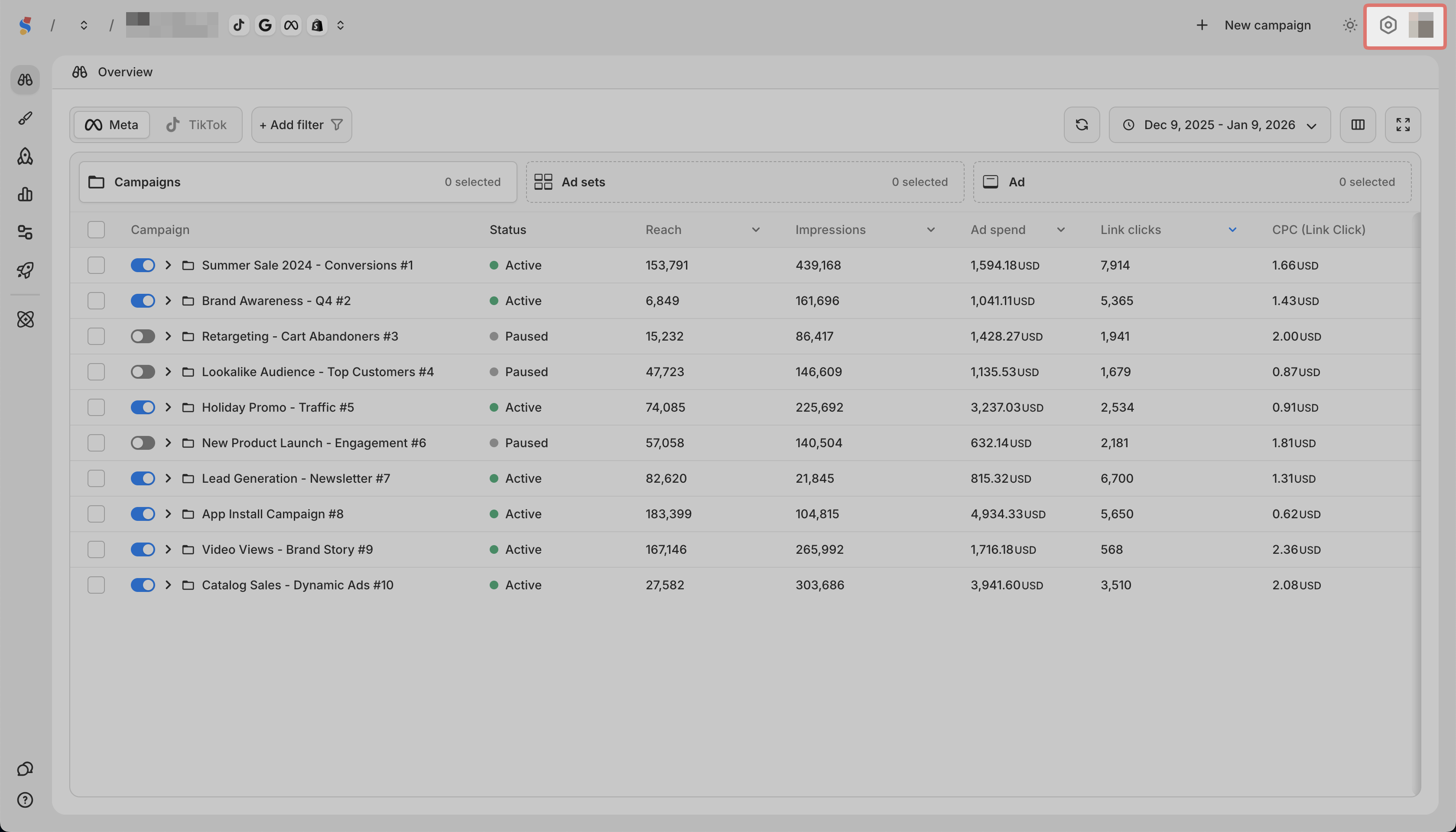
Click the gear icon in the top right
-
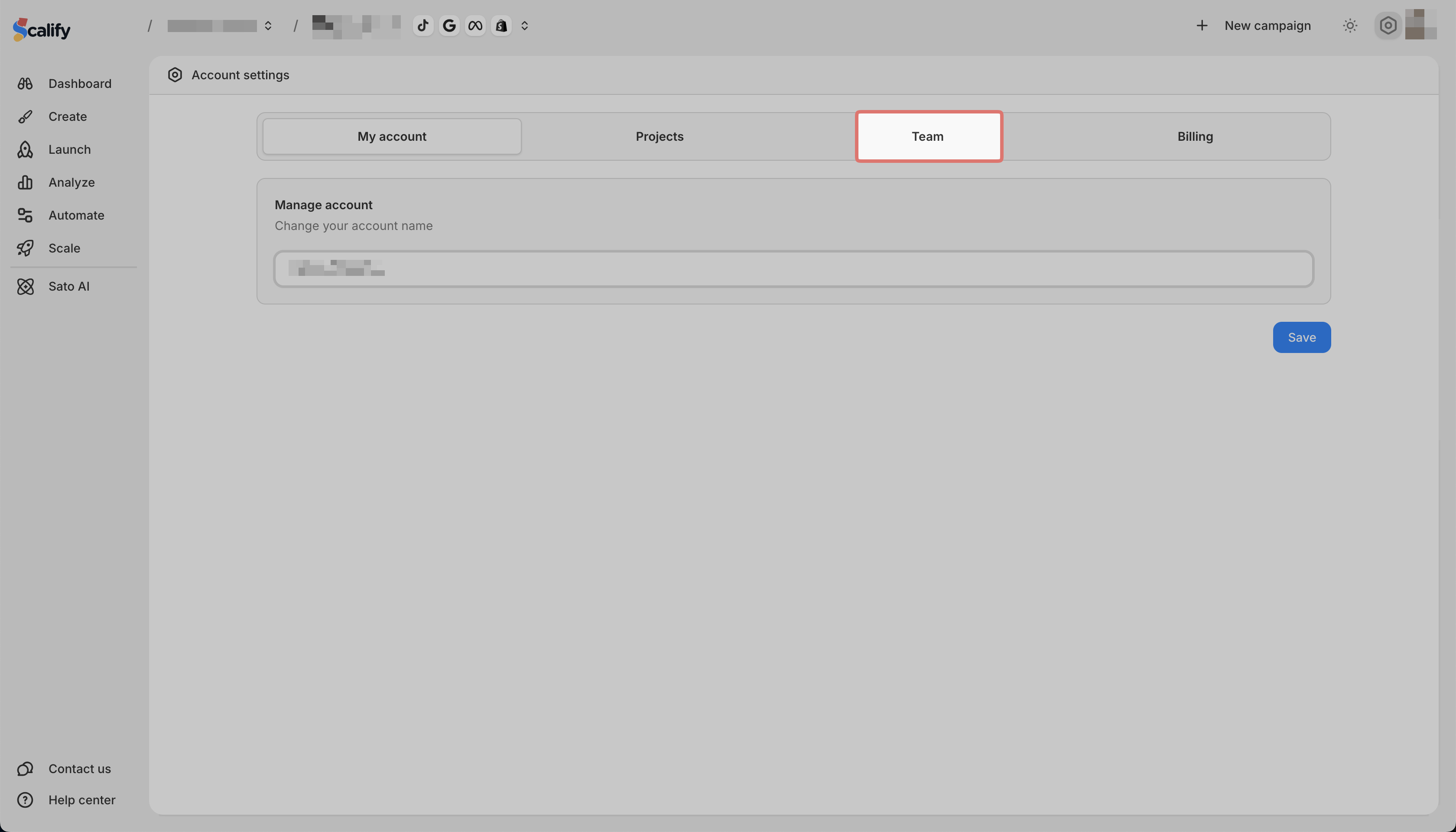
Go to the Team tab
Available roles
| Role | Access |
| ---- | ---- |
| Admin | Full access to all projects, features, and settings |
| Member | Can perform actions on assigned projects only |