Inviting a team member
You can invite people to join your Scalify account.
How to invite
-
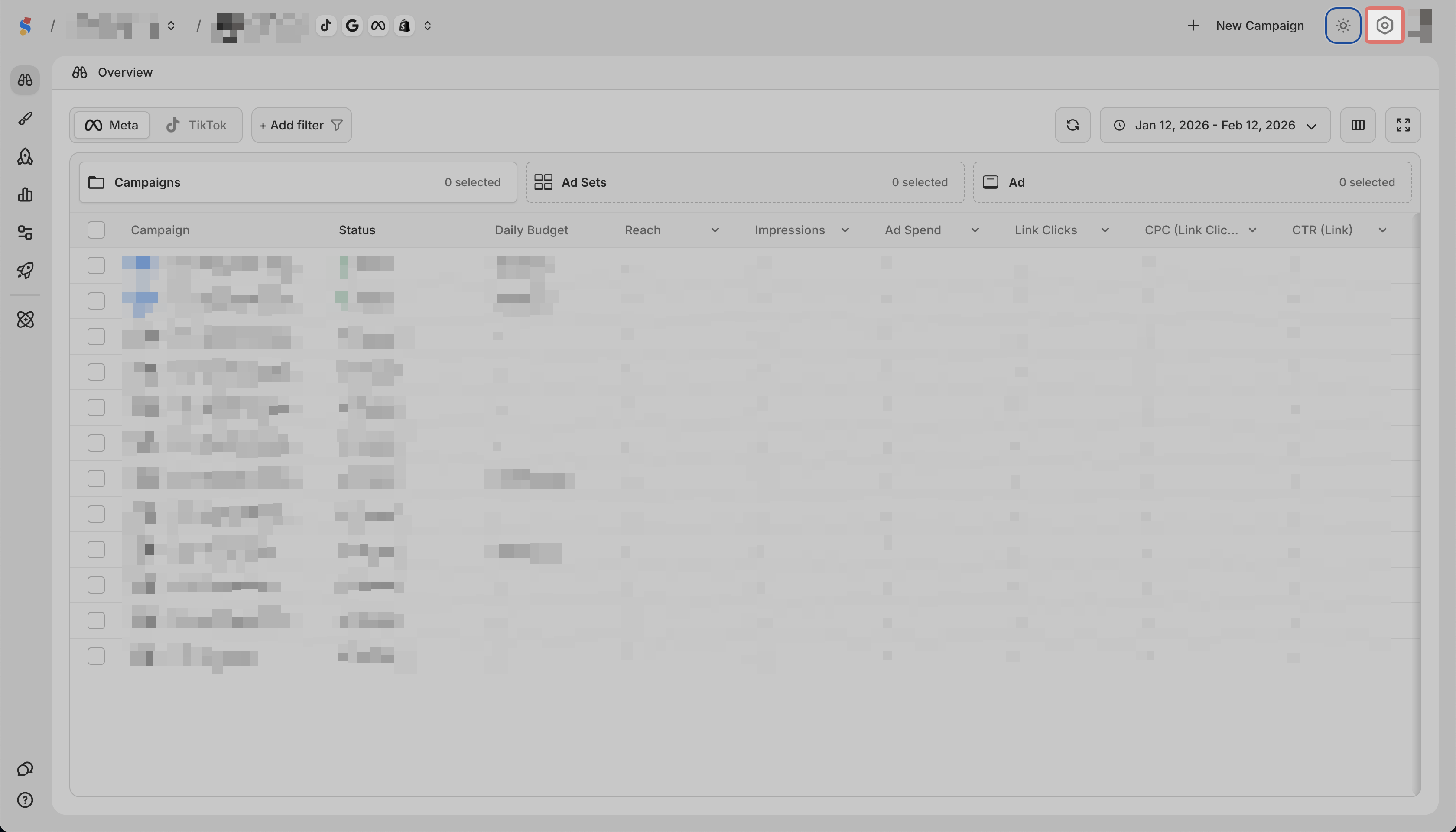
Click the gear icon in the top right
-
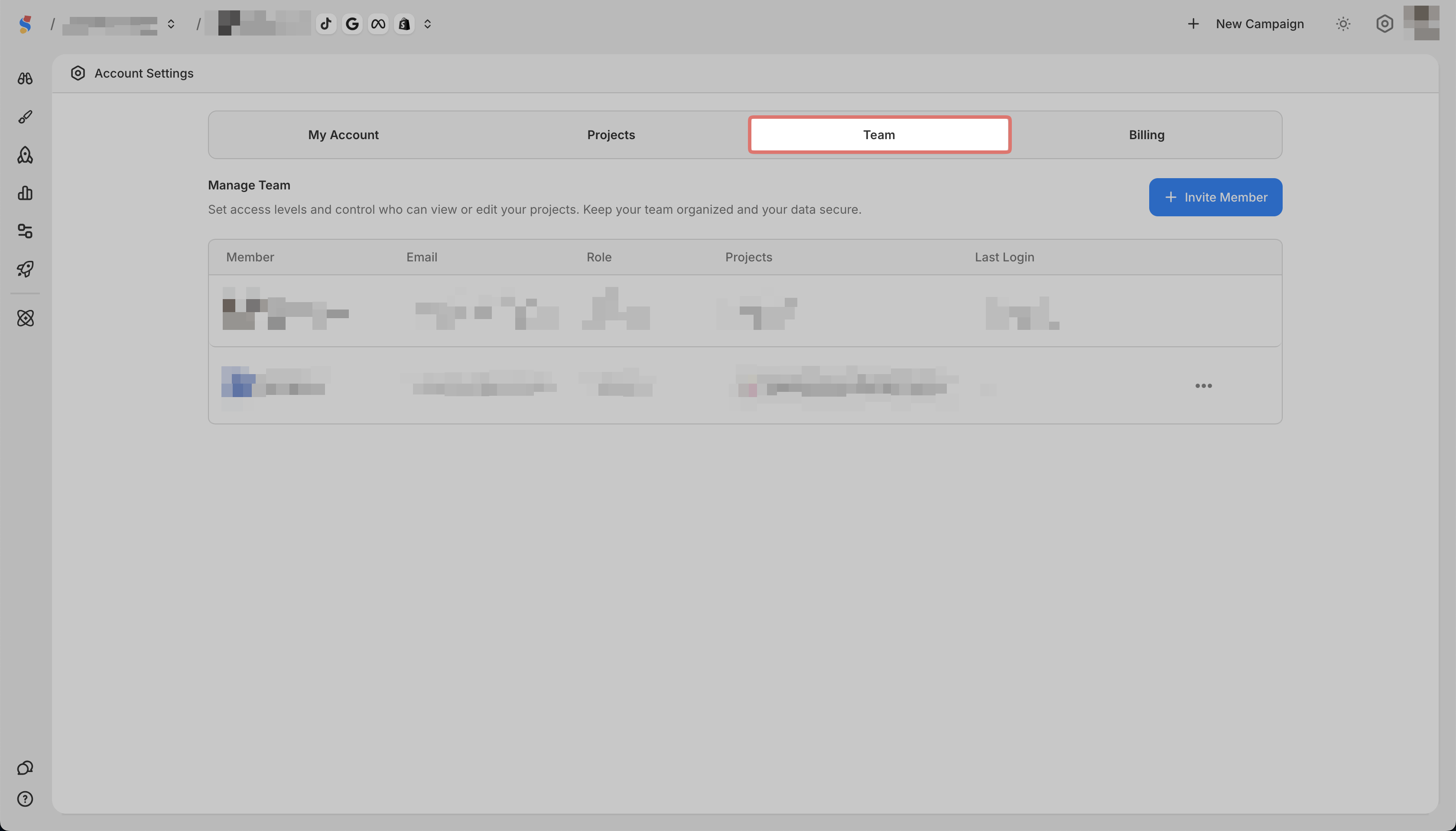
Go to the Team tab
-
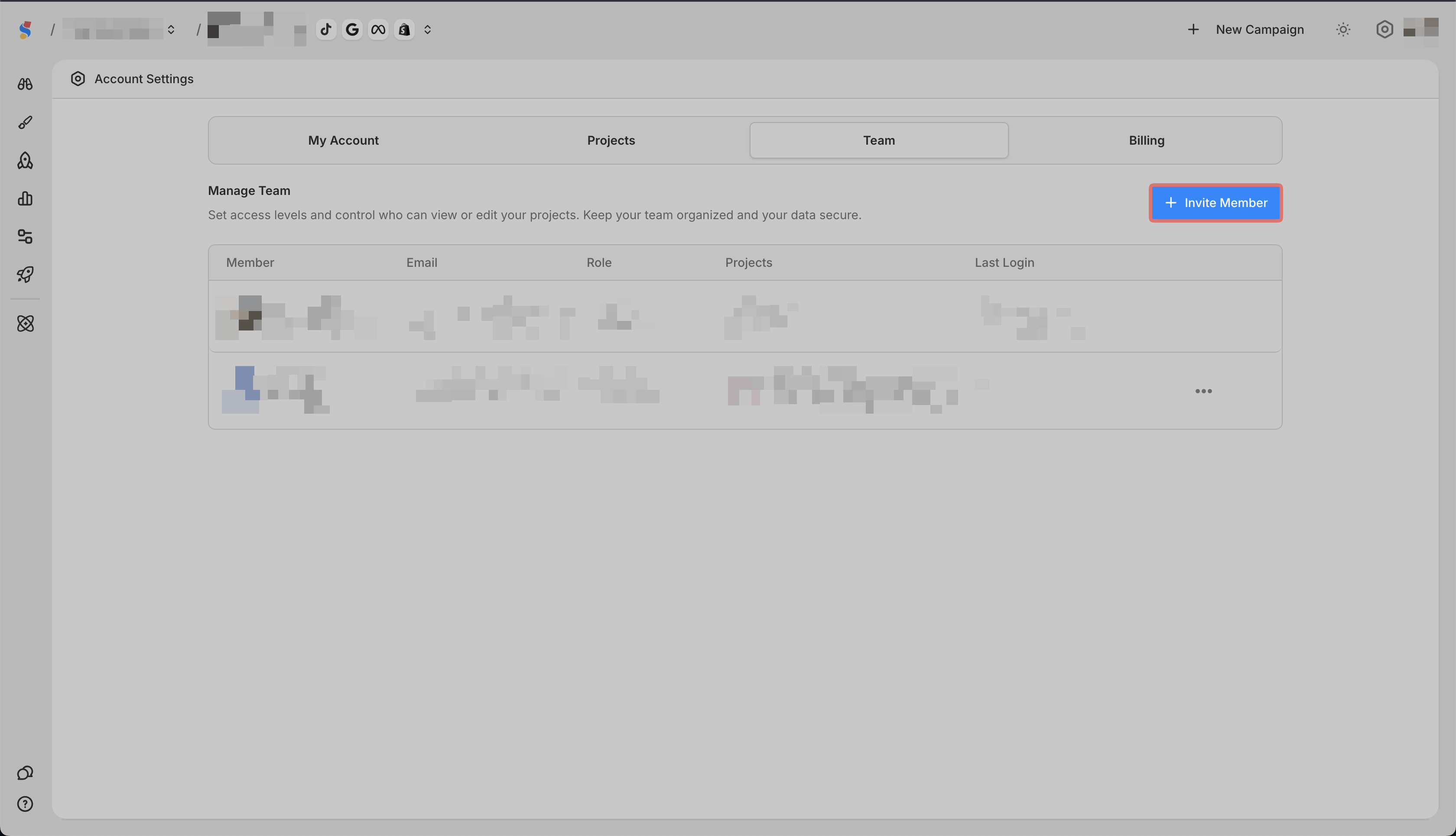
Click Invite Member
-
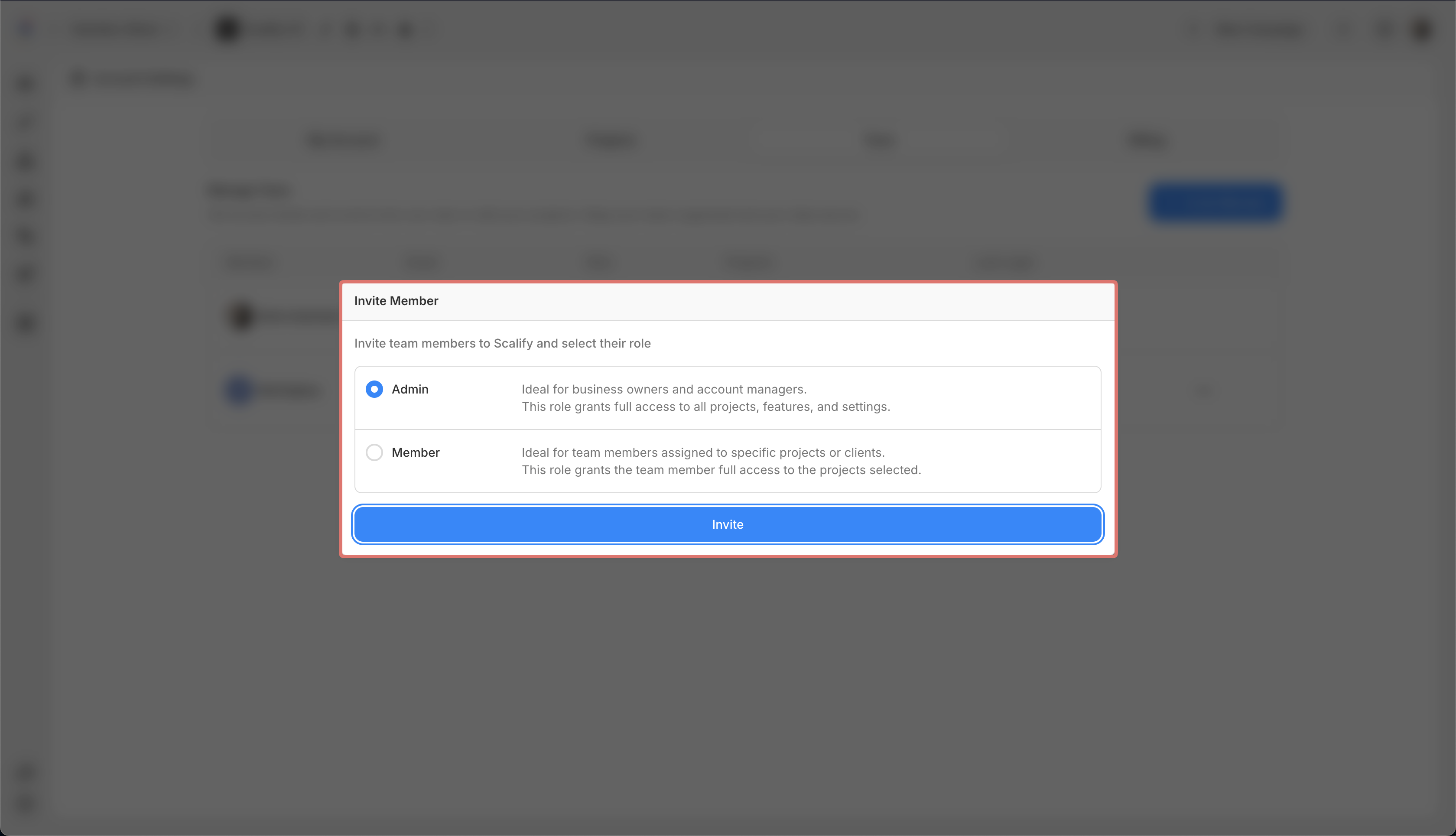
Select their role (Admin or Member)
-
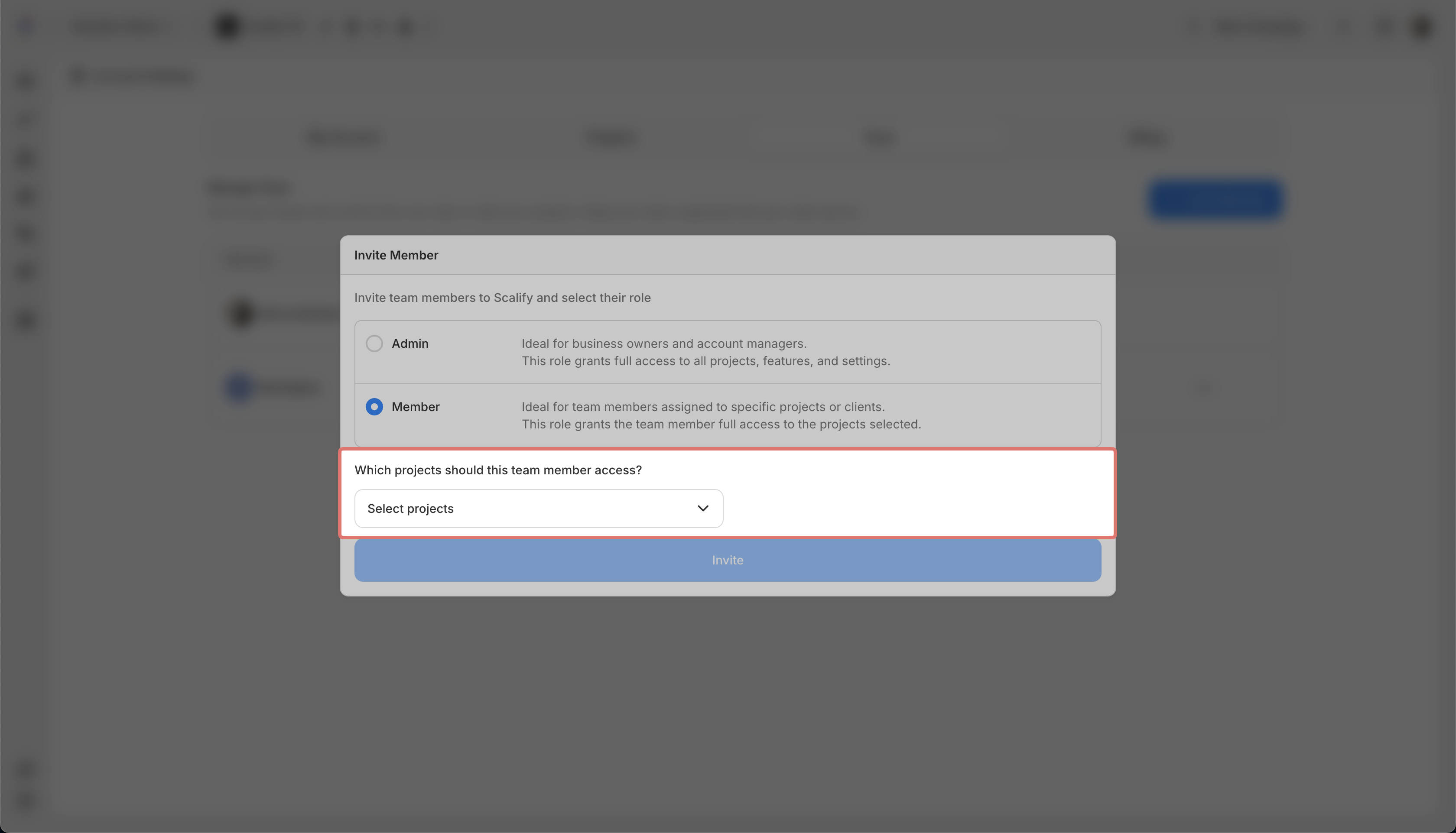
If a Member, select which projects they can access
-
Send the invitation
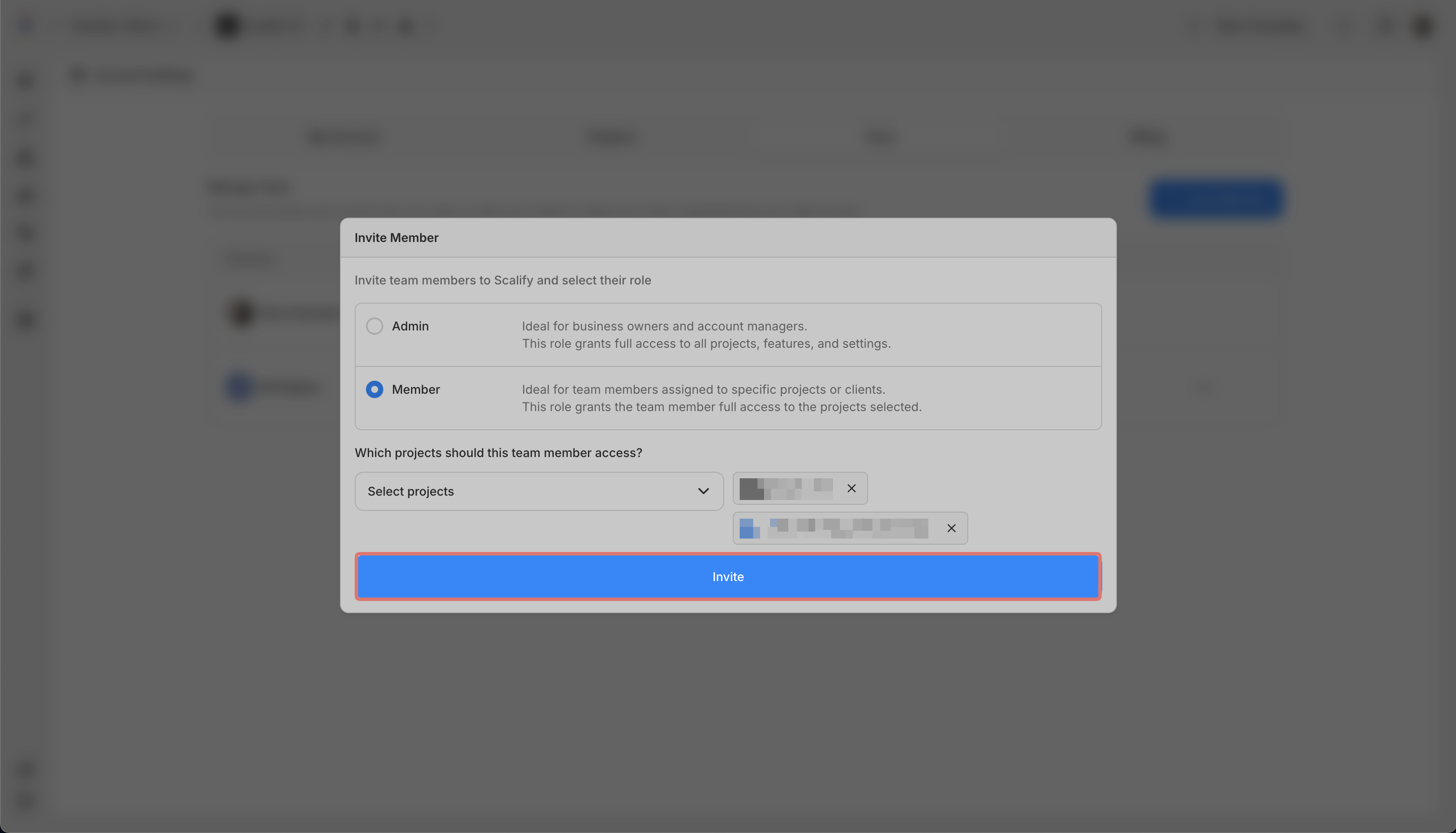
They will receive an email to join your account.