Removing a team member
You can remove team members who no longer need access.
How to remove
-
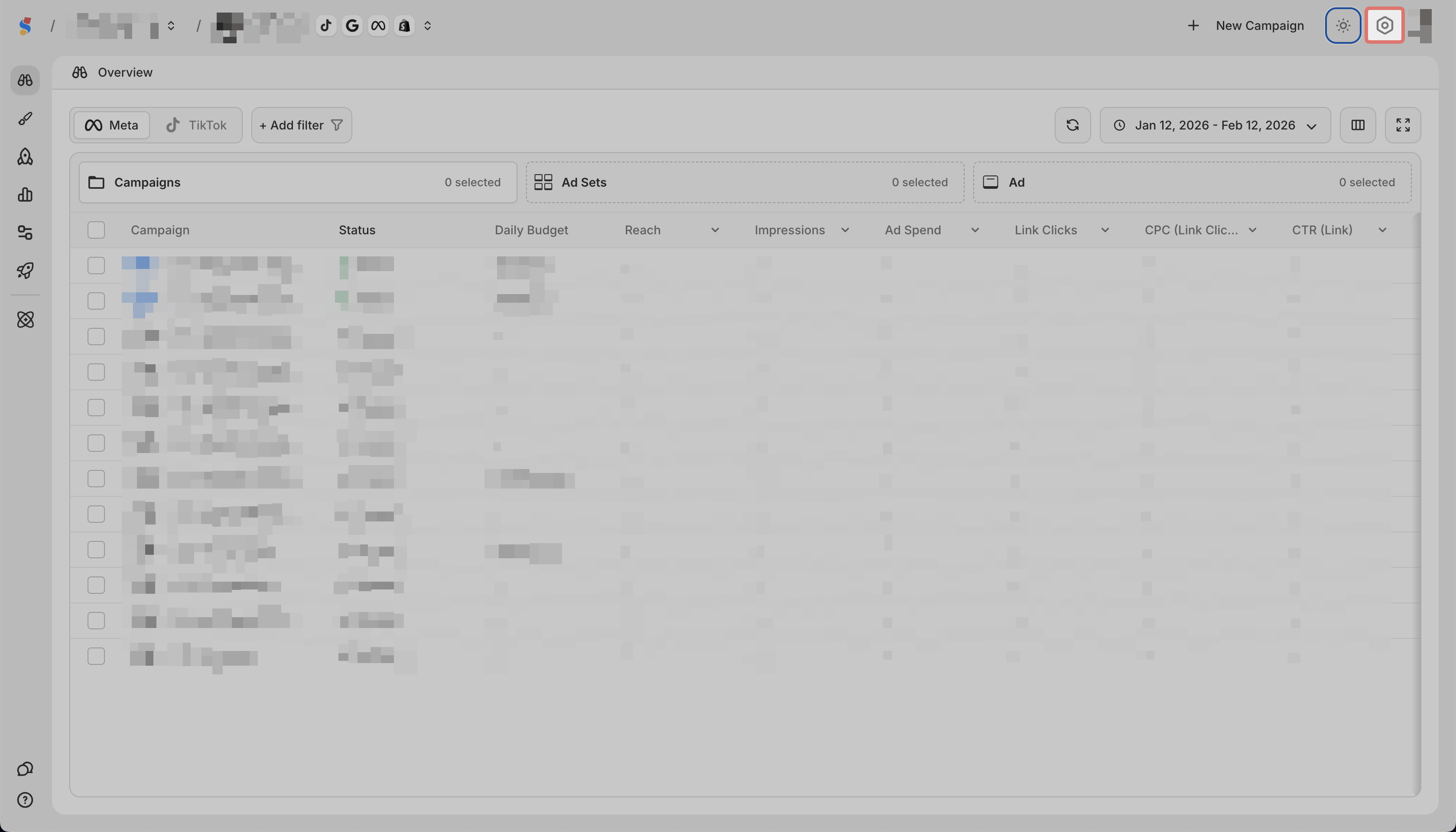
Click the gear icon in the top right
-
Go to the Team tab

-
Find the team member you want to remove

-
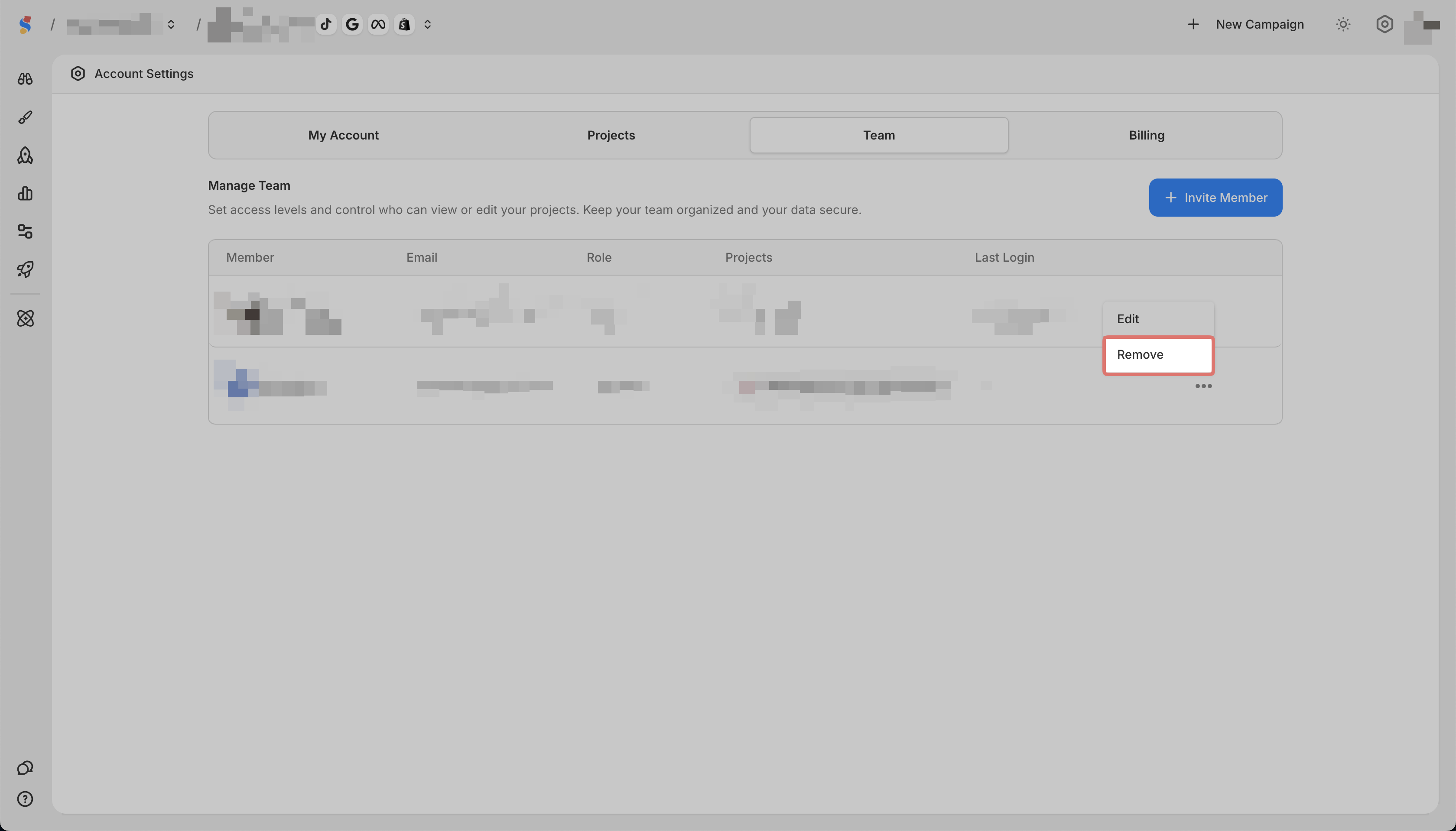
Click on the three dots next to the user's name, then click on the Remove option
-
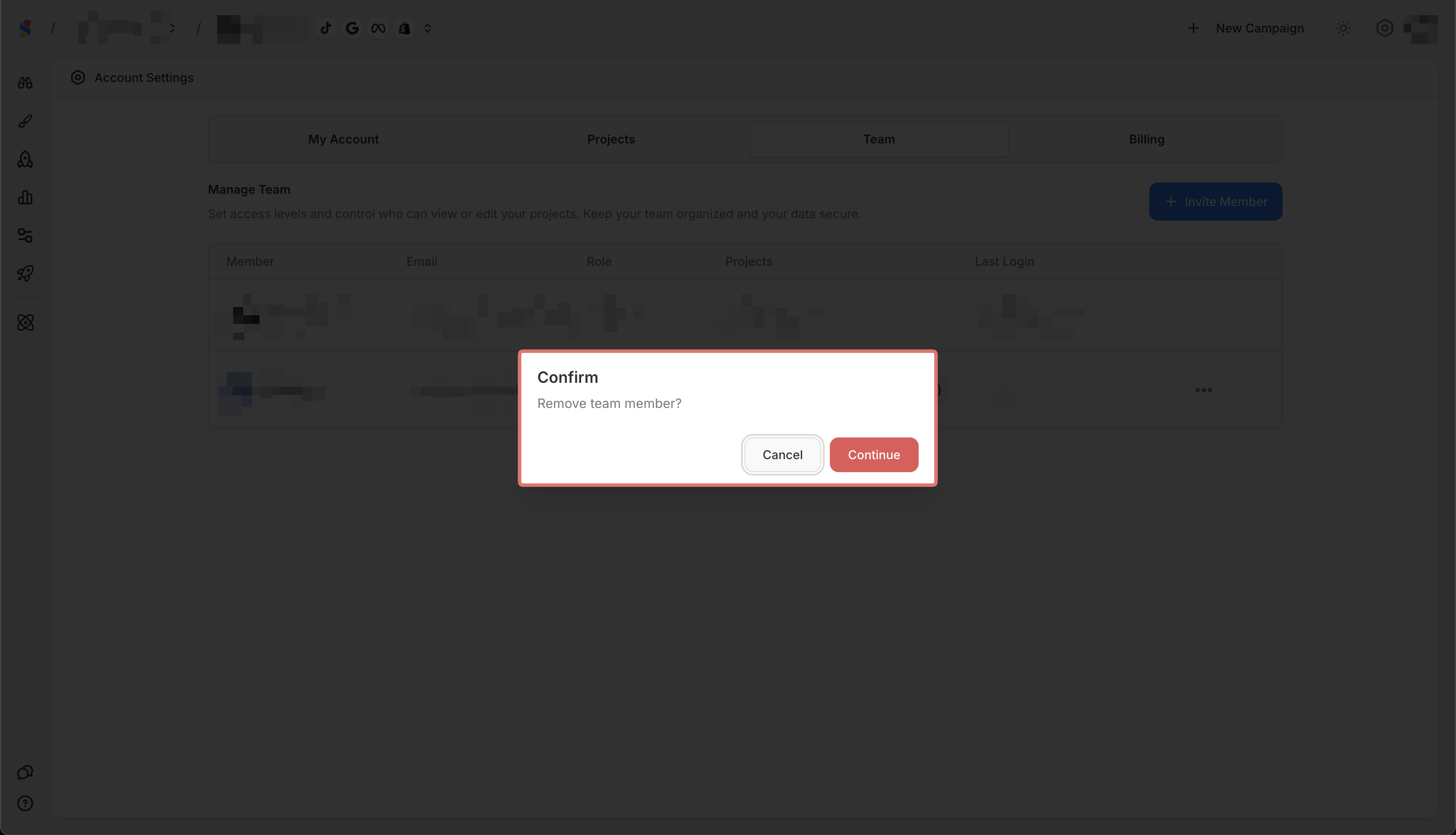
Click on Continue to confirm the removal
They will immediately lose access to your account.