Creating an automation rule for Meta
Automation rules for Meta work the same as other platforms.
How to create
-
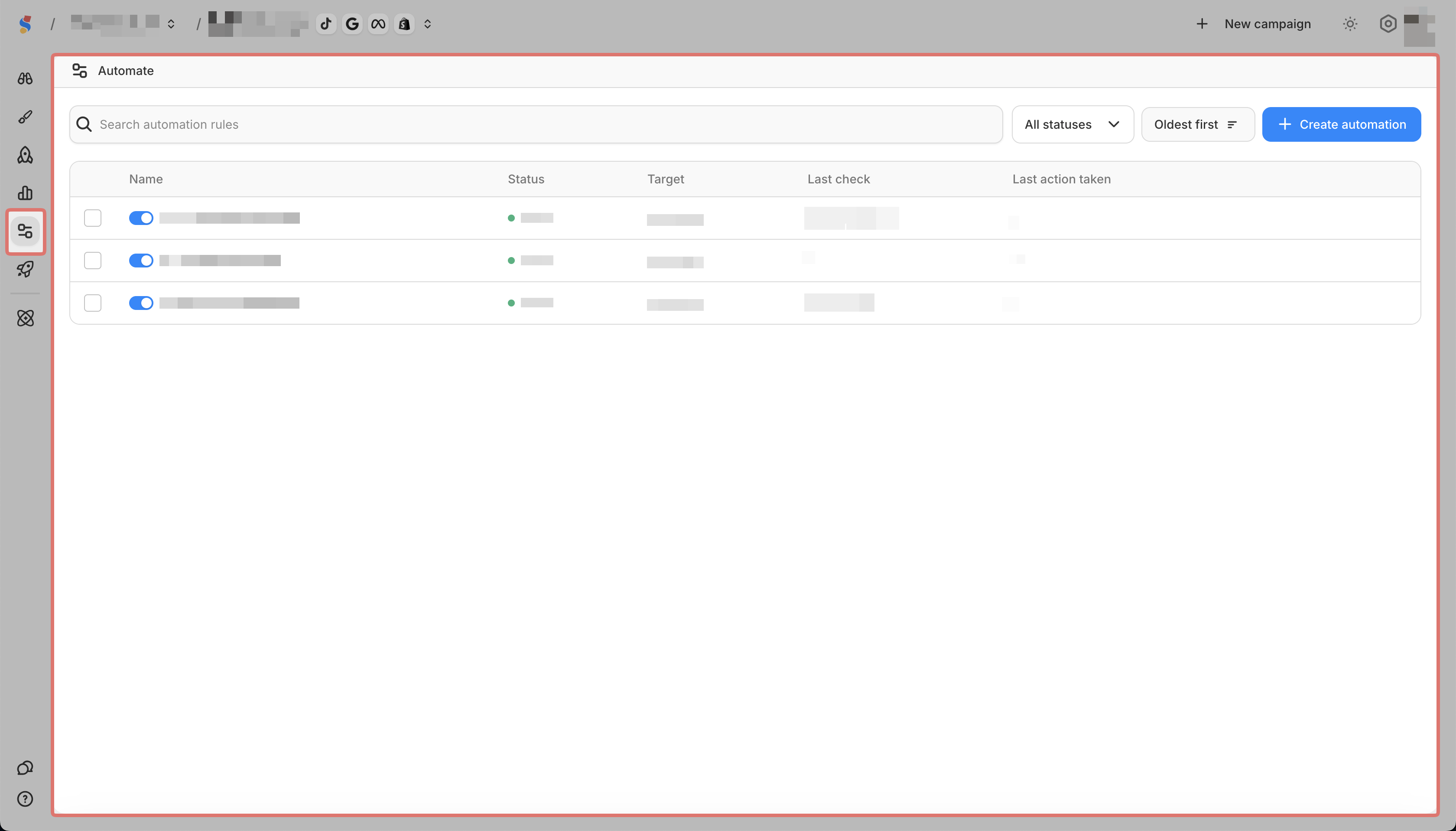
Go to Automate in the sidebar
-
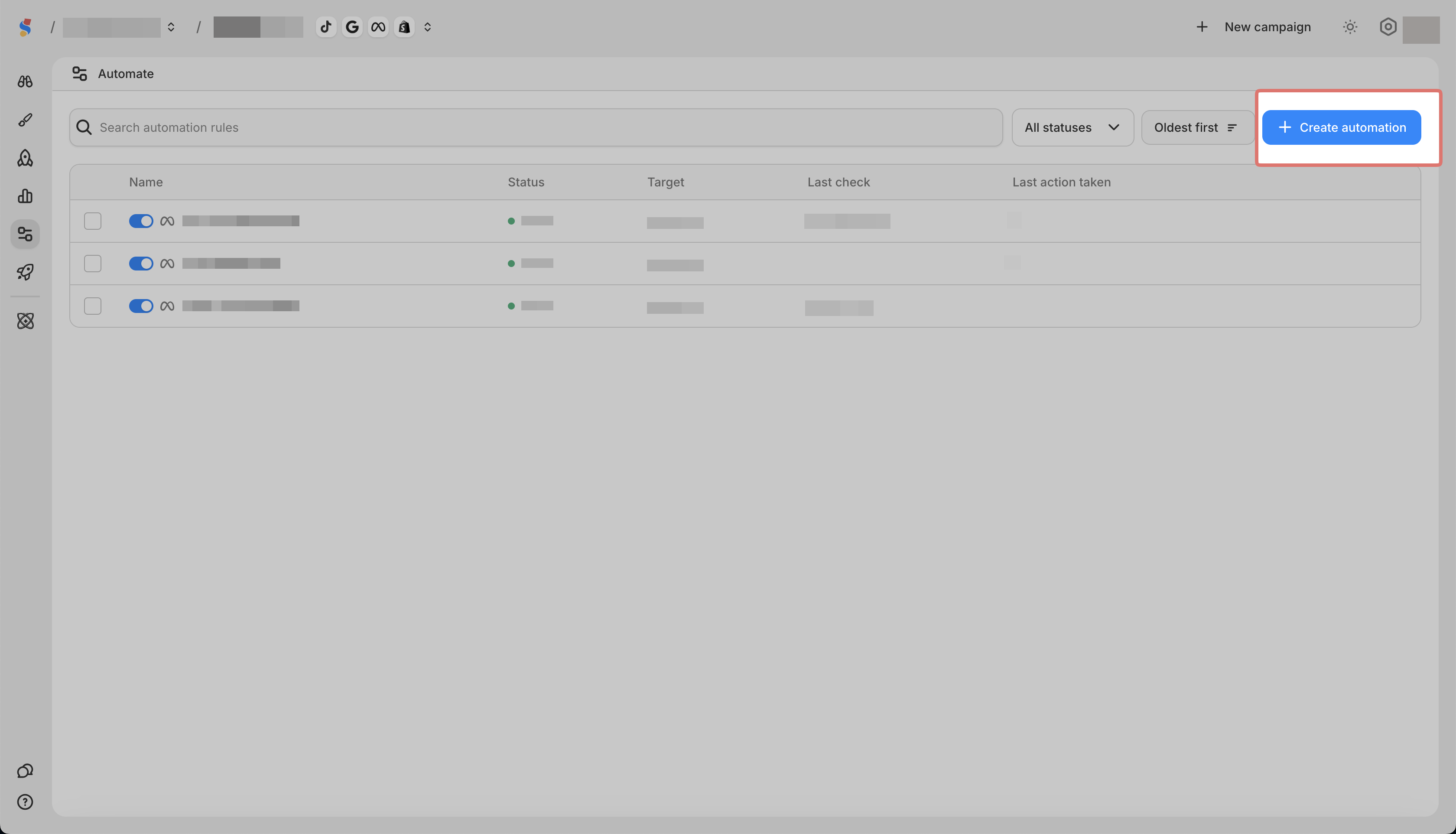
Click Create Automation
-
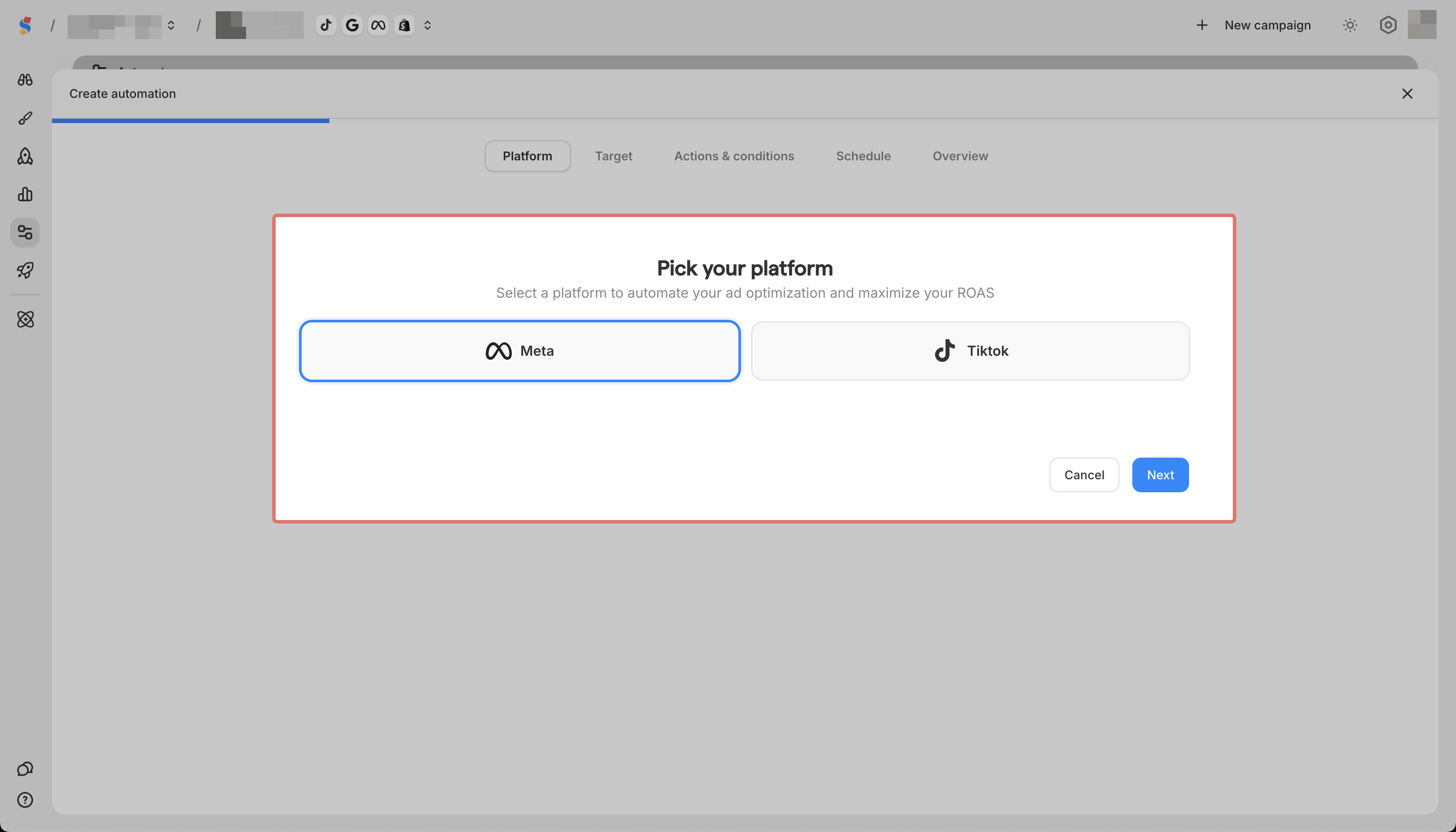
Pick Meta as your rule platform
-
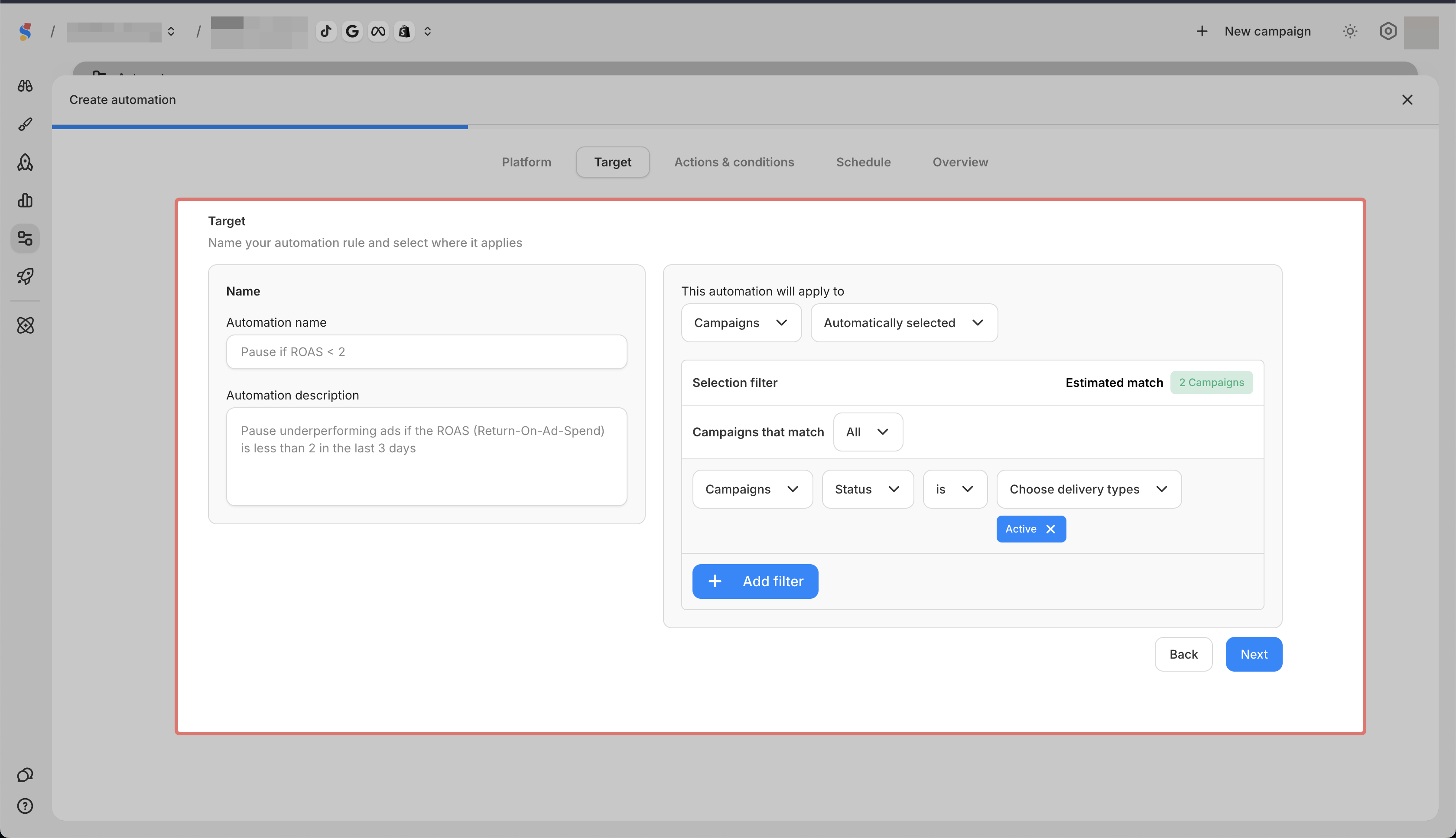
Select the name of the rule and your Meta campaigns, ad sets, or ads
-
Set your actions and conditions
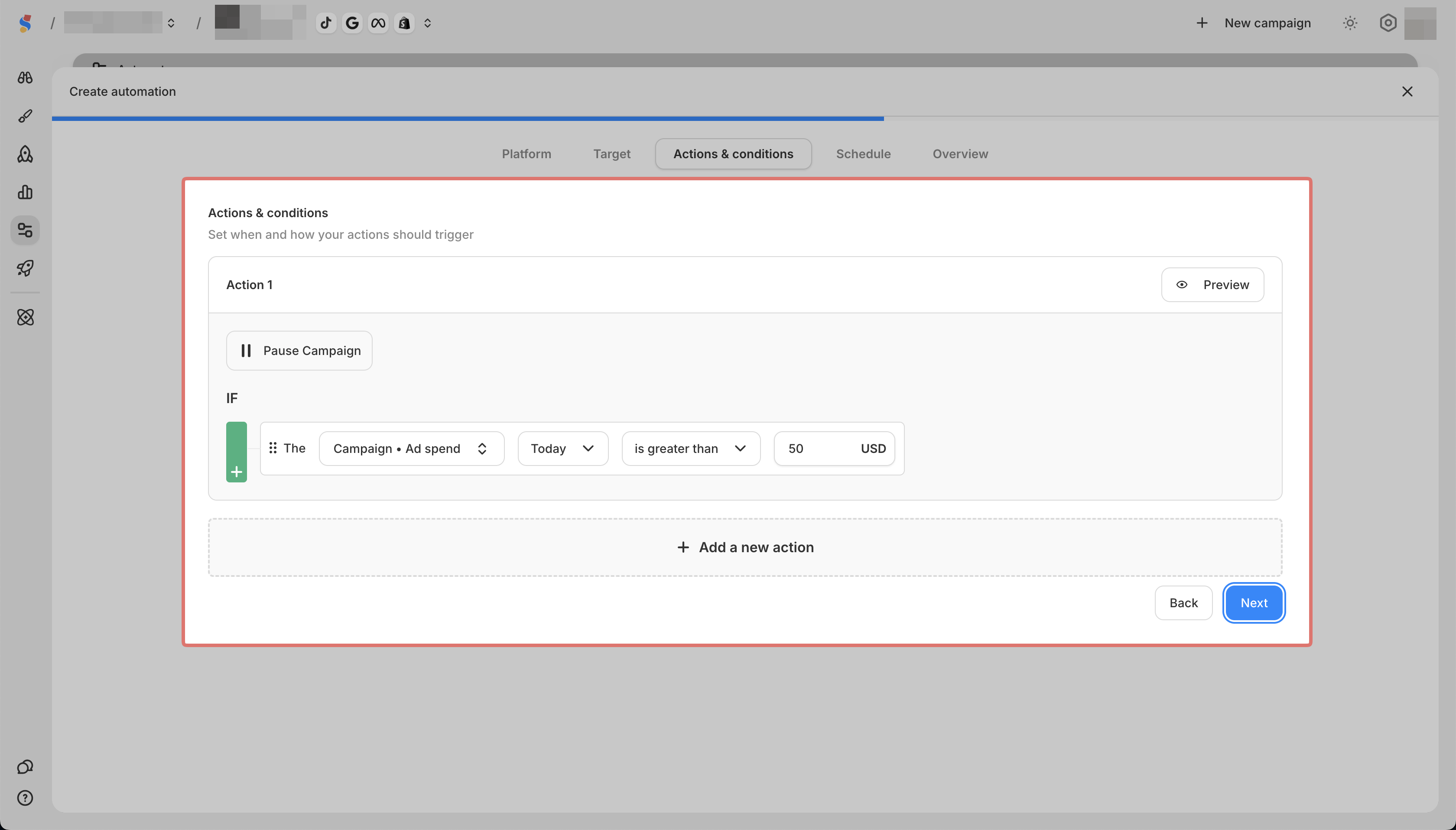
-
Select the schedule of your rule

-
Preview your rule's settings in Overview and click Create
