Understanding key metrics on the Dashboard
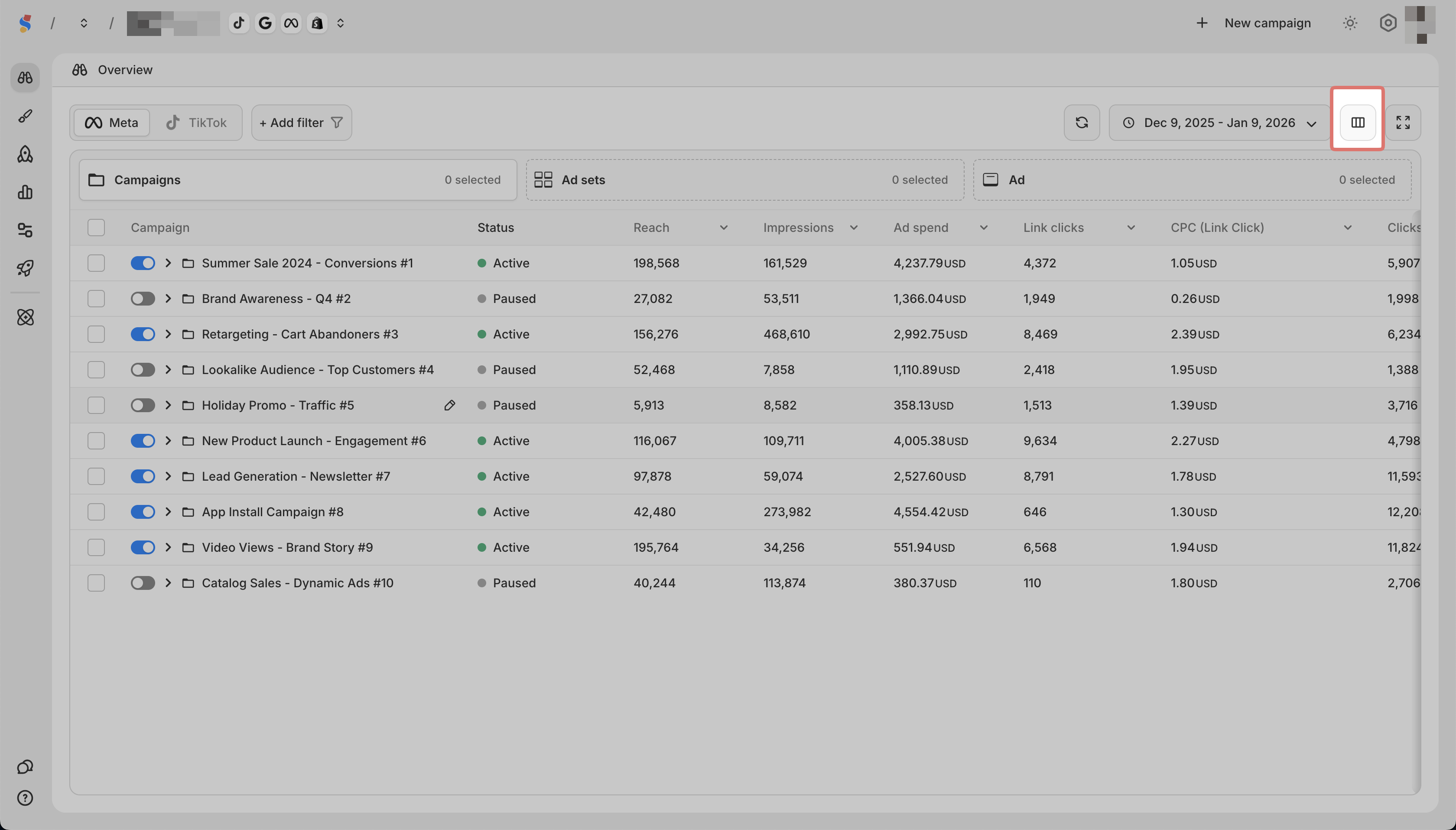
The Dashboard displays metrics for your campaigns, ad sets, and ads. Here is what the default metrics mean:
| Metric | What it measures |
| ---- | ---- |
| Status | Whether the campaign is active, paused, or off |
| Daily Budget | The amount set to spend per day |
| Reach | Number of unique people who saw your ad |
| Impressions | Total number of times your ad was shown |
| Ad Spend | Total amount spent |
| Link Clicks | Number of clicks on links in your ad |
| CPC (link clicks) | Cost per link click |
| CTR (link) | Click-through rate for link clicks |
| Clicks | Total number of clicks on your ad |
Customizing Metrics

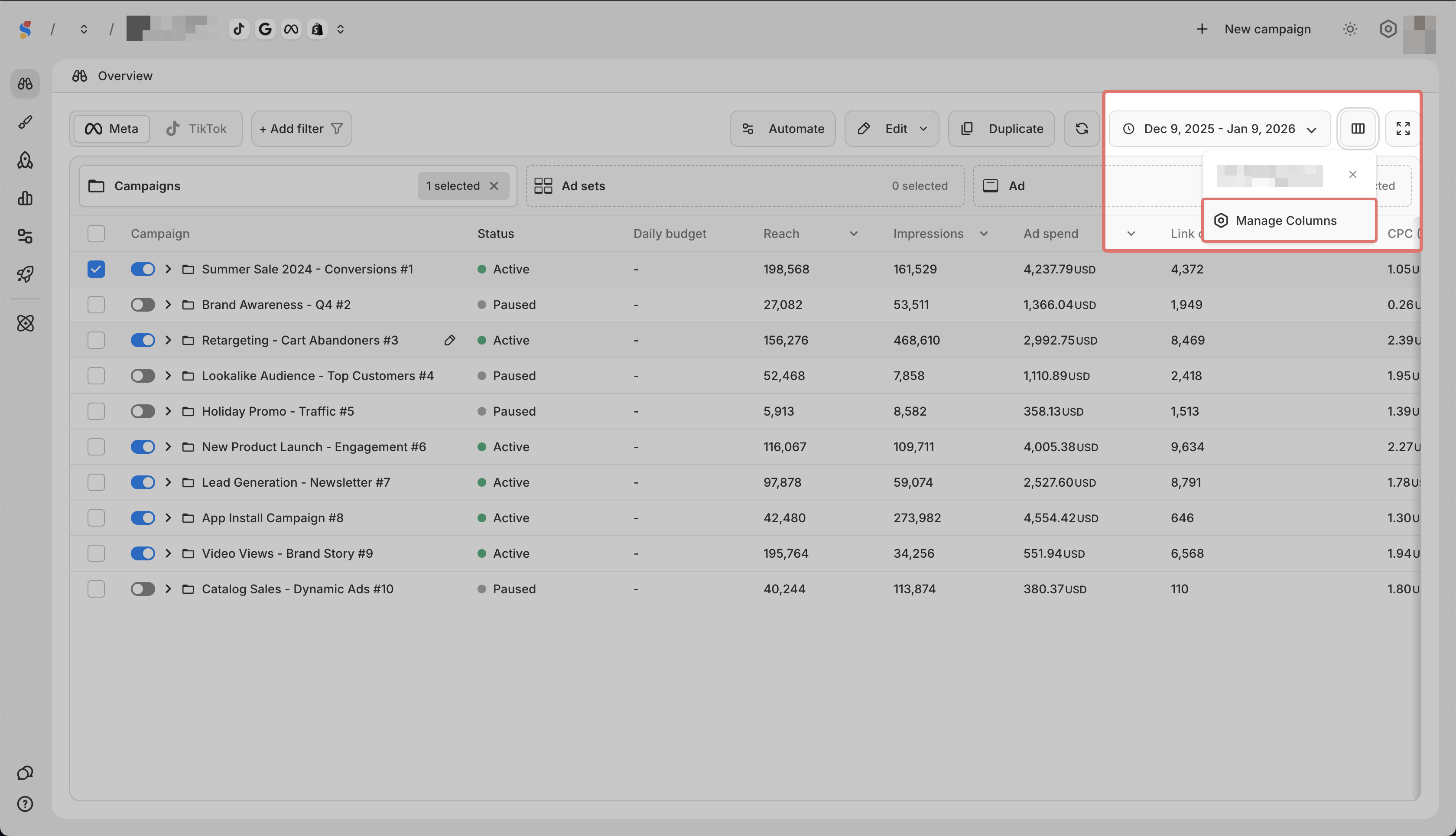
Click the Custom Template icon and Manage Columns to add, remove, or reorder metrics. You can also save your setup as a template.