Uploading media to the Media library
You can upload images and videos to the Media tab and reuse them in ads.
How to upload
-
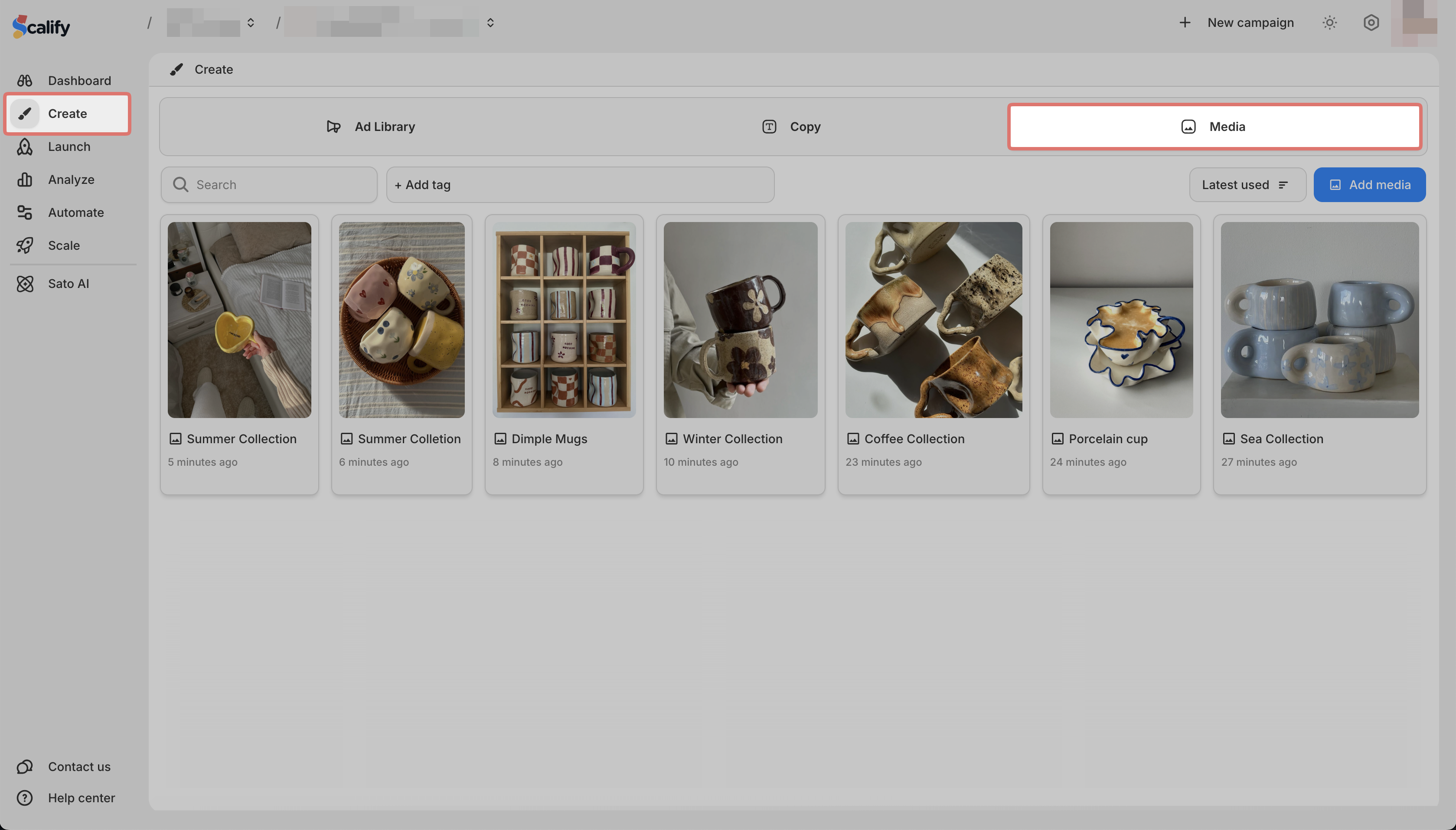
Go to Create > Media
-
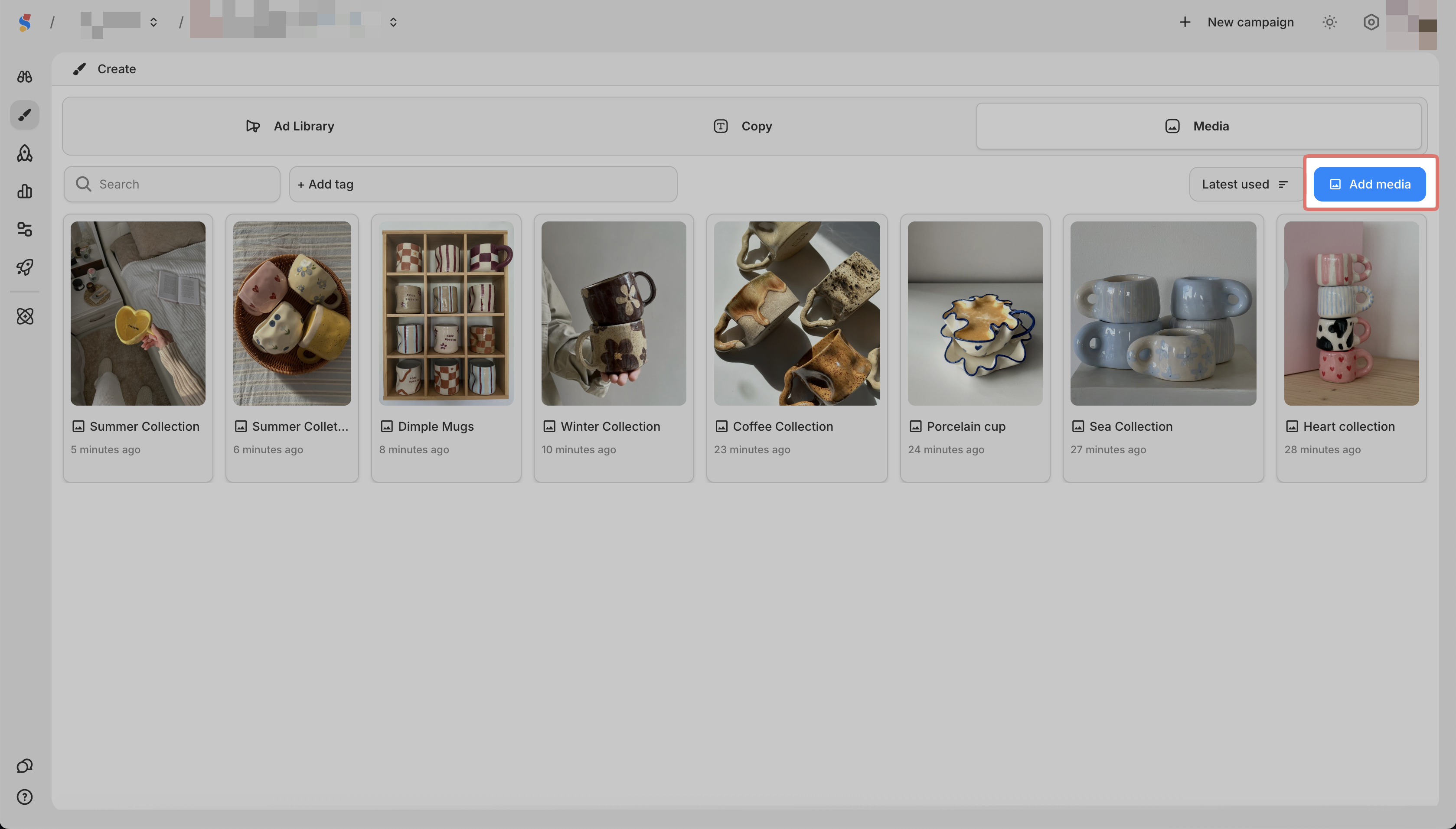
Click Add Media
-
Select the upload media from your device
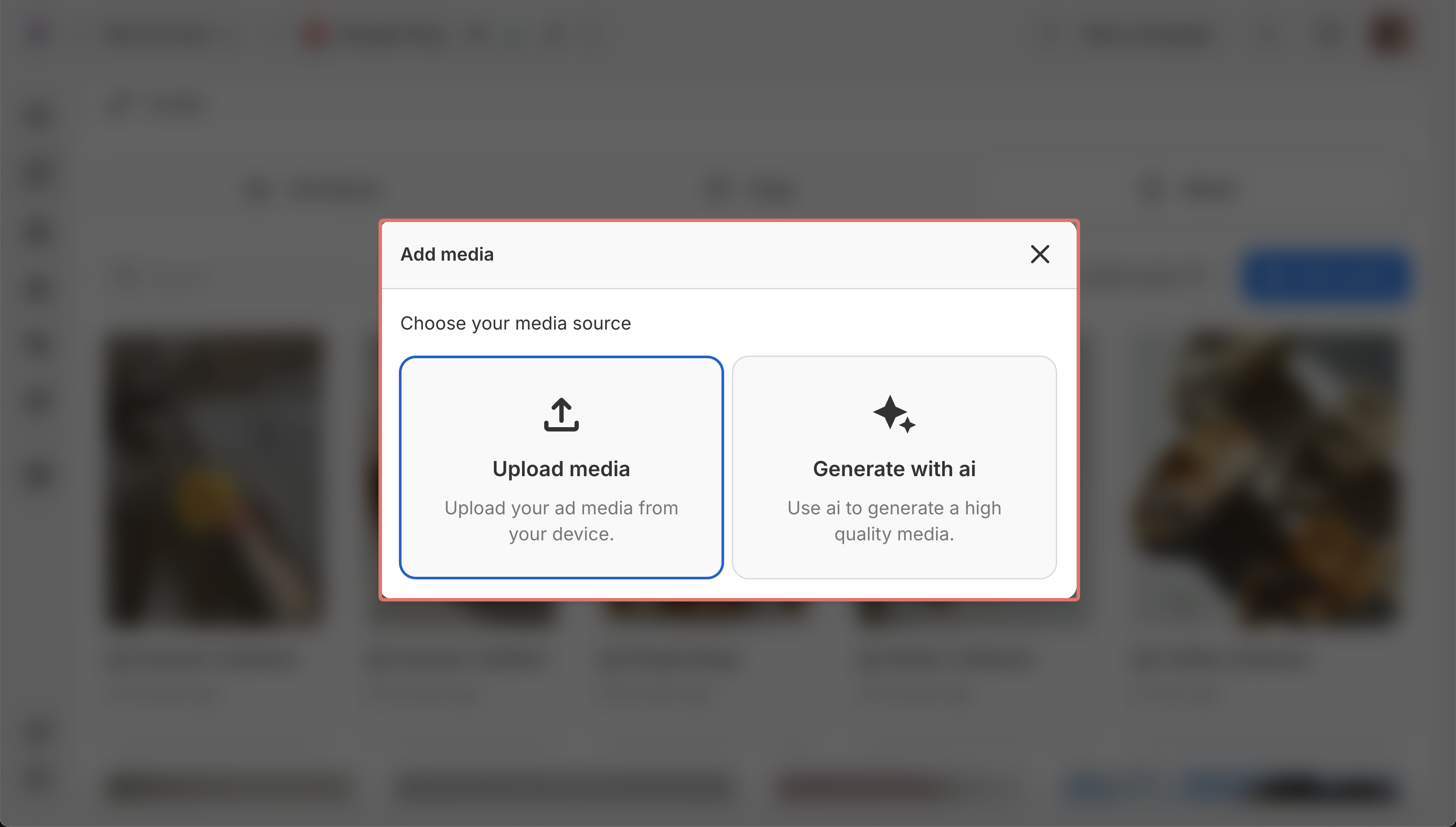
Your media is now saved and can be used when creating ads.