Deleting media from your library
You can delete media you no longer need from the Media tab.
How to delete
-
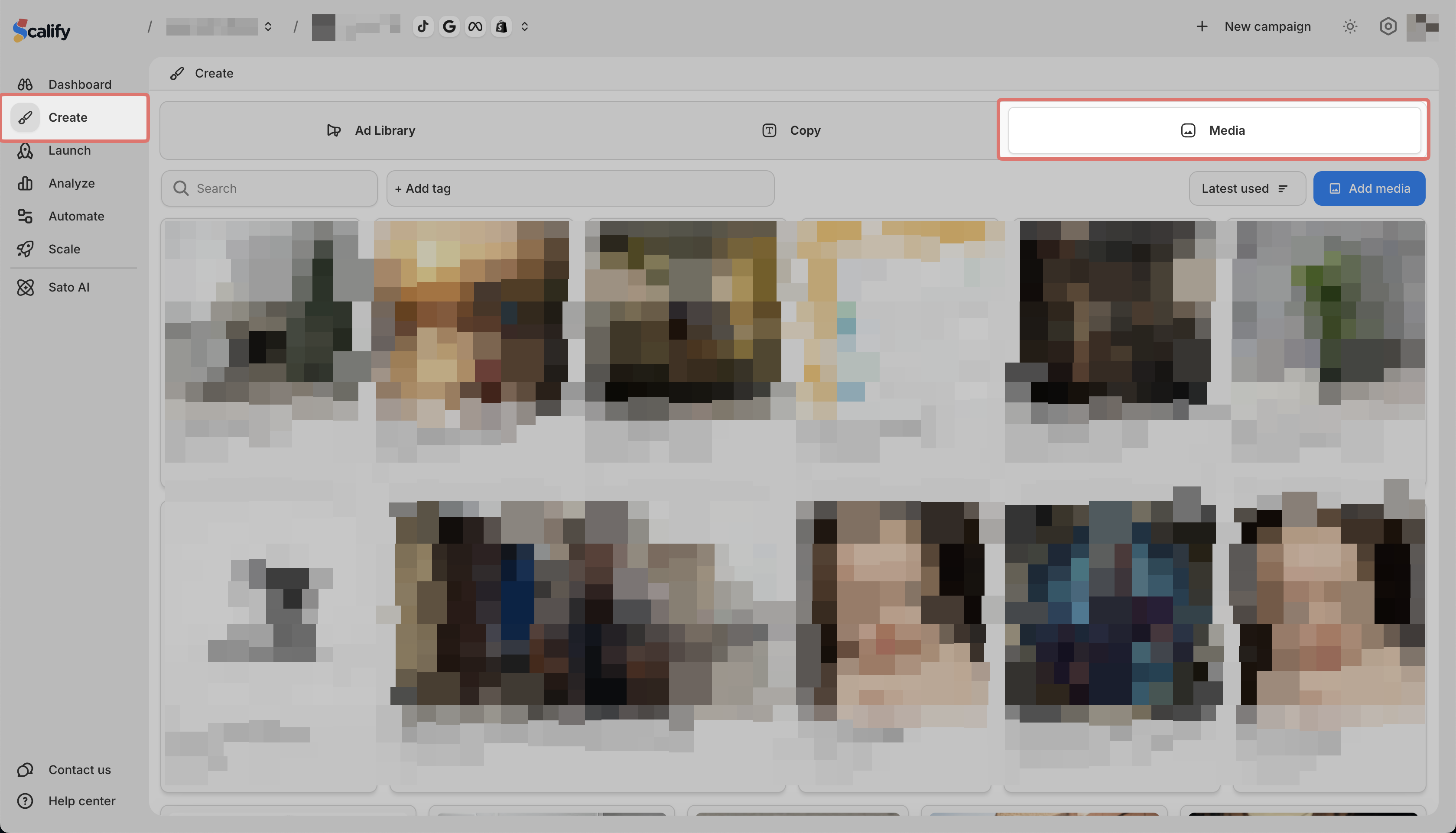
Go to Create > Media
-
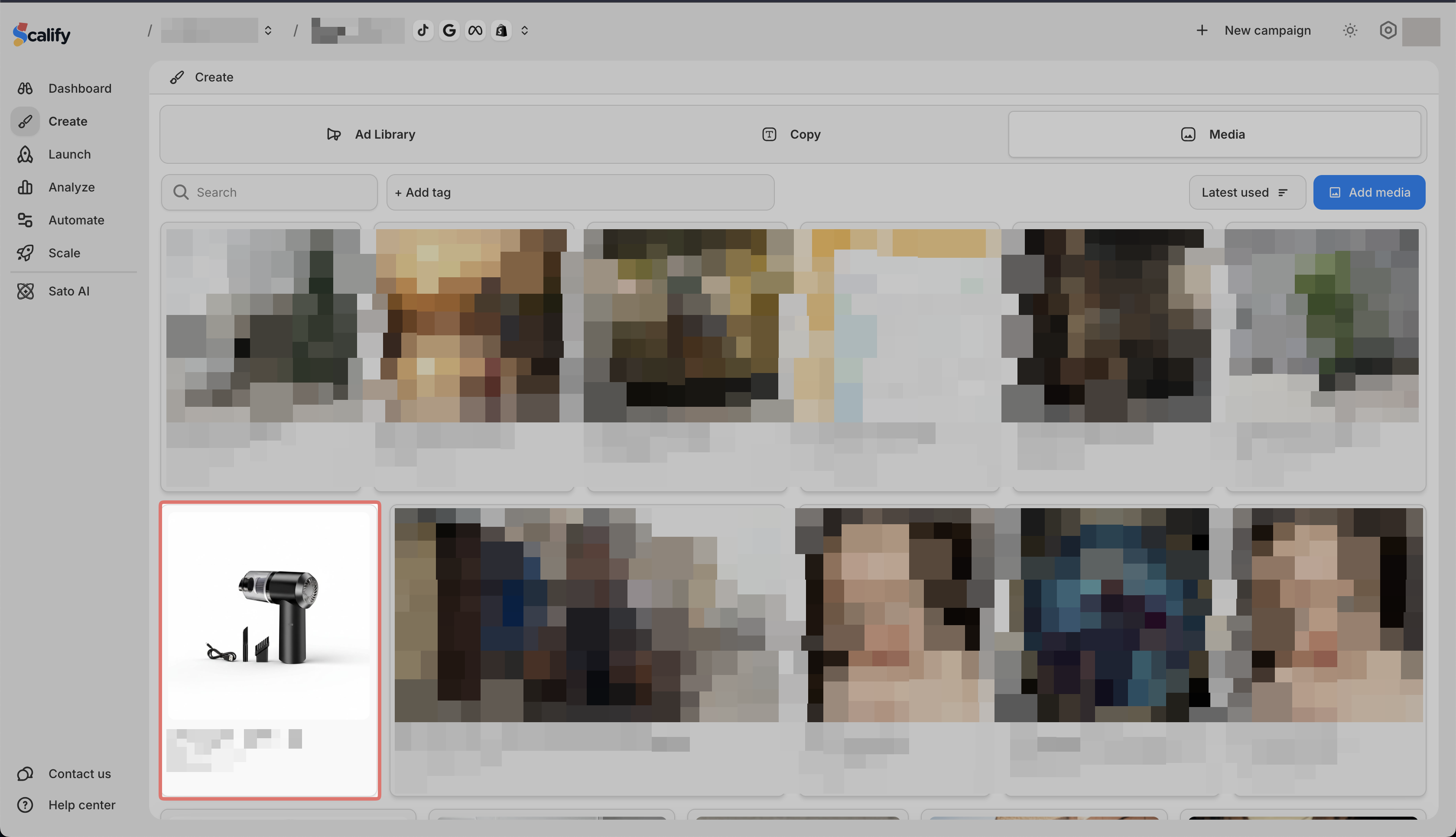
Find the media you want to delete and click on it
-
Click the delete icon
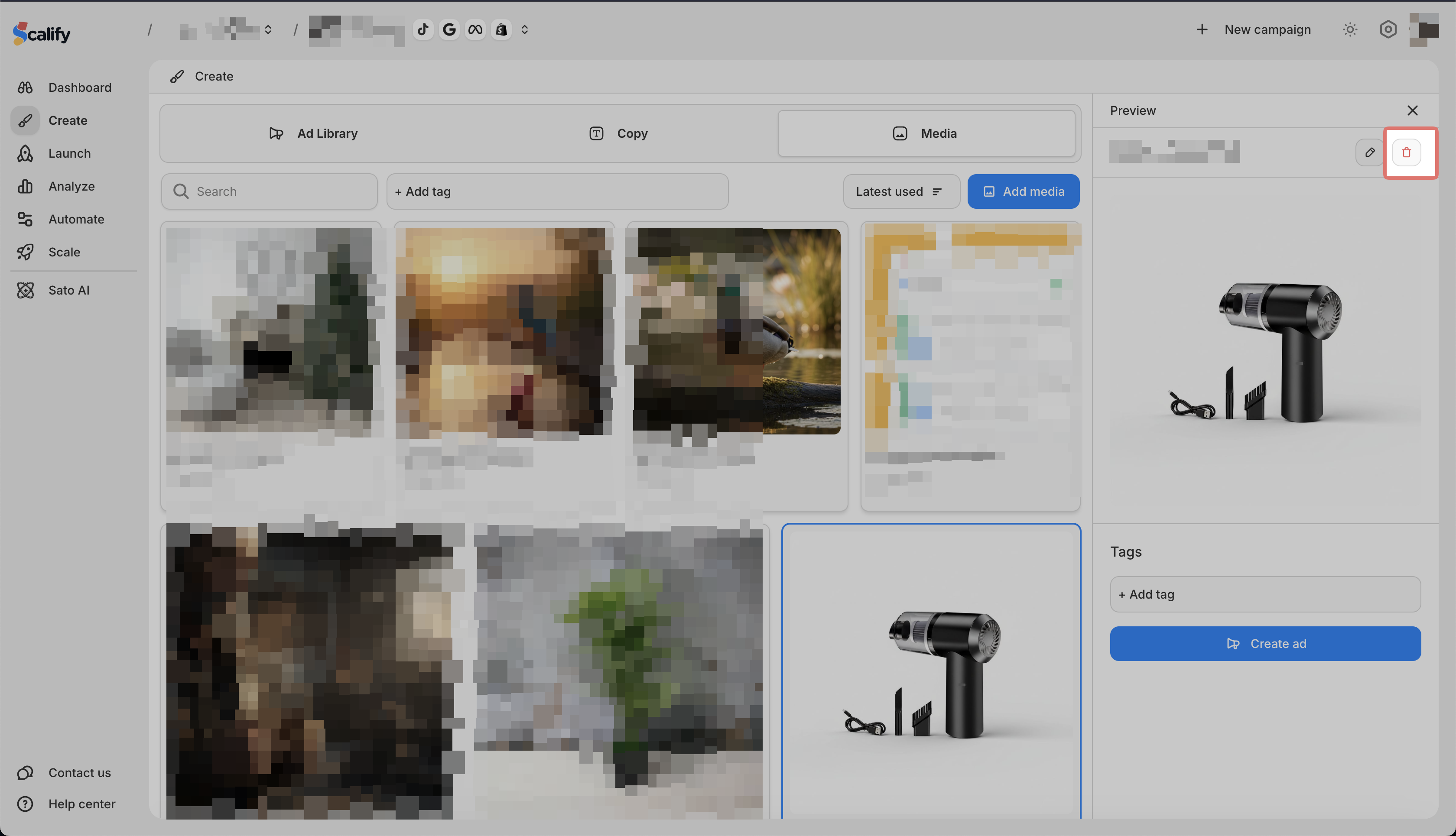
Deleted media cannot be recovered.
You can delete media you no longer need from the Media tab.
Go to Create > Media
Find the media you want to delete and click on it
Click the delete icon
Deleted media cannot be recovered.