Editing an automation rule
You can edit automation rules you created.
How to edit
-
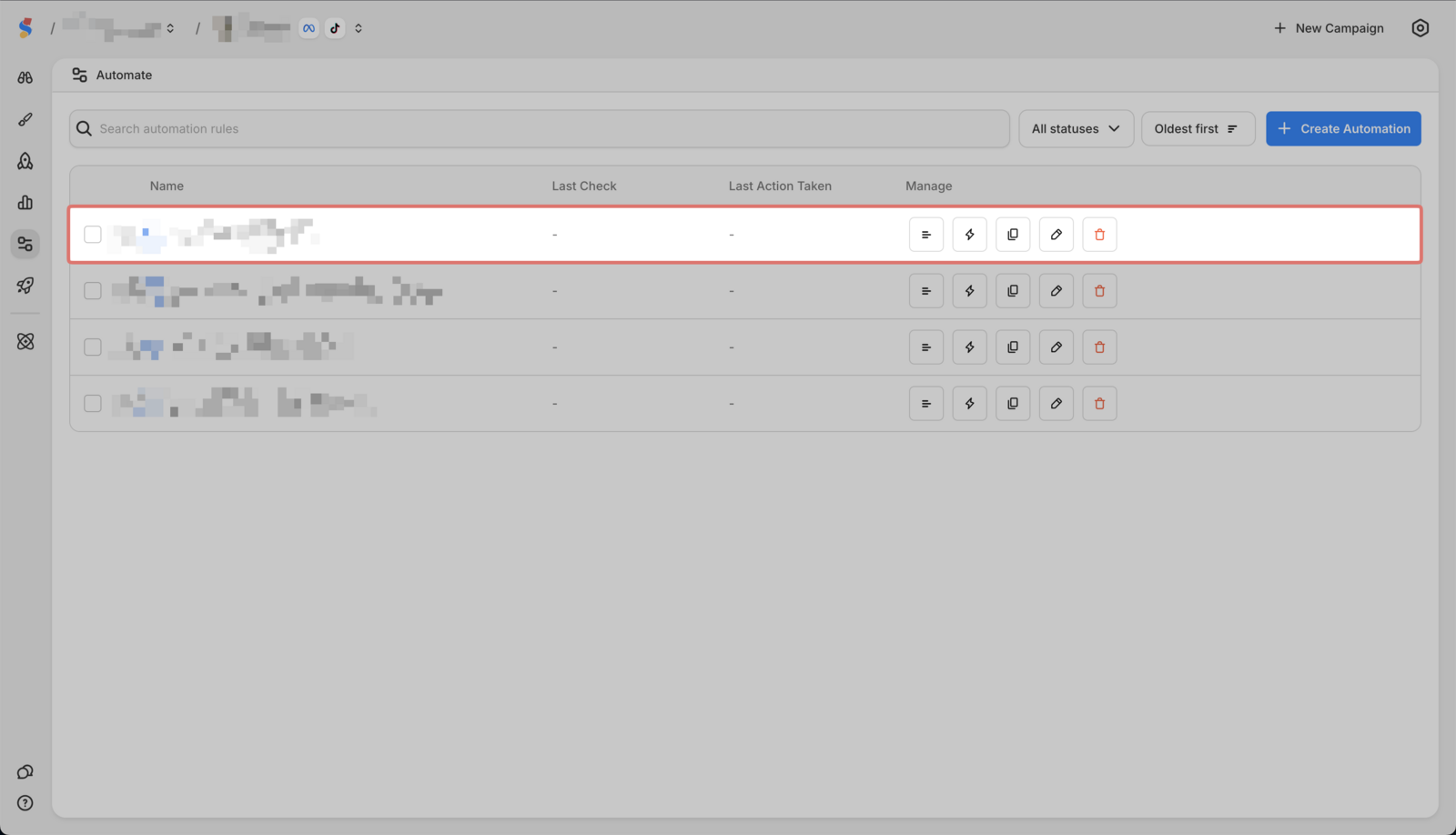
Go to Automate in the sidebar

-
Find the rule you want to edit
-
Click on Edit

-
Click **Update **to save changes

You can edit automation rules you created.
Go to Automate in the sidebar
Find the rule you want to edit
Click on Edit
Click **Update **to save changes