Deleting an automation rule
You can delete automation rules you no longer need.
How to delete
-
Go to Automate in the sidebar
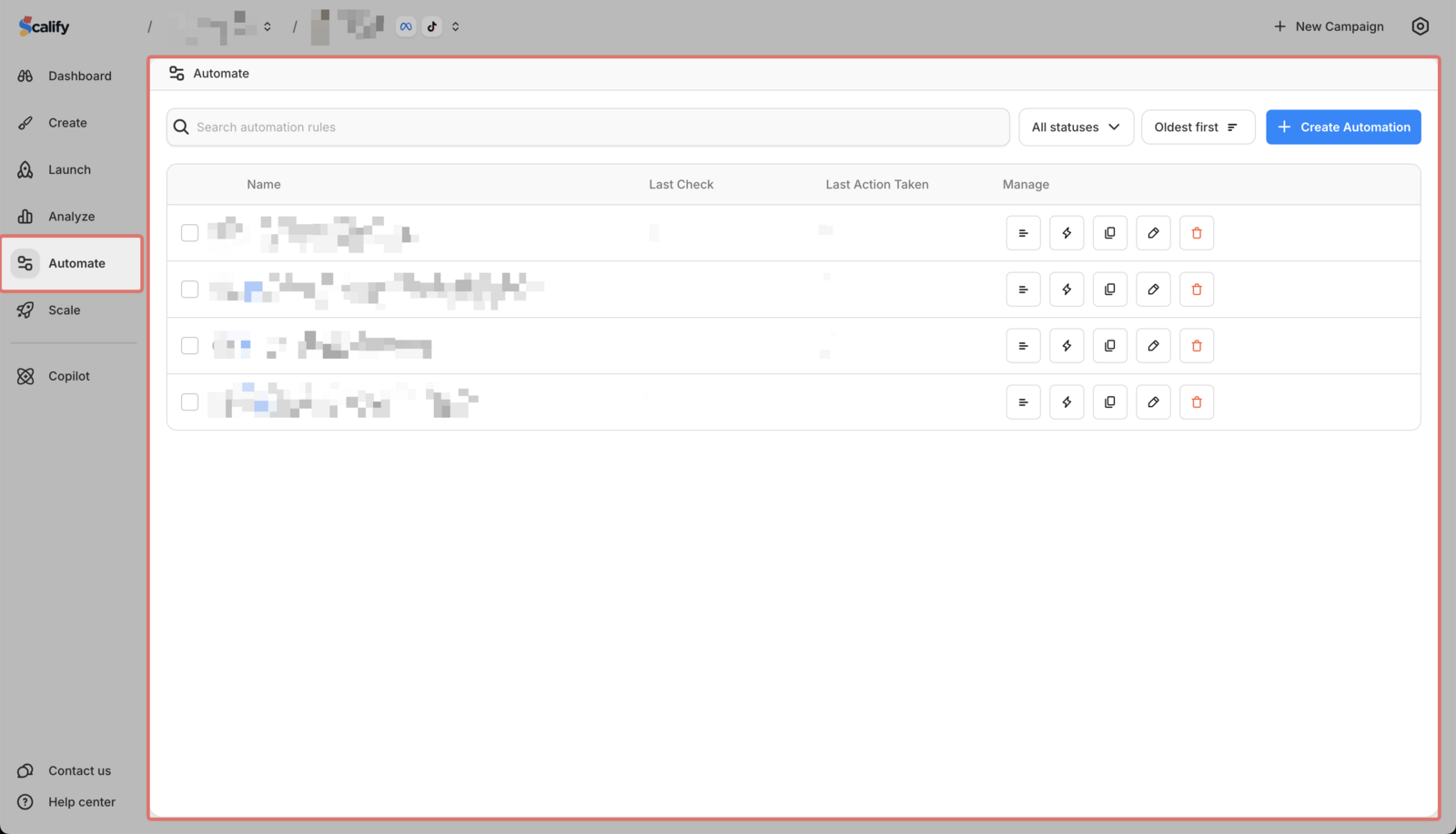
-
Find the rule you want to delete

-
Click the delete option
 \
\
Deleted rules cannot be recovered.
You can delete automation rules you no longer need.
Go to Automate in the sidebar
Find the rule you want to delete
Click the delete option
\
Deleted rules cannot be recovered.