Split testing audiences
Split testing audiences lets you test different audience segments against each other to see which performs best.
How to split test
-
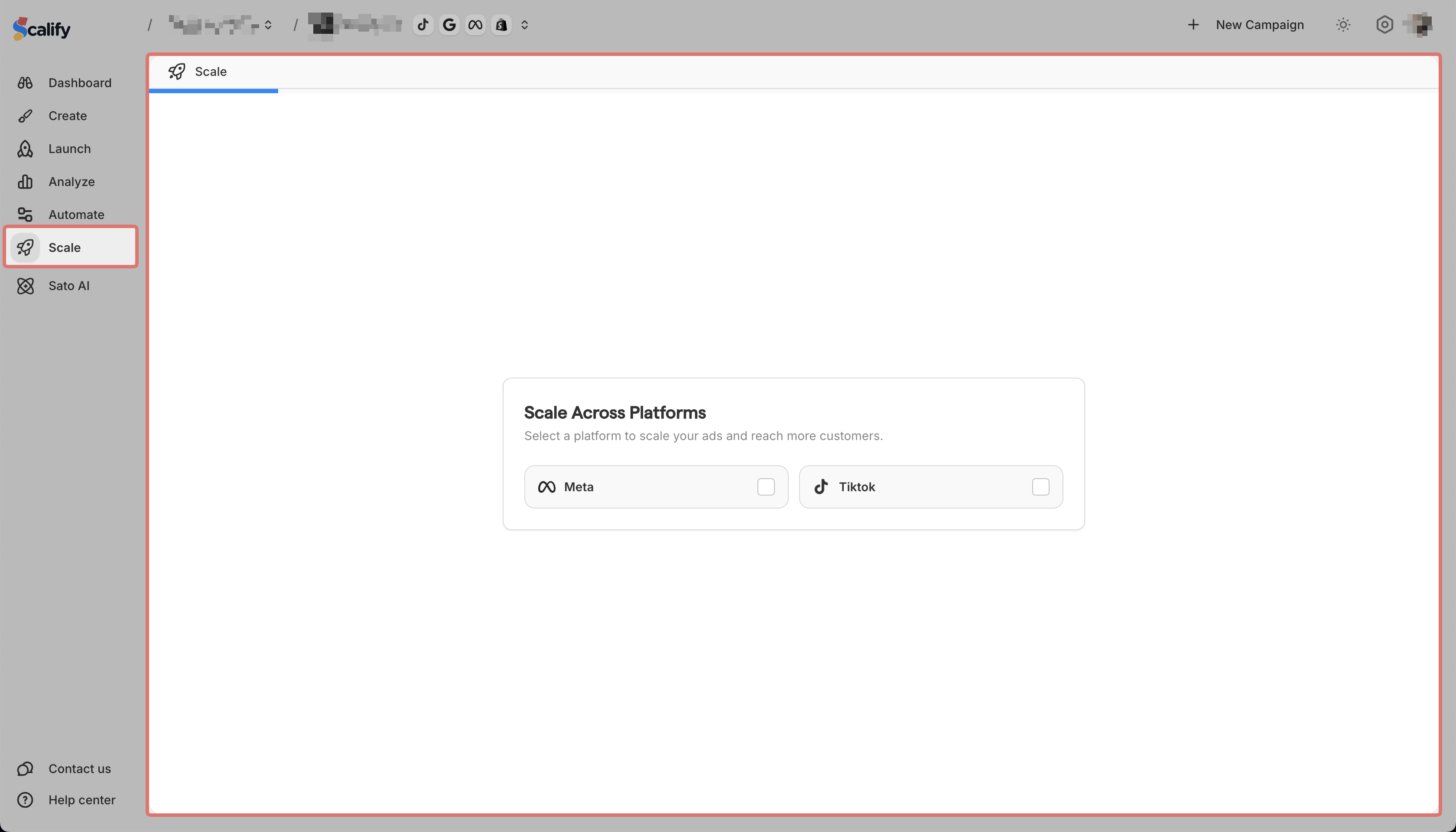
Go to Scale in the sidebar and select the Platform you want to test audiences on
-
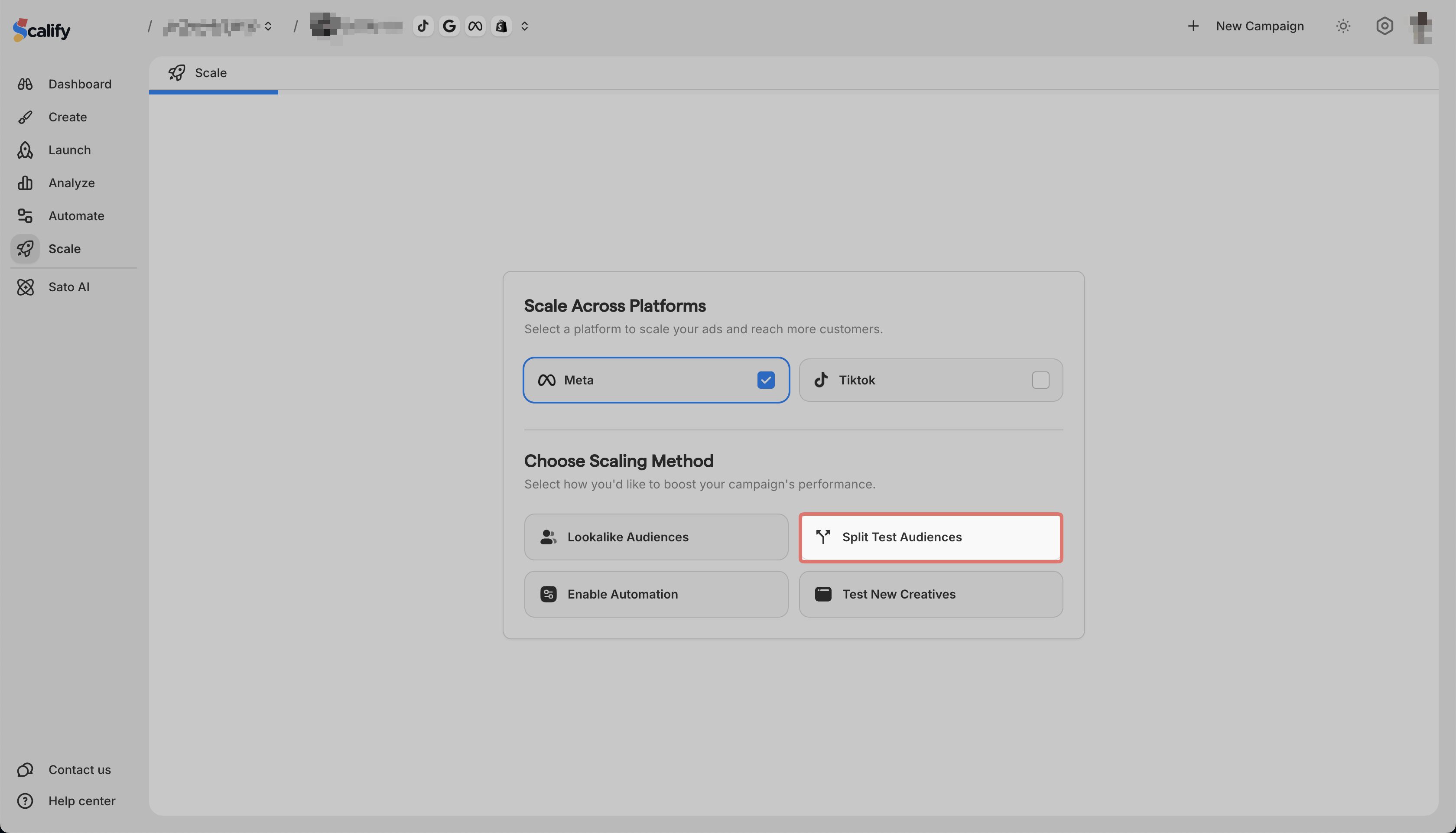
Select Split Test Audiences
-
Choose the ad set you want to test

-
Set up your audience variations

-
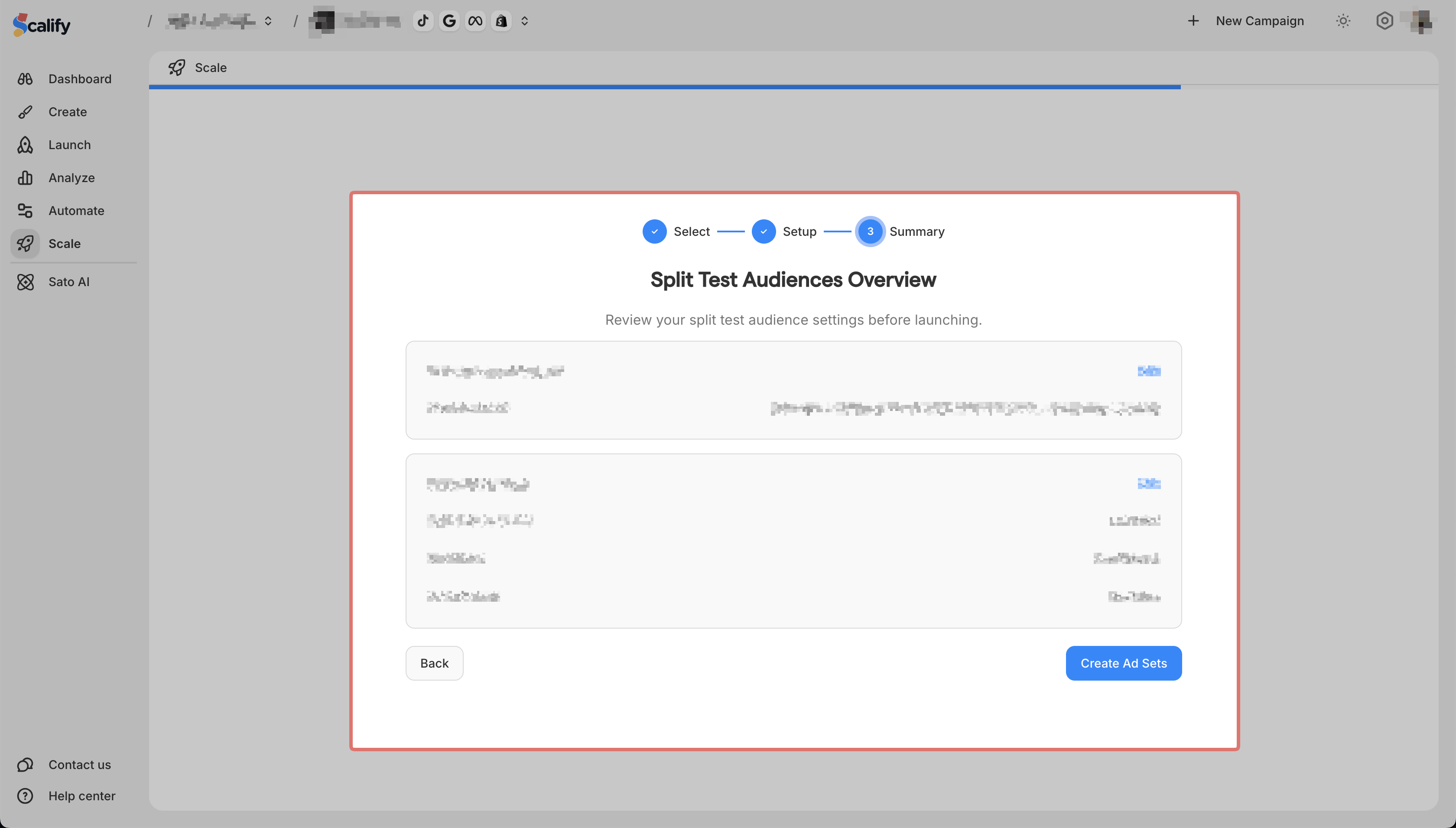
Review your settings and click on Create Ad Sets to launch the test
\
Scalify will run the audiences against each other so you can compare results.