Viewing TikTok ad performance
To view your TikTok ad performance, go to the Dashboard and select the TikTok tab.

You will see all your TikTok campaigns, ad sets, and ads listed with their metrics.
Filtering your view

Use the Add filter button to filter by:
-
Campaign ID
-
Campaign name
-
Status
-
Any metric
Viewing different levels
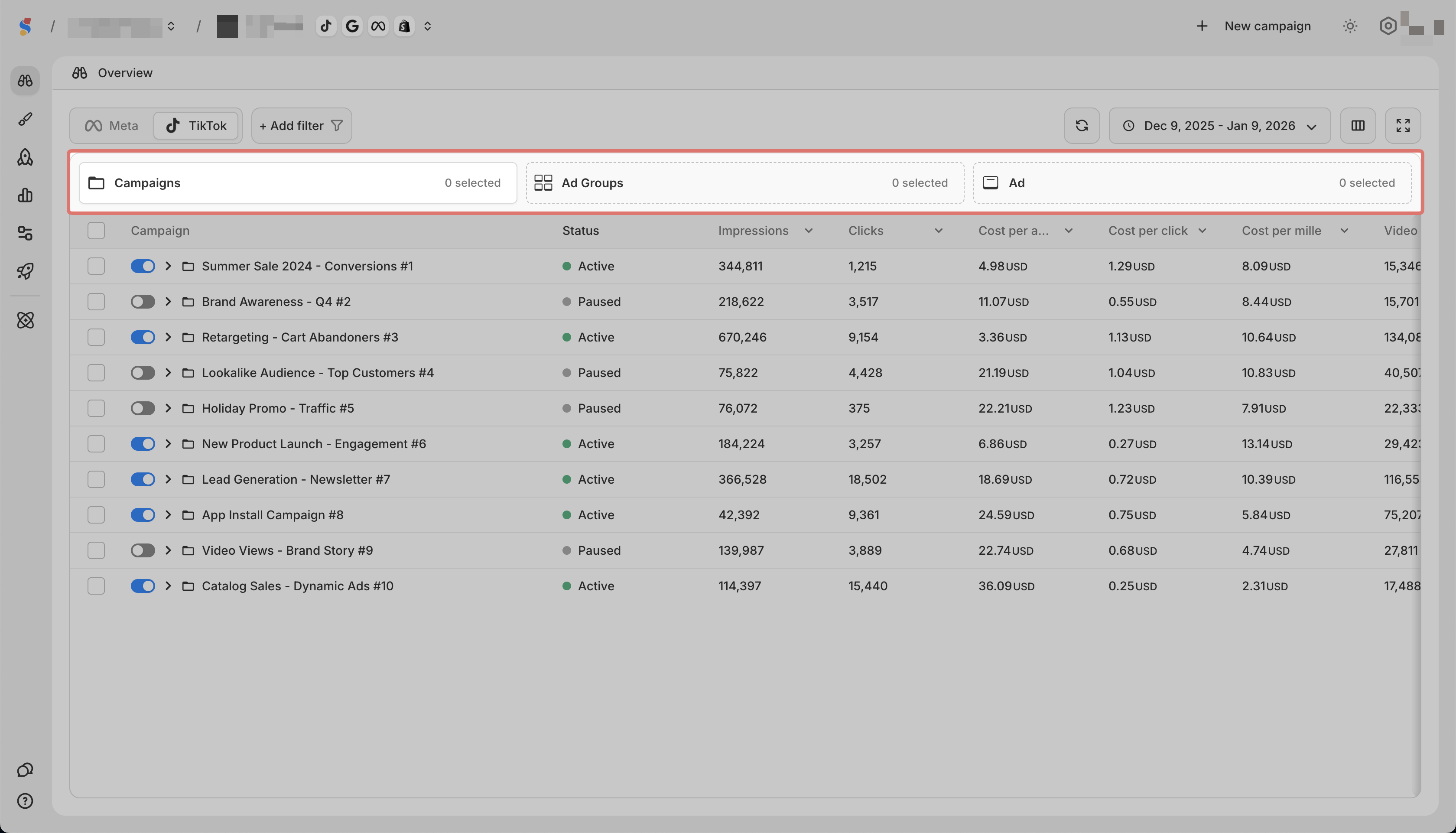
Use the tabs to switch between:
-
Campaigns to see campaign-level data
-
Ad Sets to see ad set-level data
-
Ads to see individual ad data
Changing the date range

Click the date picker in the top right to select a different date range.