Understanding The Sidebar
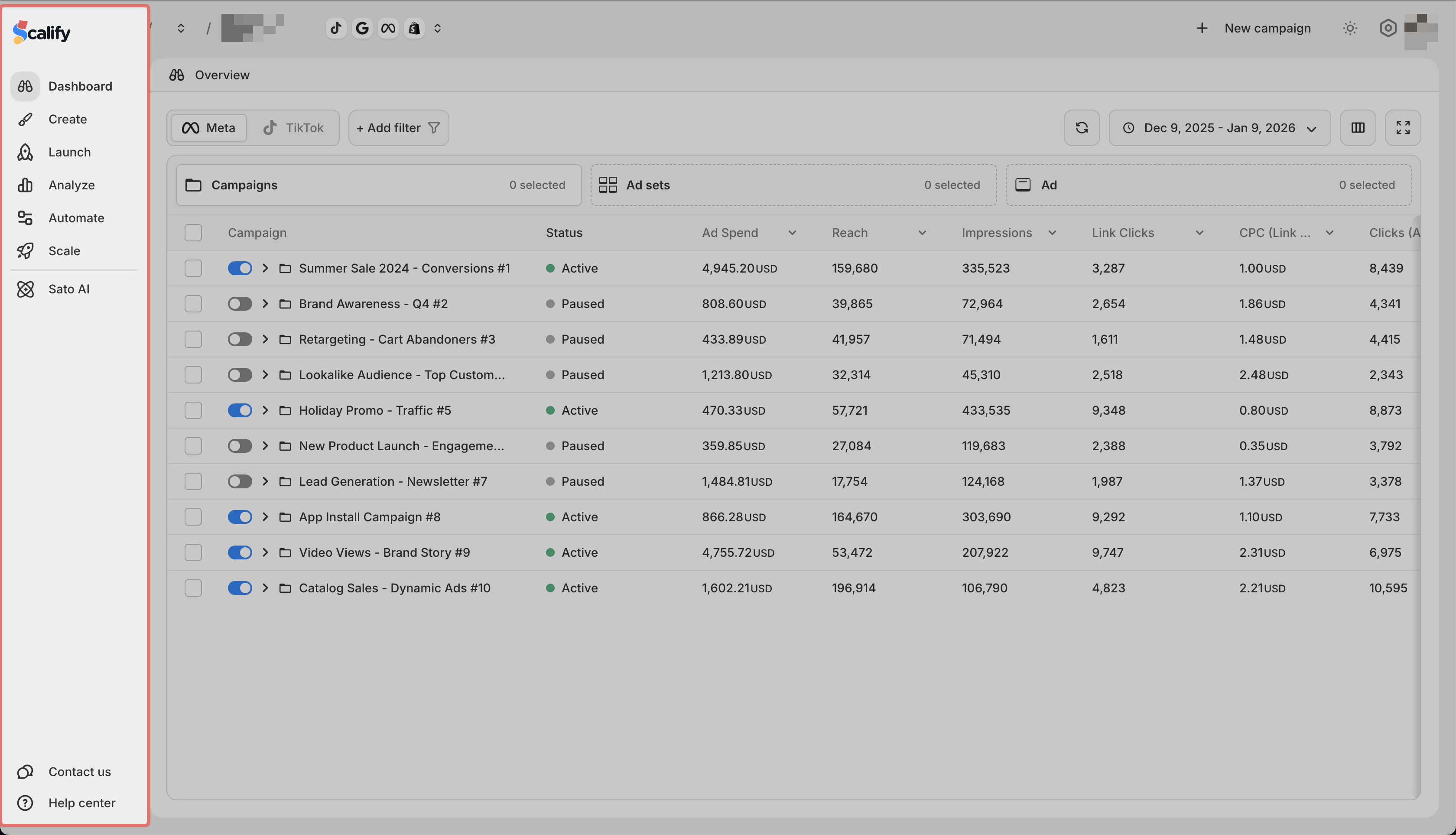
The sidebar is your main navigation in Scalify. Here is what each item does:
| Item | What it does |
| ---- | ---- |
| Dashboard | Shows an overview of your ad performance across platforms |
| Create | Make ad copy and visuals with AI |
| Launch | Set up and publish campaigns on Meta and TikTok |
| Analyze | Review performance data across platforms |
| Automate | Set rules that manage your campaigns automatically |
| Scale | Increase spending on profitable campaigns using scaling rules or templates |
| Help Center | Opens the help documentation |
| Contact us | Opens a chat to reach support |
Click any item to open that feature in the main area.