Creating your first ad
Ads are created in the Ad Library tab inside Create.
How to create an ad
-
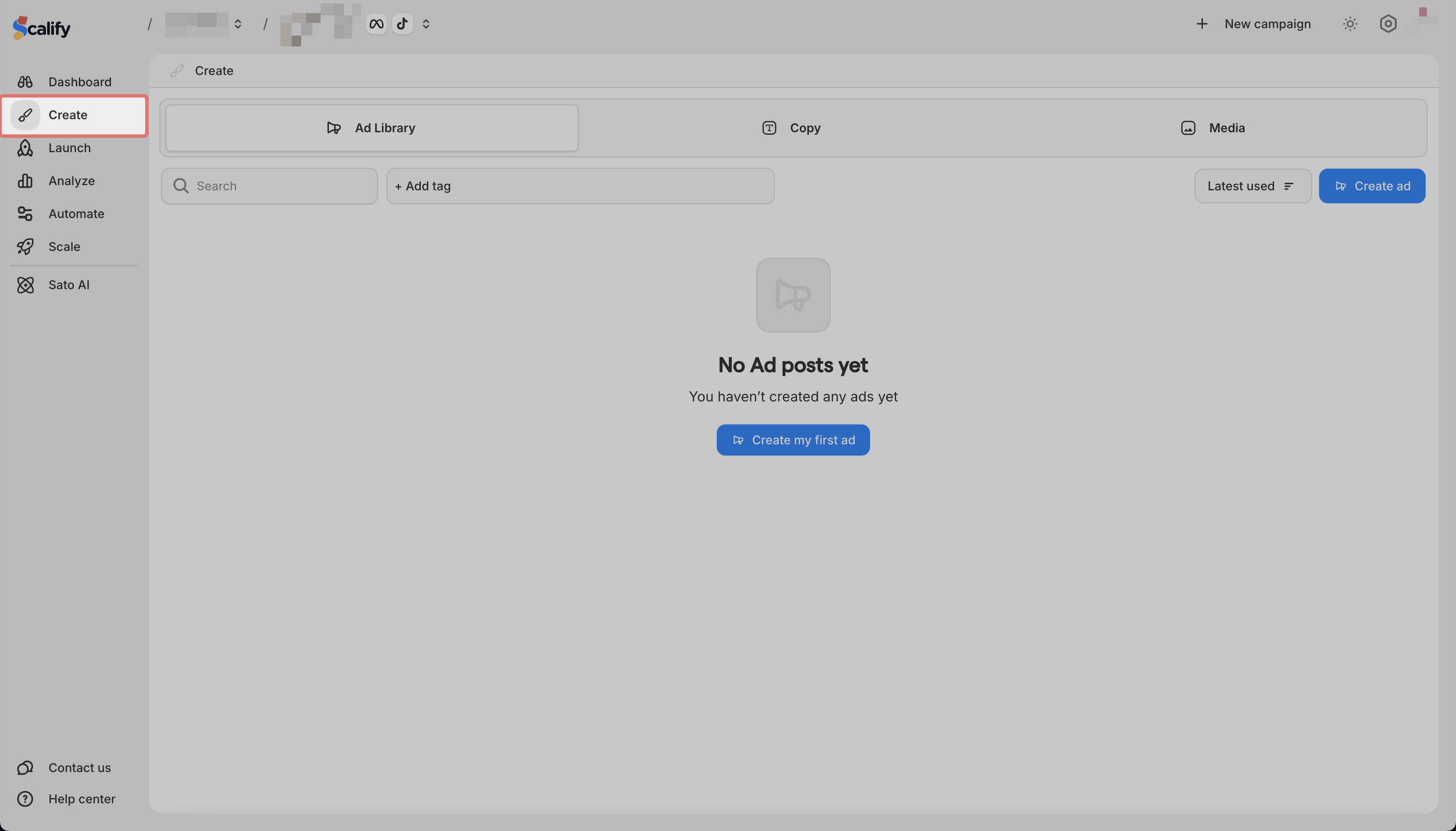
Go to Create in the sidebar
-
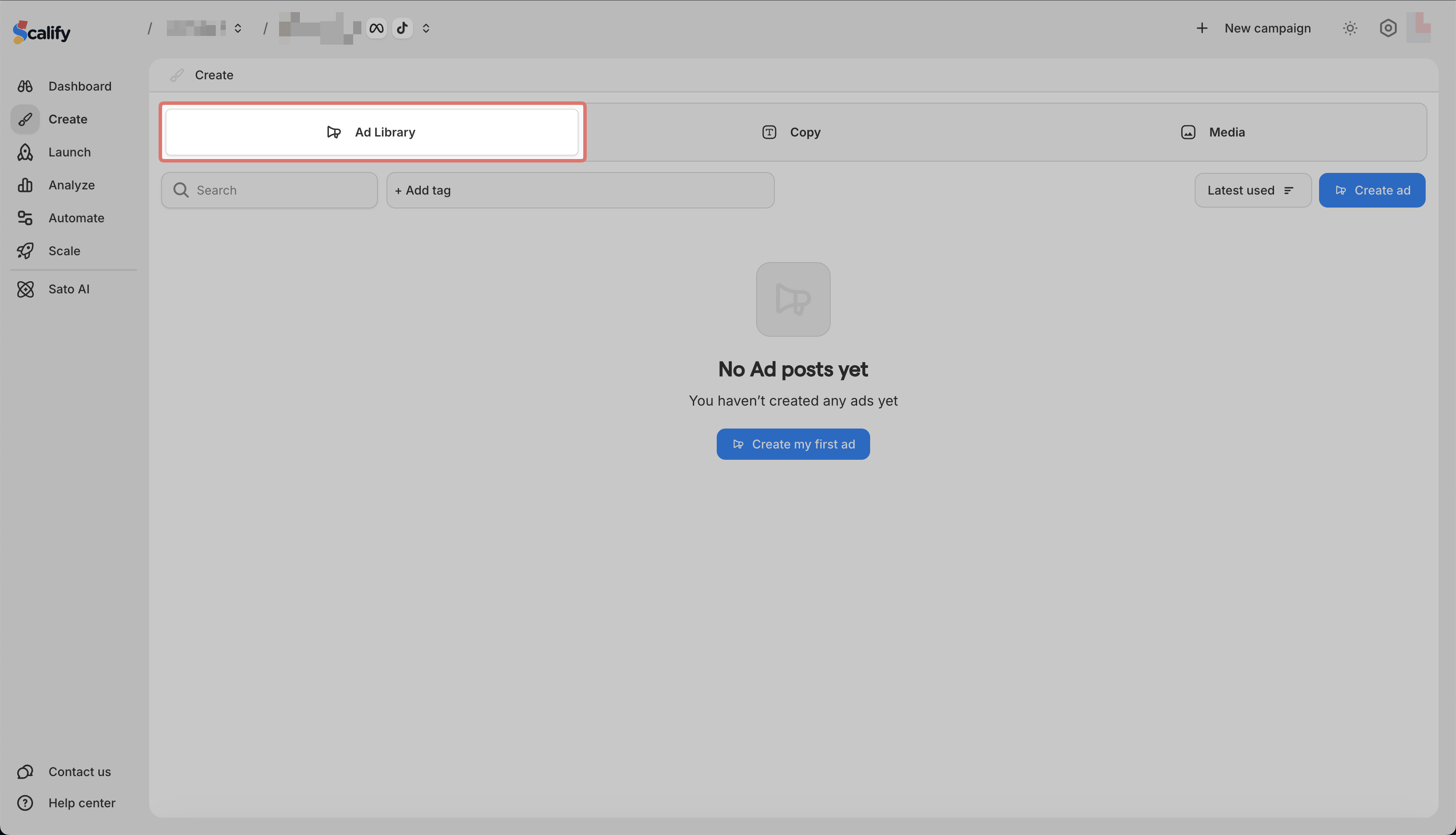
Make sure you are on the Ad Library tab
-
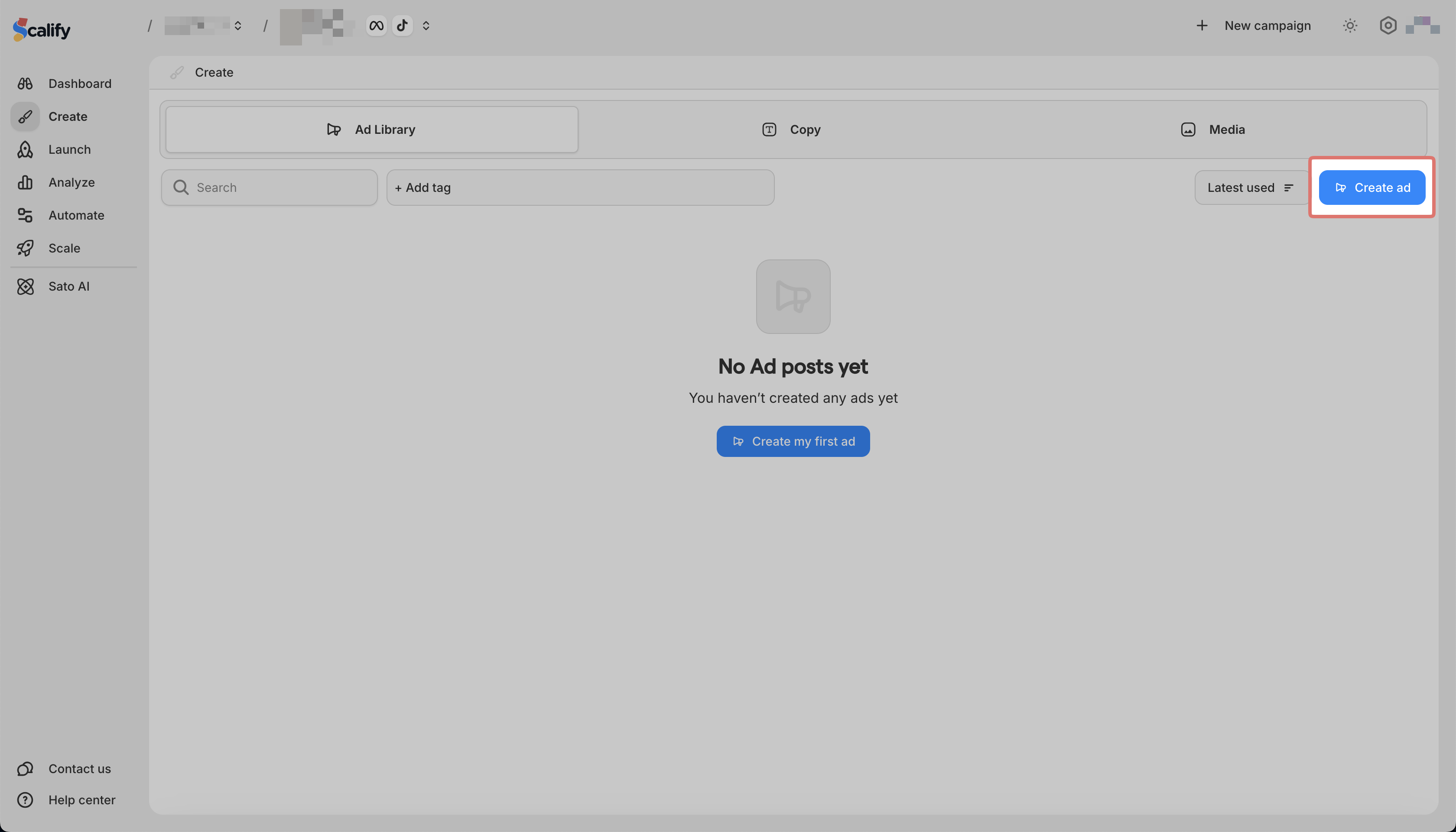
Click Create Ad
-
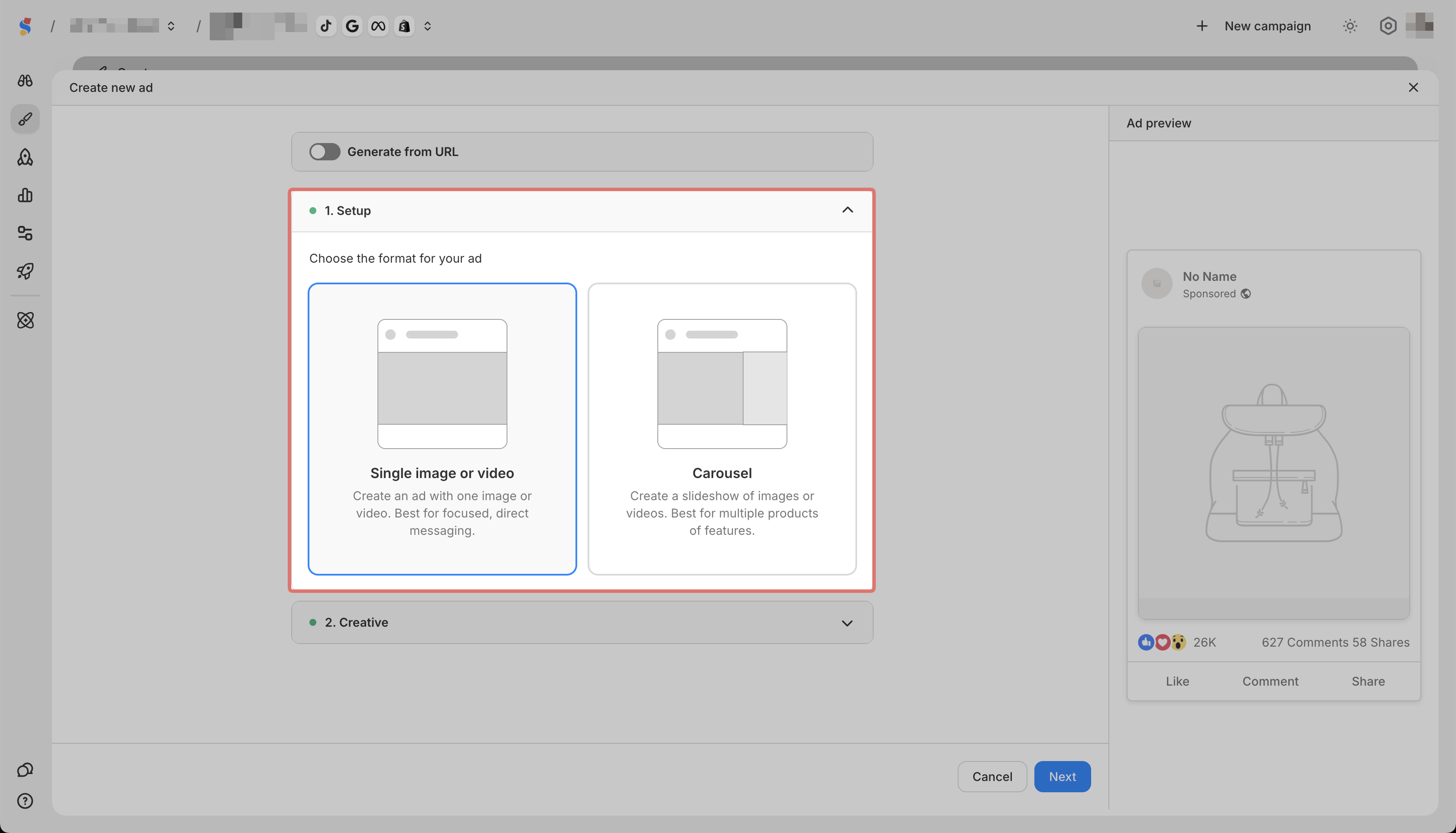
Complete the Setup step (select single image/video or carousel)
-
Complete the Creative step (select platform, add media)
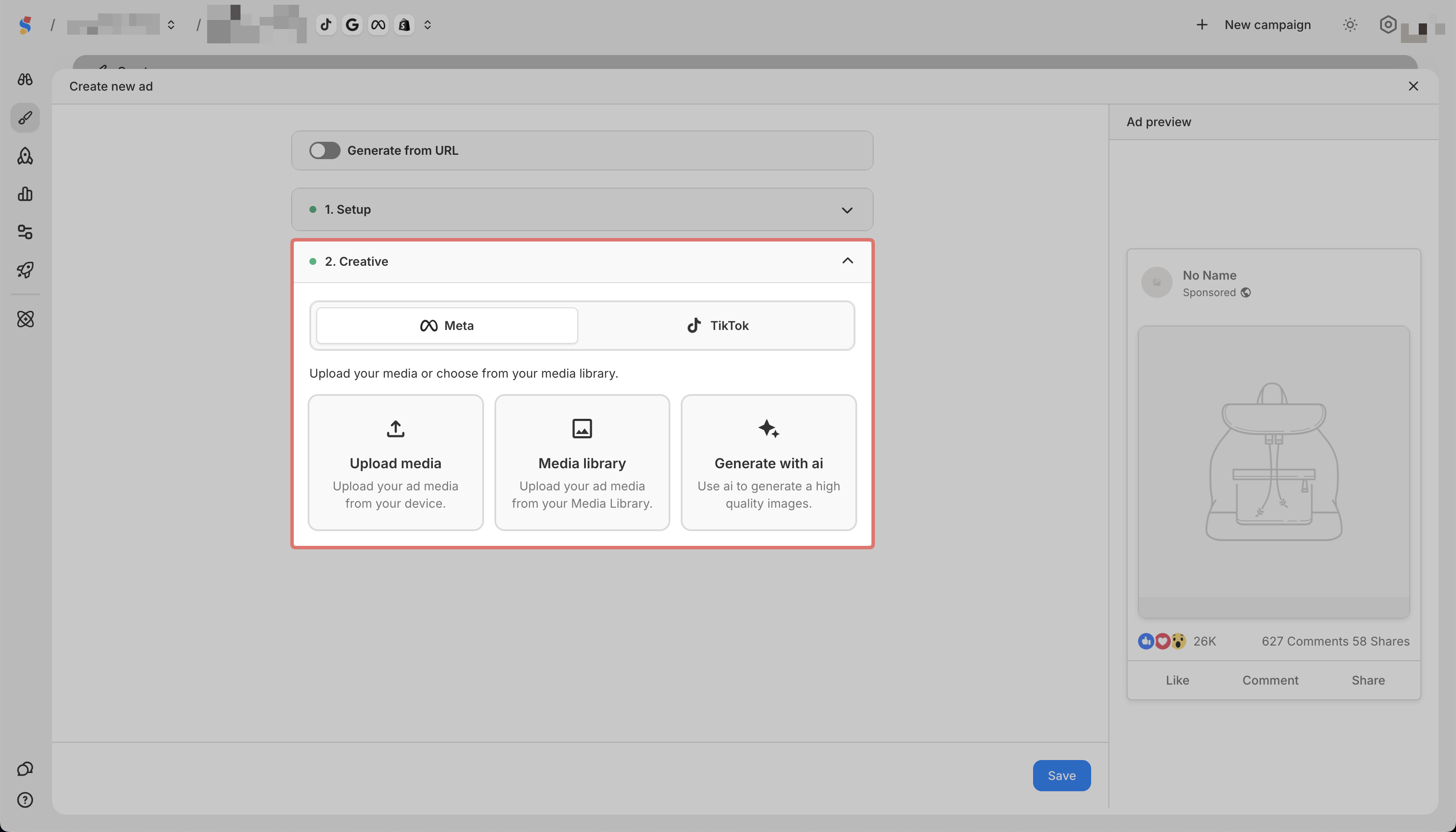
-
Click Save
Your ad is now saved in the Ad Library and ready to use in campaigns.