Saving an ad copy
After writing or generating ad copy, save it to reuse in your ads.
How to save
-
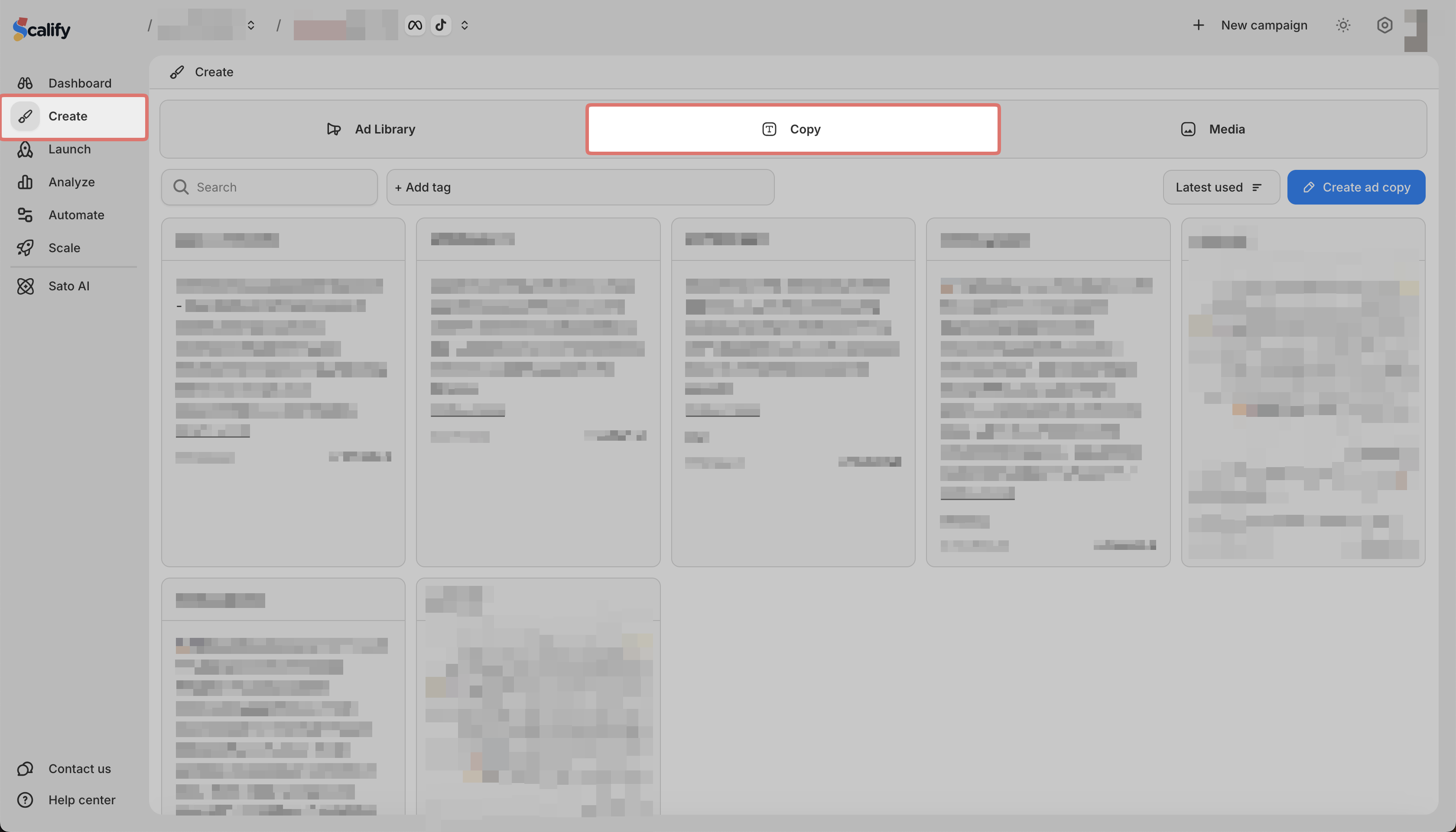
In the Ad Copy tab, create or generate your copy
-
Click Save
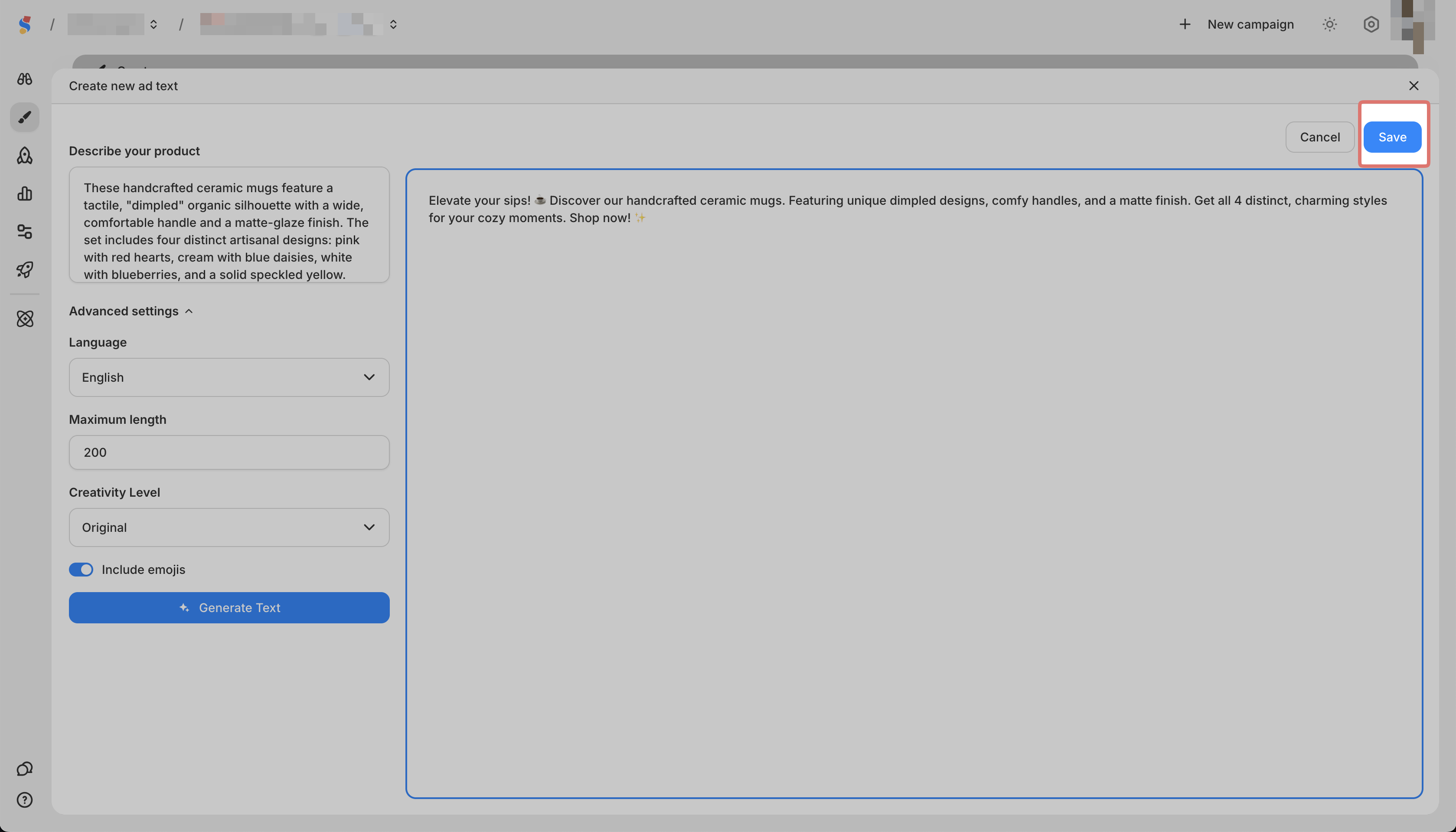
Your ad copy will appear in the Ad Copy list and can be used when creating ads.
After writing or generating ad copy, save it to reuse in your ads.
In the Ad Copy tab, create or generate your copy
Click Save
Your ad copy will appear in the Ad Copy list and can be used when creating ads.