Creating a carousel ad
A carousel ad uses multiple images or videos that people can swipe through.
How to create
-
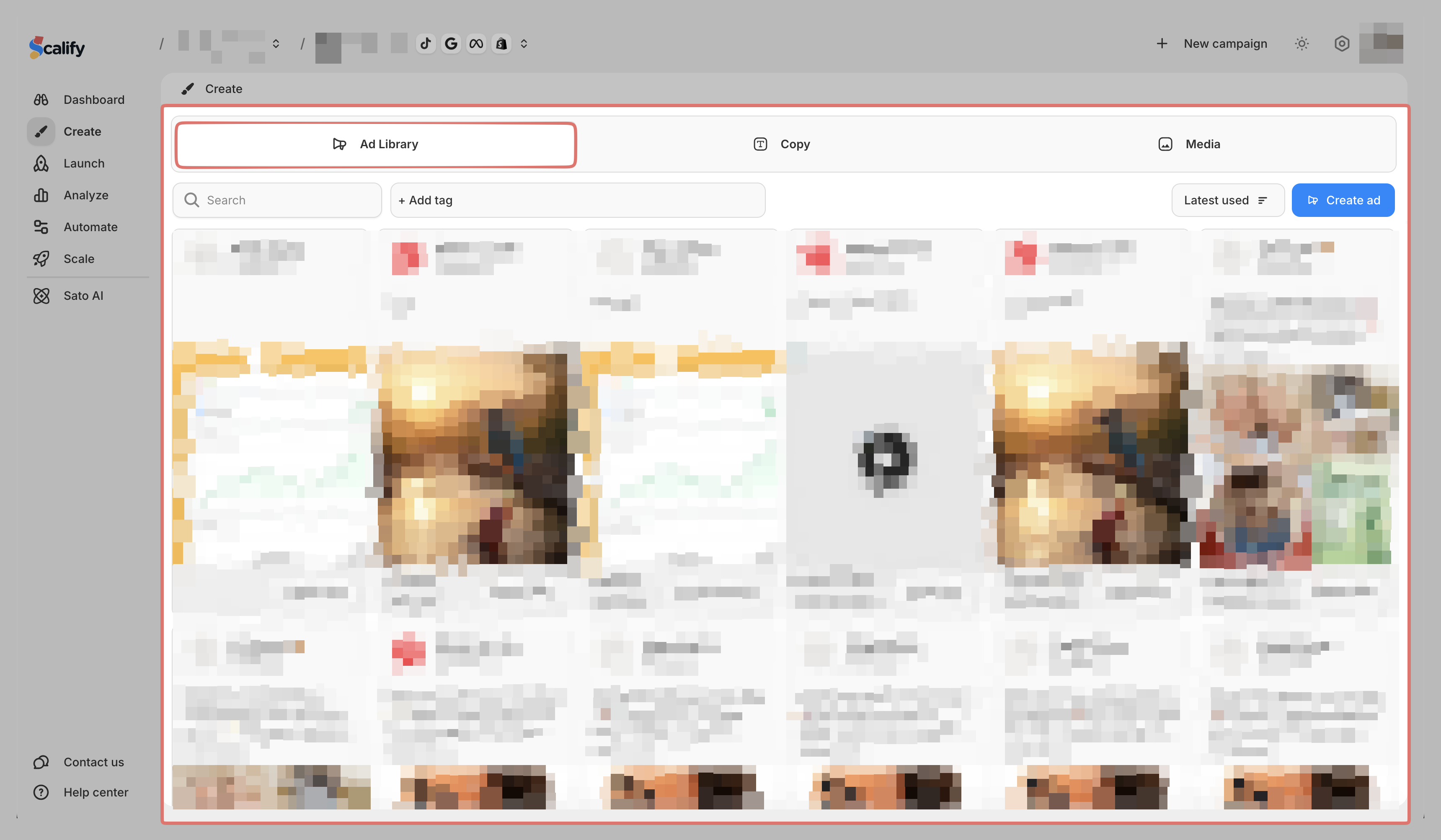
Go to Create > Ad Library
-
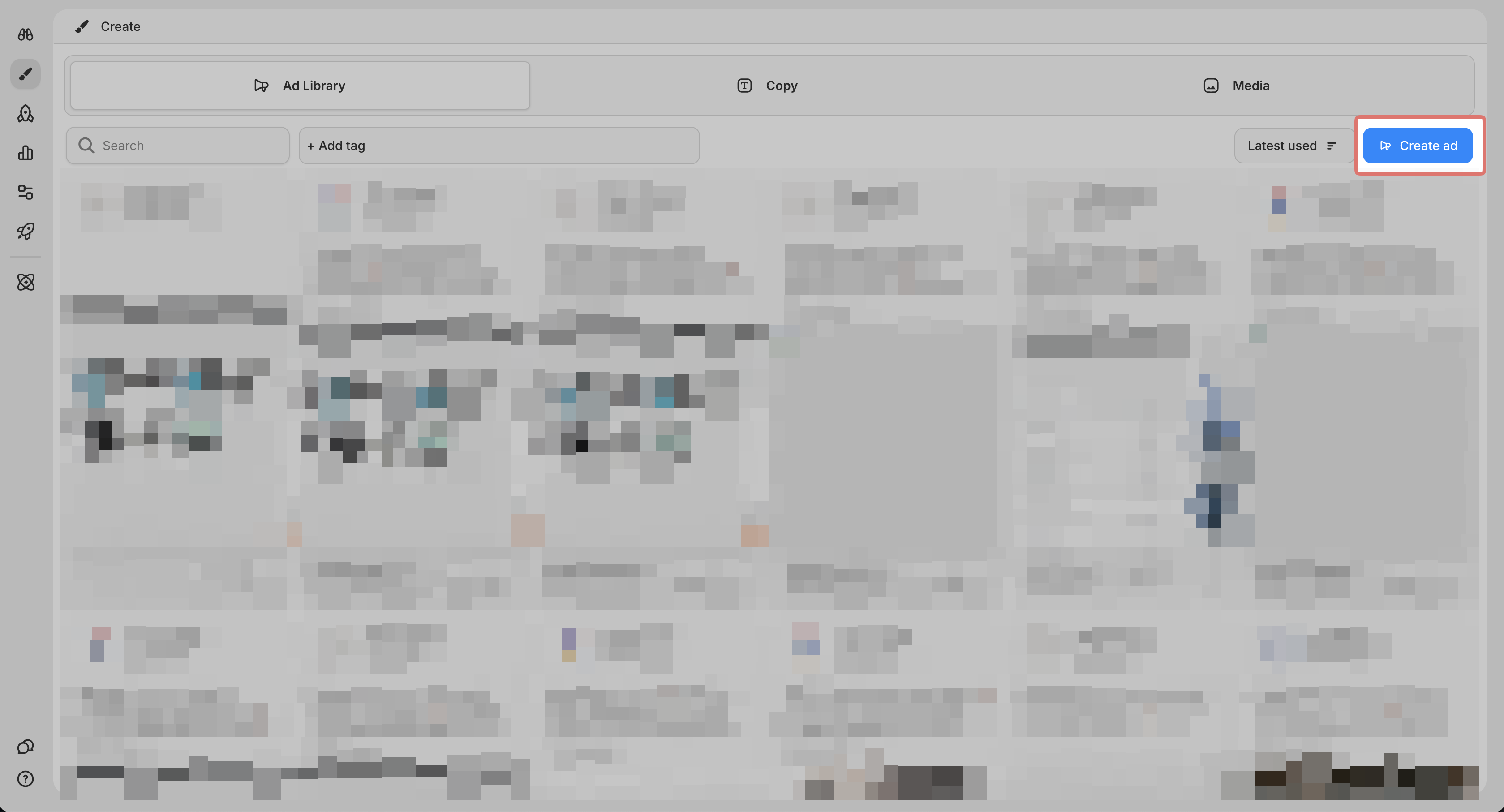
Click Create Ad
-
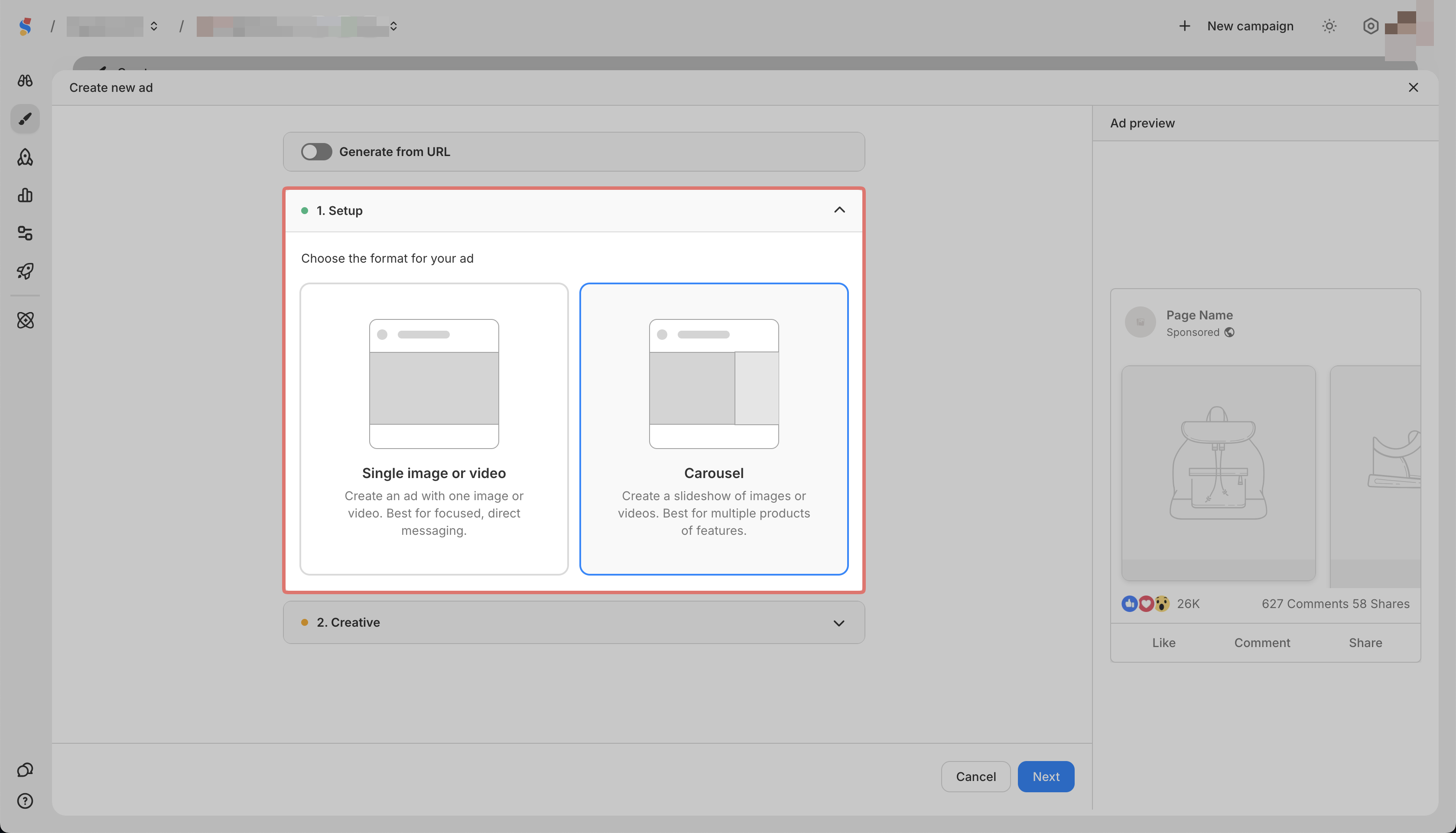
In Setup, select Carousel
-
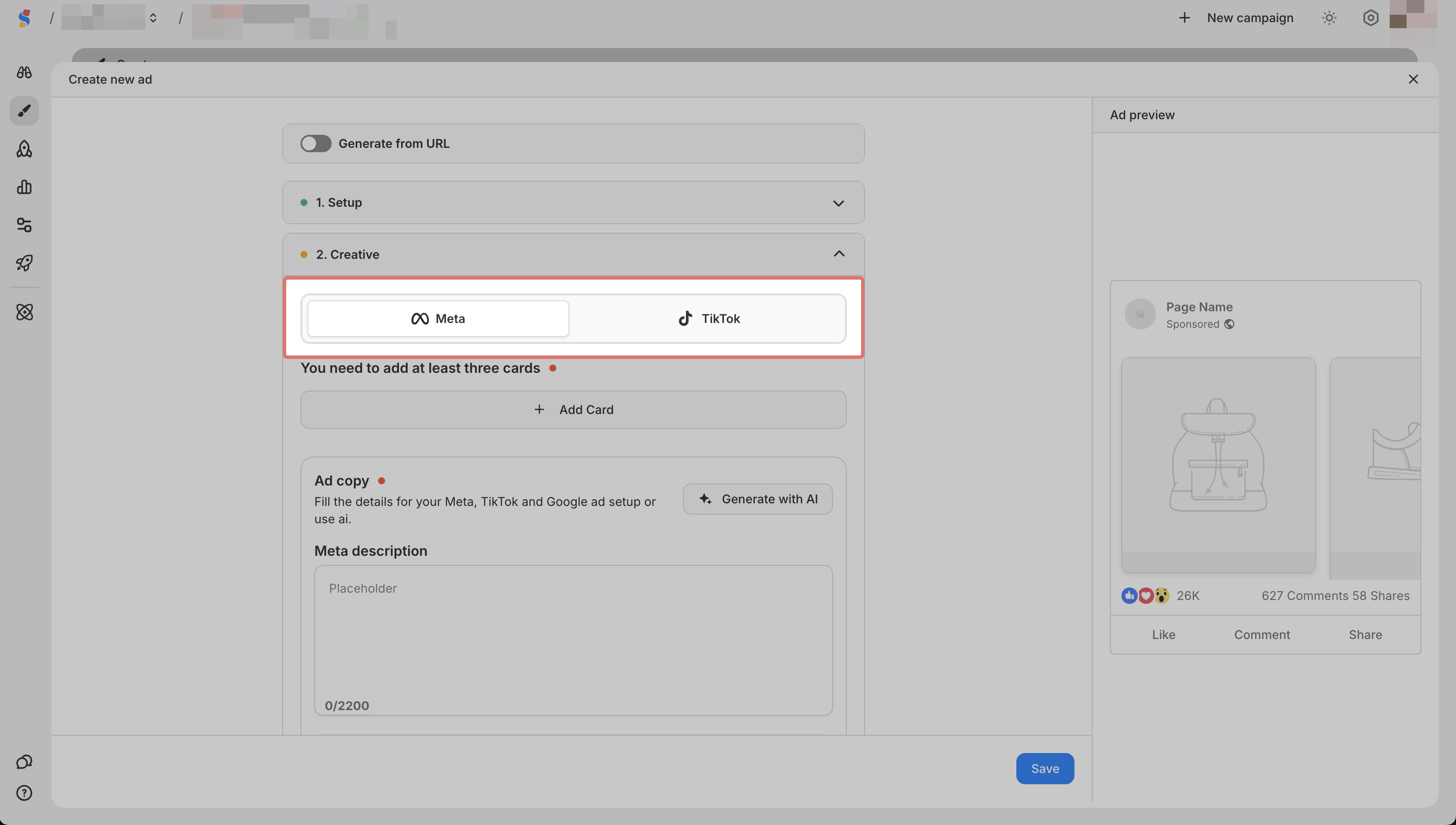
In Creative, select Meta or TikTok
-
Click Add Card
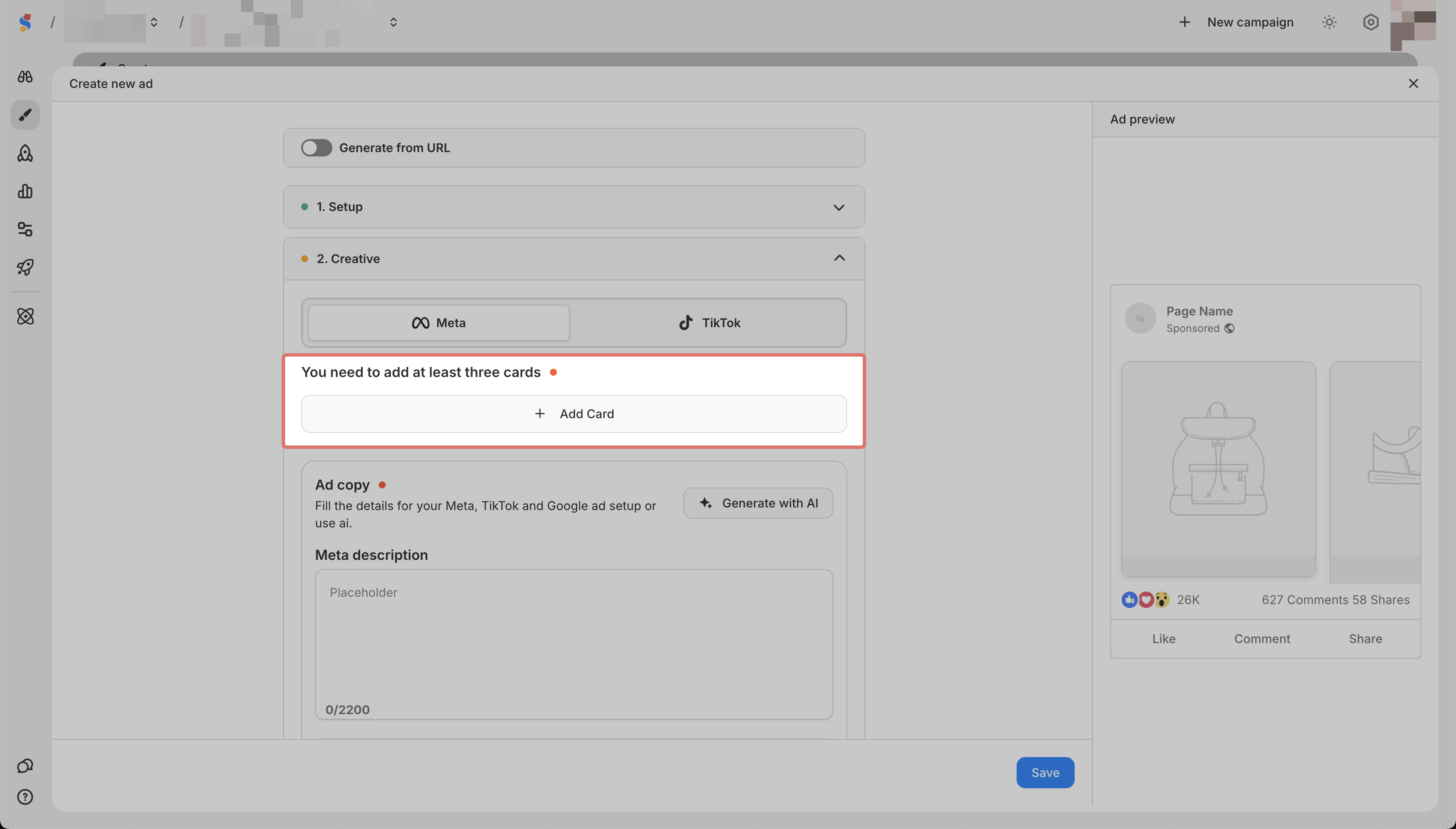
-
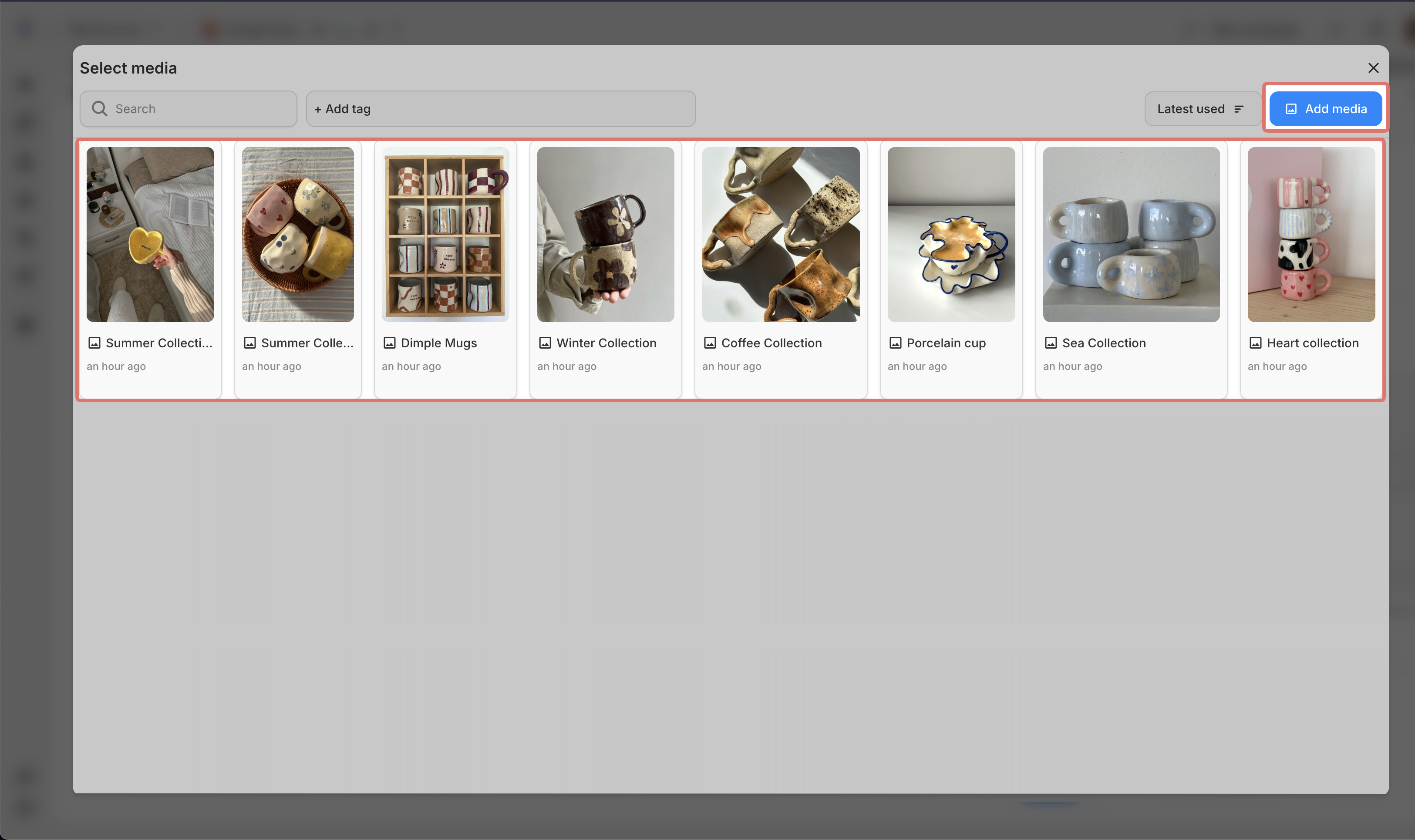
You can click on "Add Media" to upload from your device, or select from your saved media
6. Add your ad copy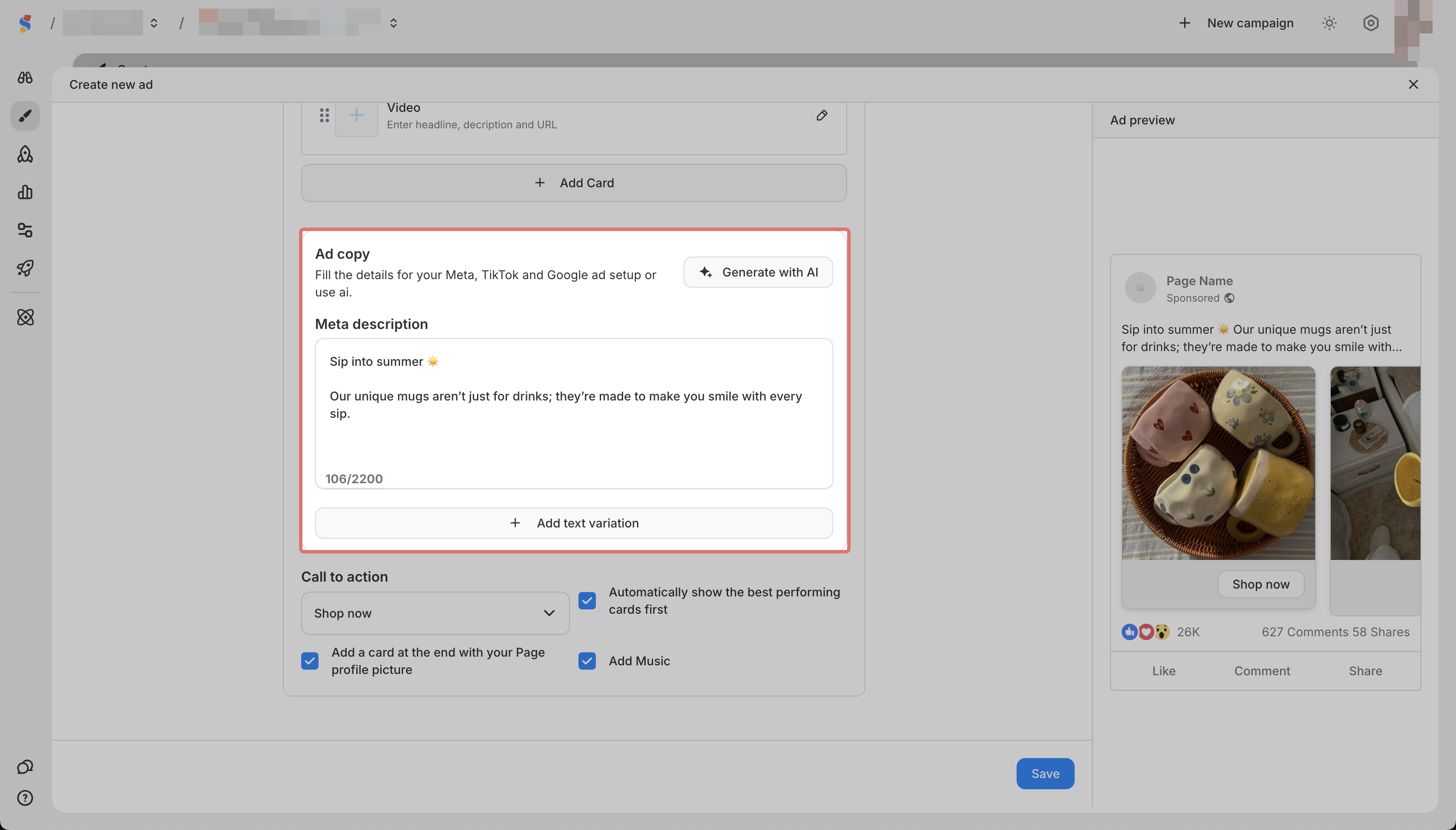
7. Click Save
You can preview your ad on the right side of the screen.