Updating billing information
Billing is managed through Stripe in your account settings.
How to update
-
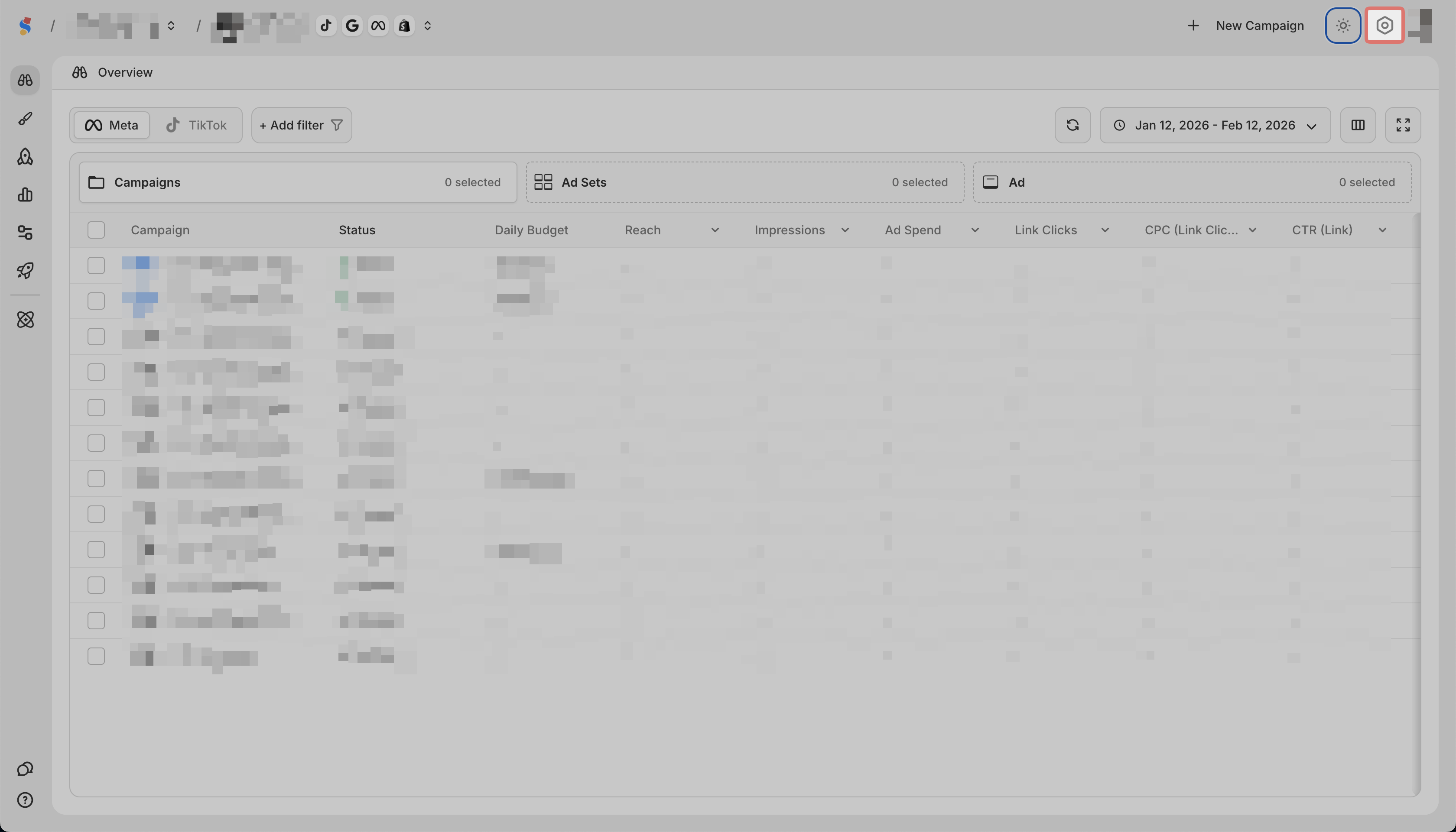
Click the gear icon in the top right
-
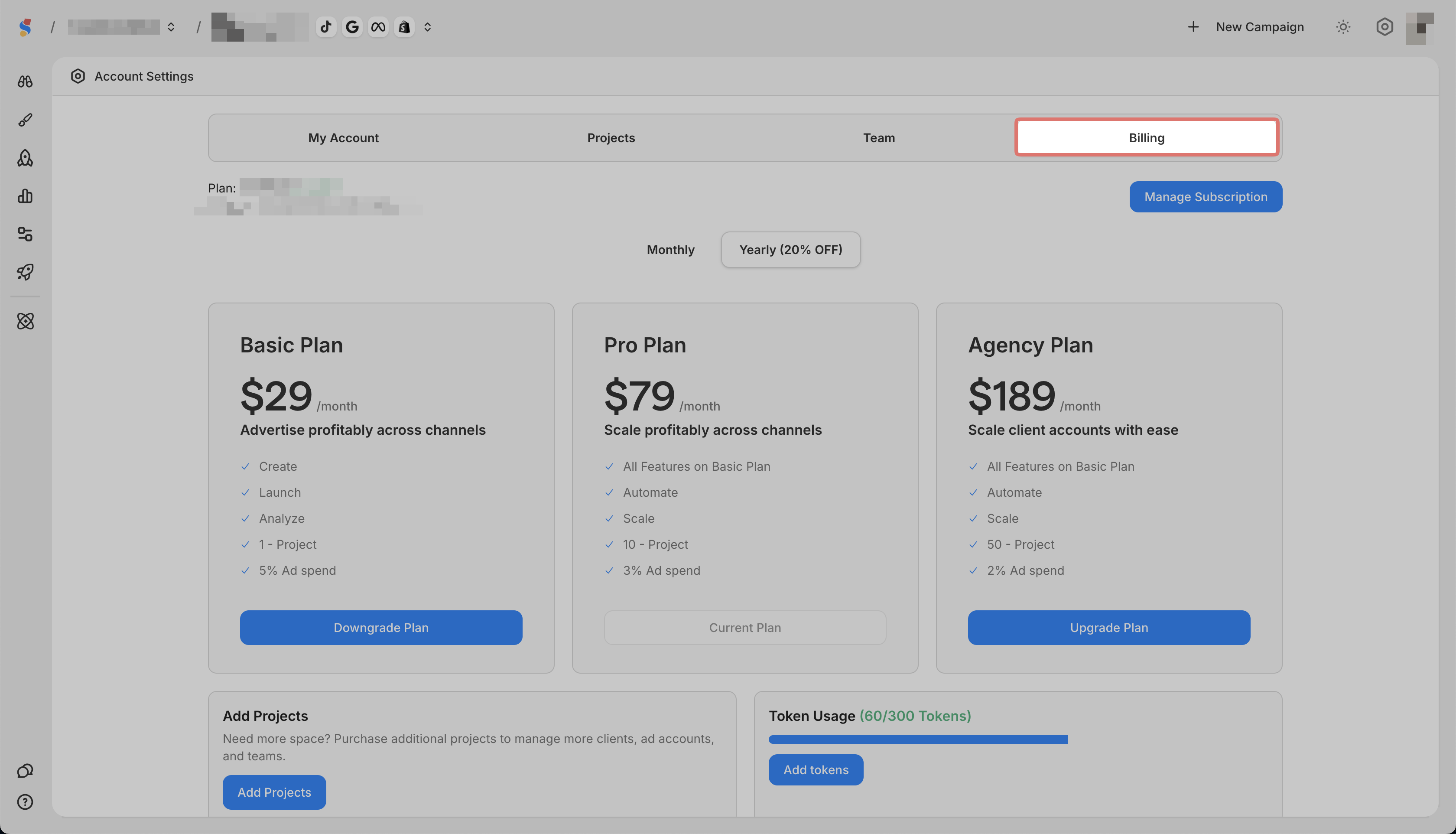
Go to the Billing tab
-
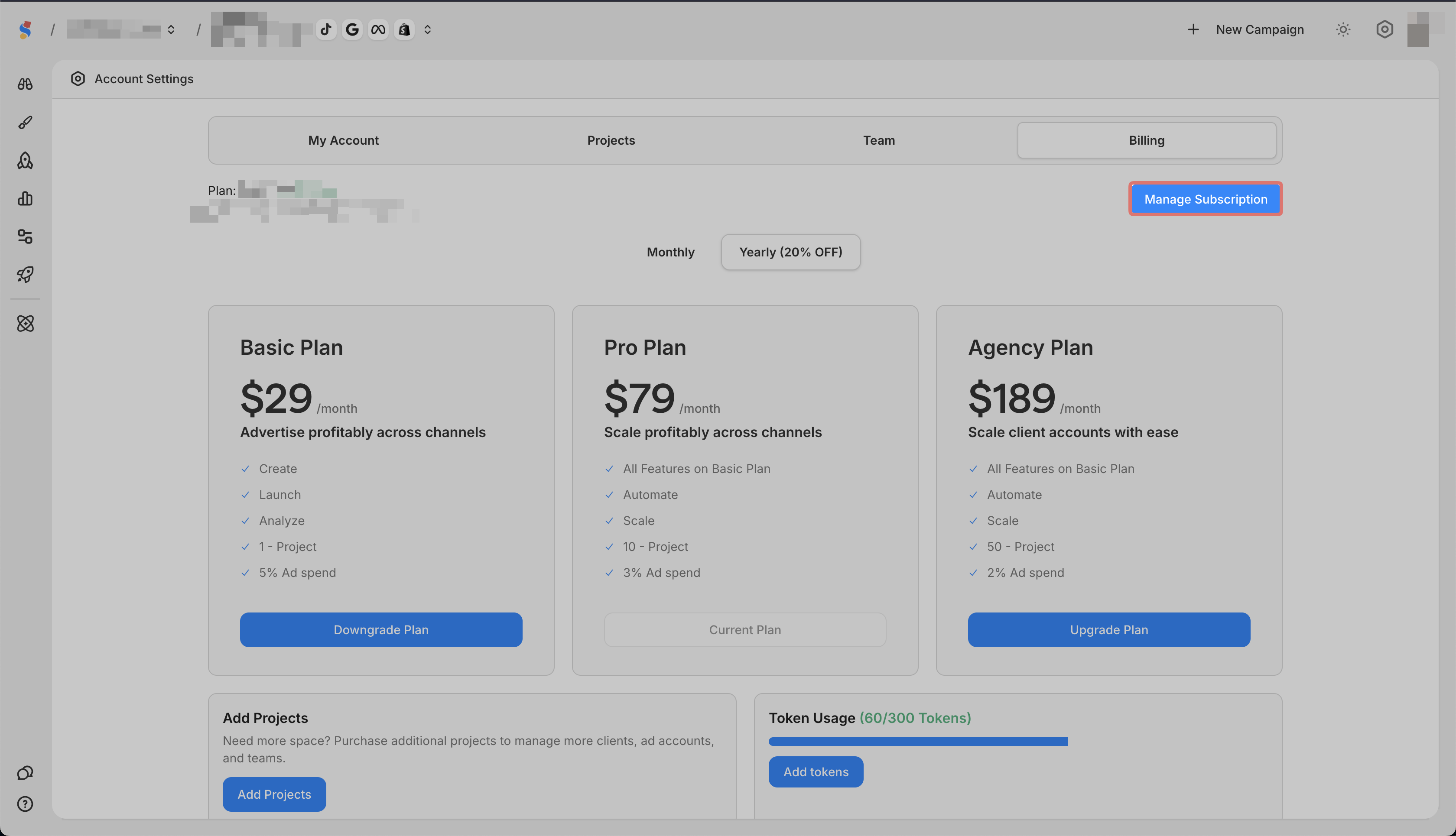
Click Manage Subscription to update your payment method or billing details
What you can do in Billing
-
Upgrade or downgrade your plan
-
Add projects
-
Buy AI image credits
-
View invoices