Creating a single image ad
A single-image ad uses one image as the creative.
How to create
-
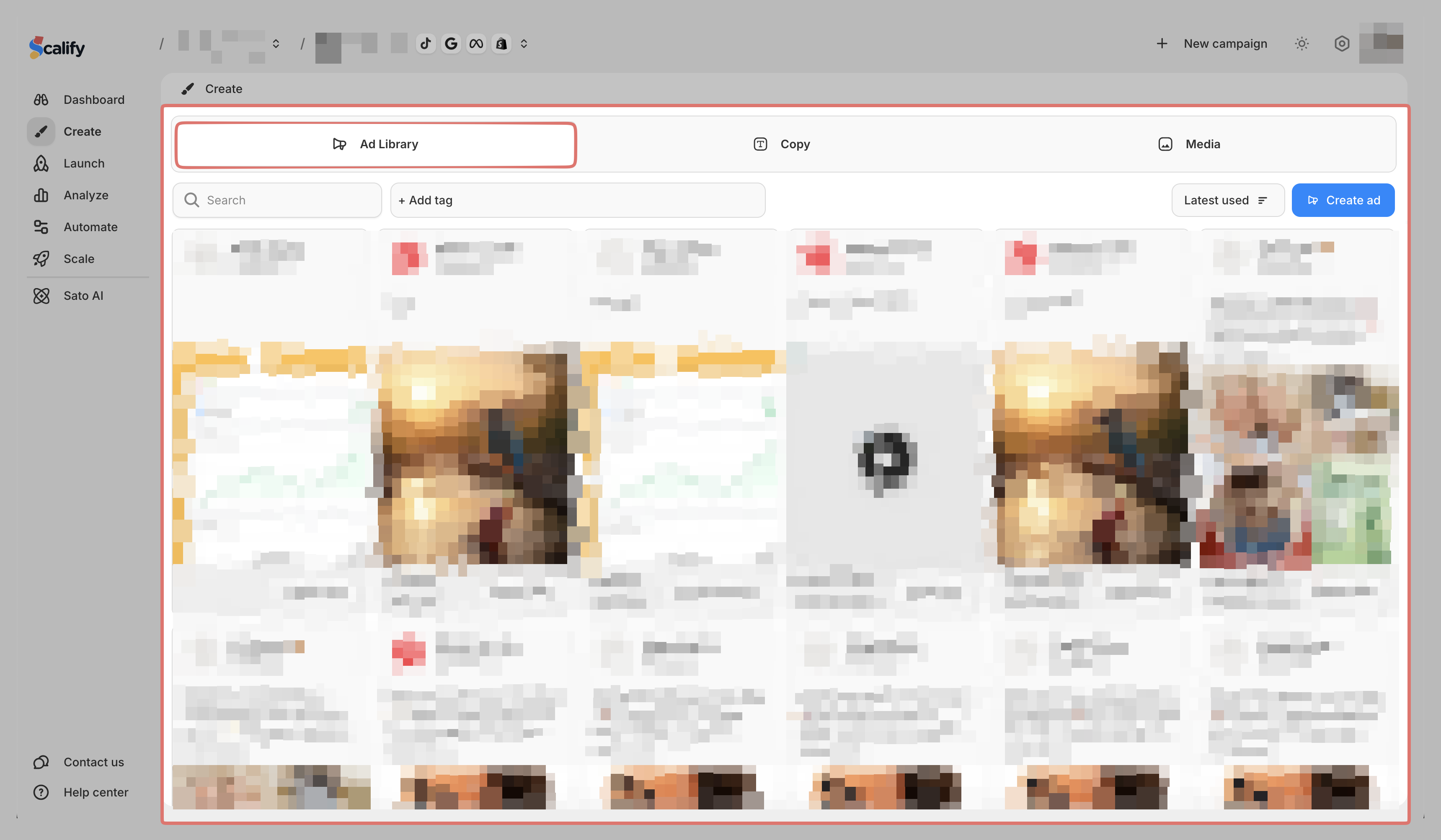
Go to Create > Ad Library
-
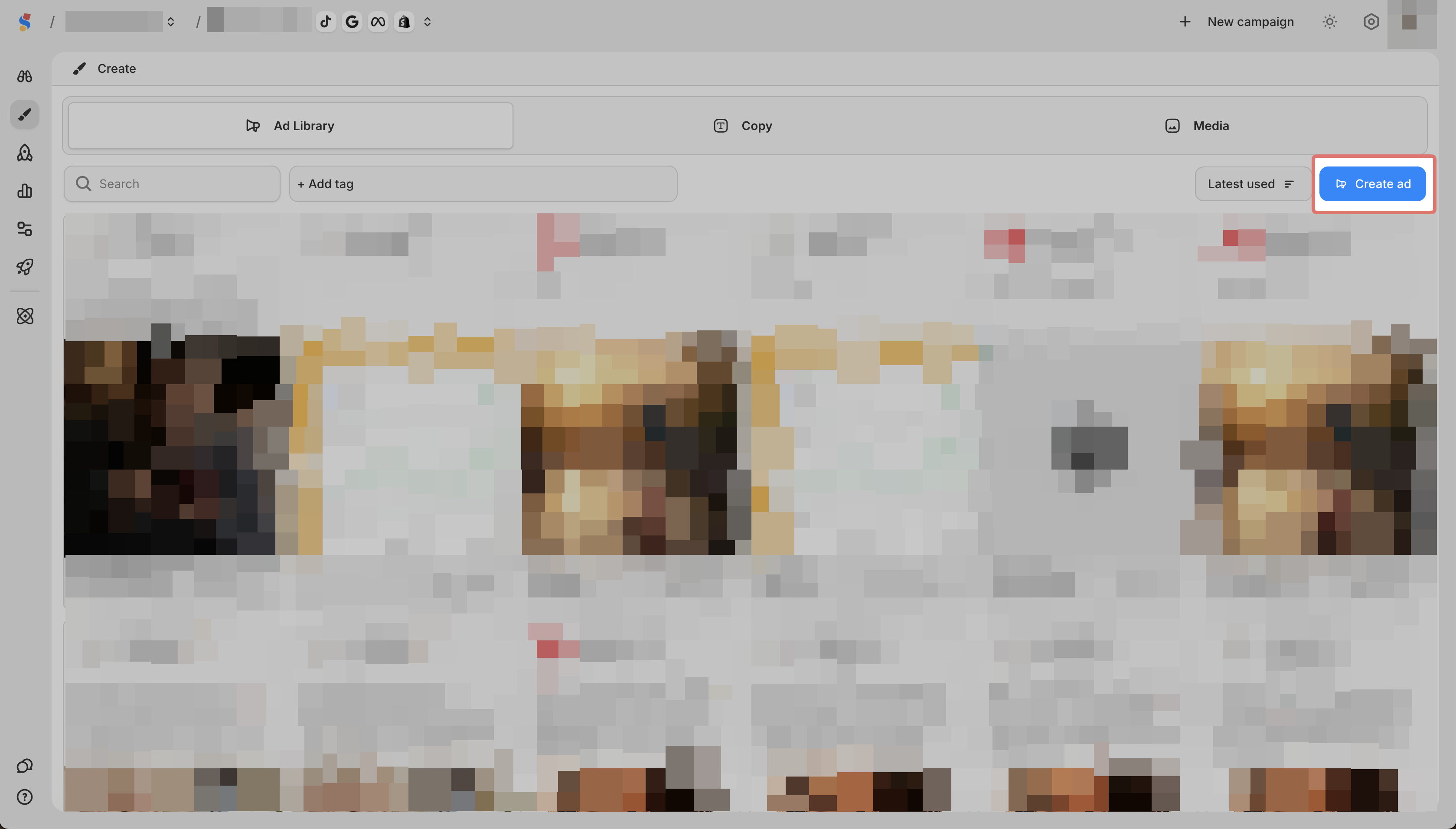
Click Create Ad
-
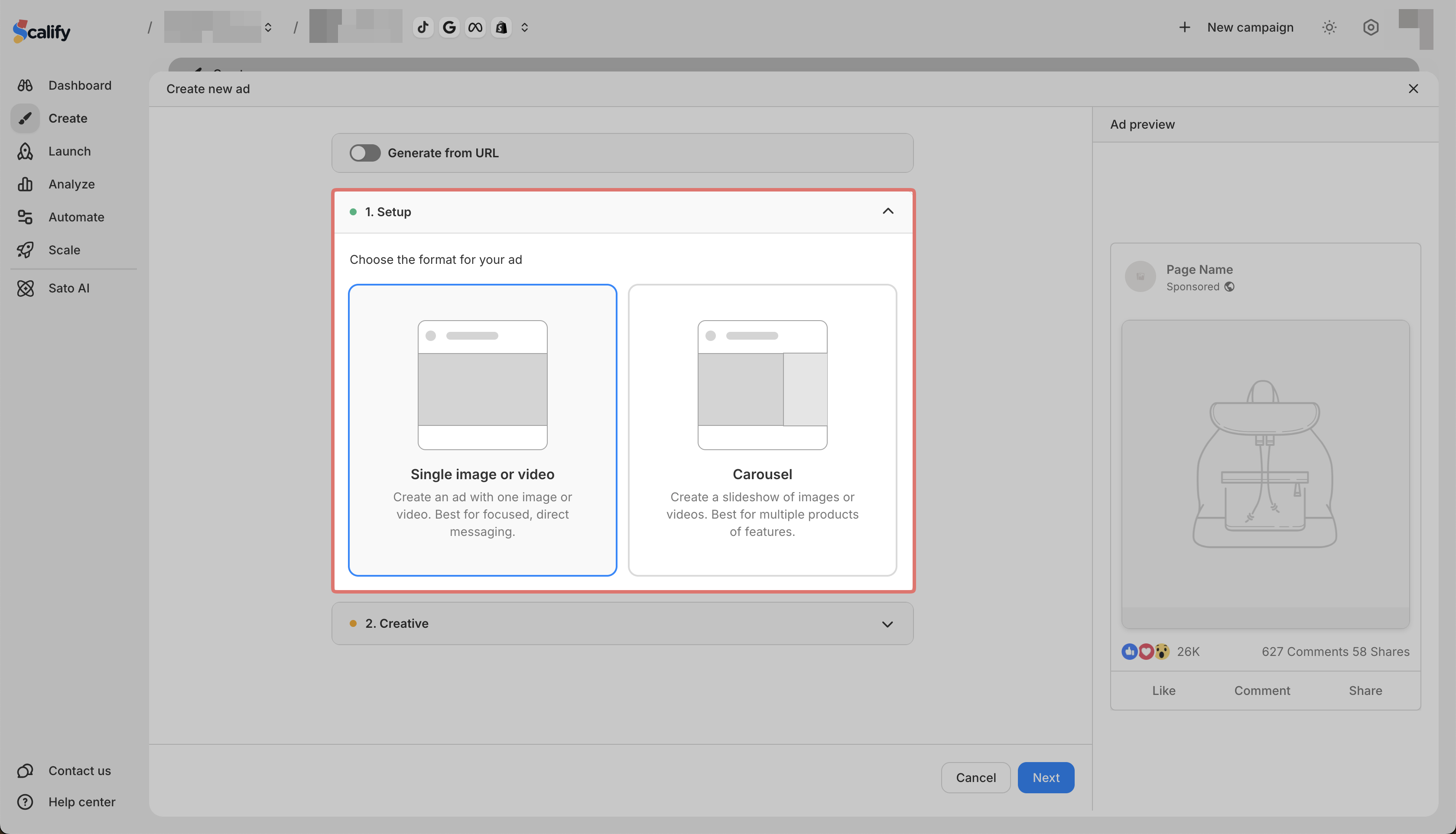
In Setup, select Single image/video
-
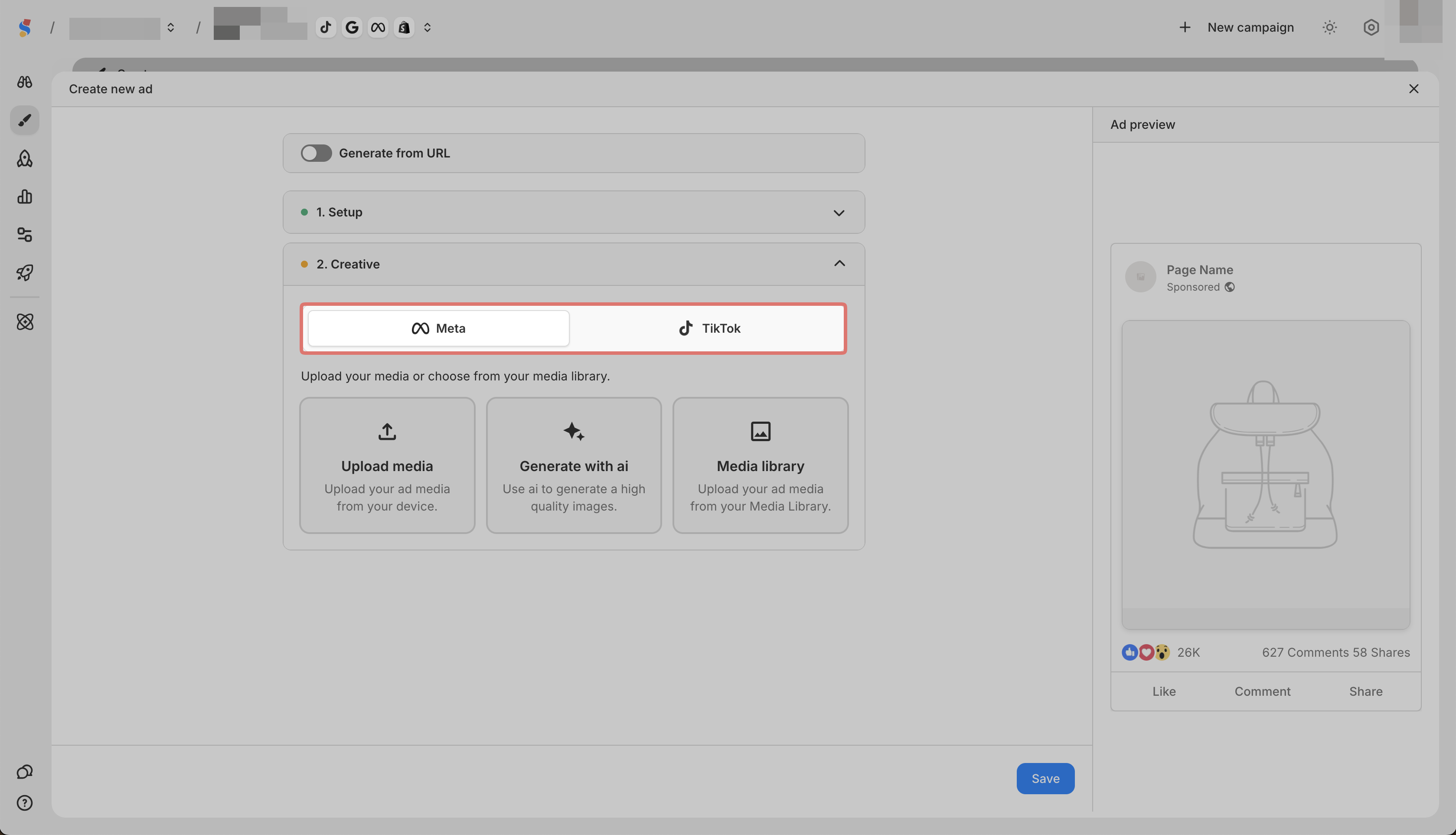
In Creative, select Meta or TikTok
-
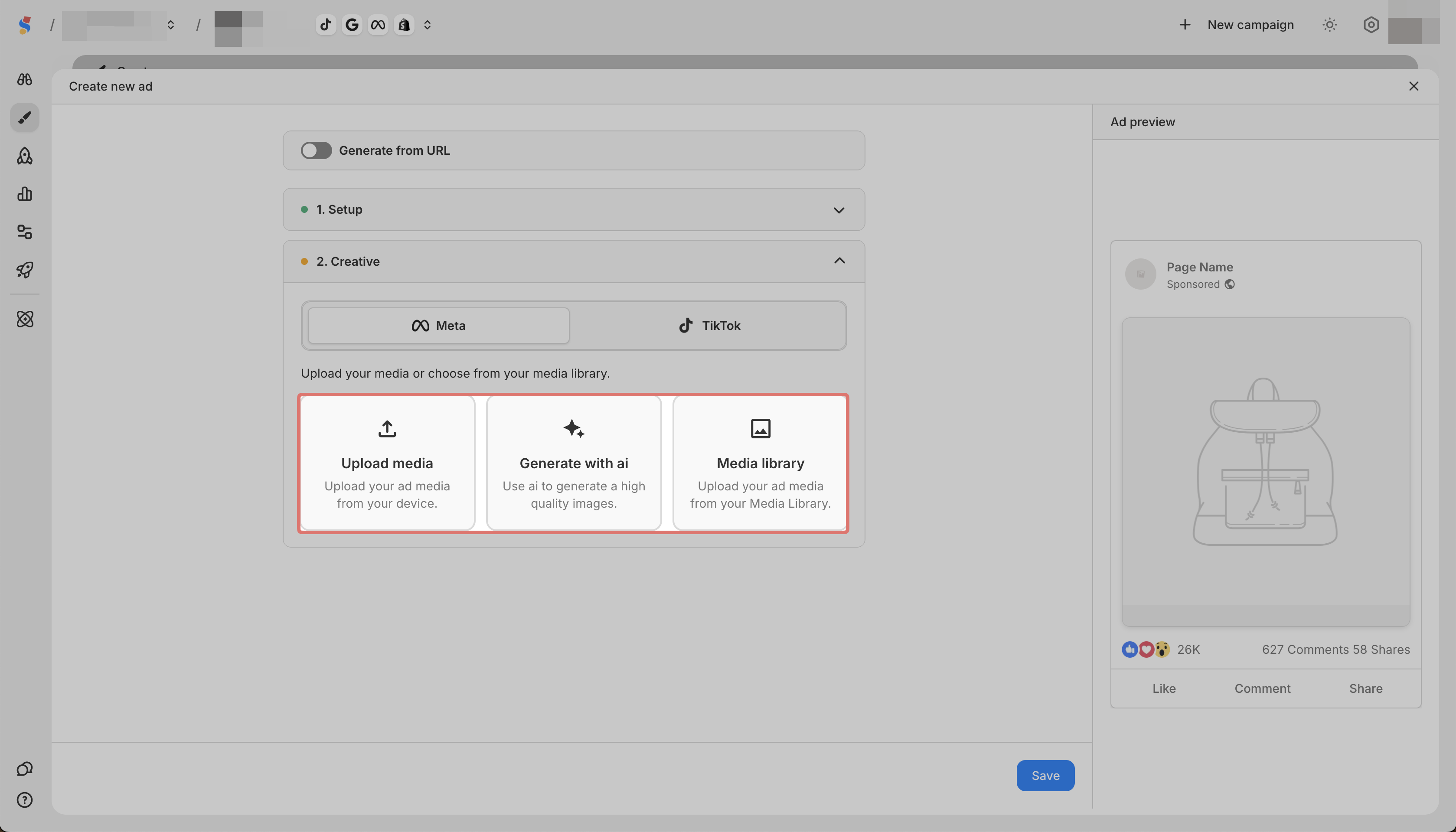
Choose how to add your image:
-
Upload media to upload from your device
-
Media library to select from your saved media
-
Generate with AI to create an image (Meta only)
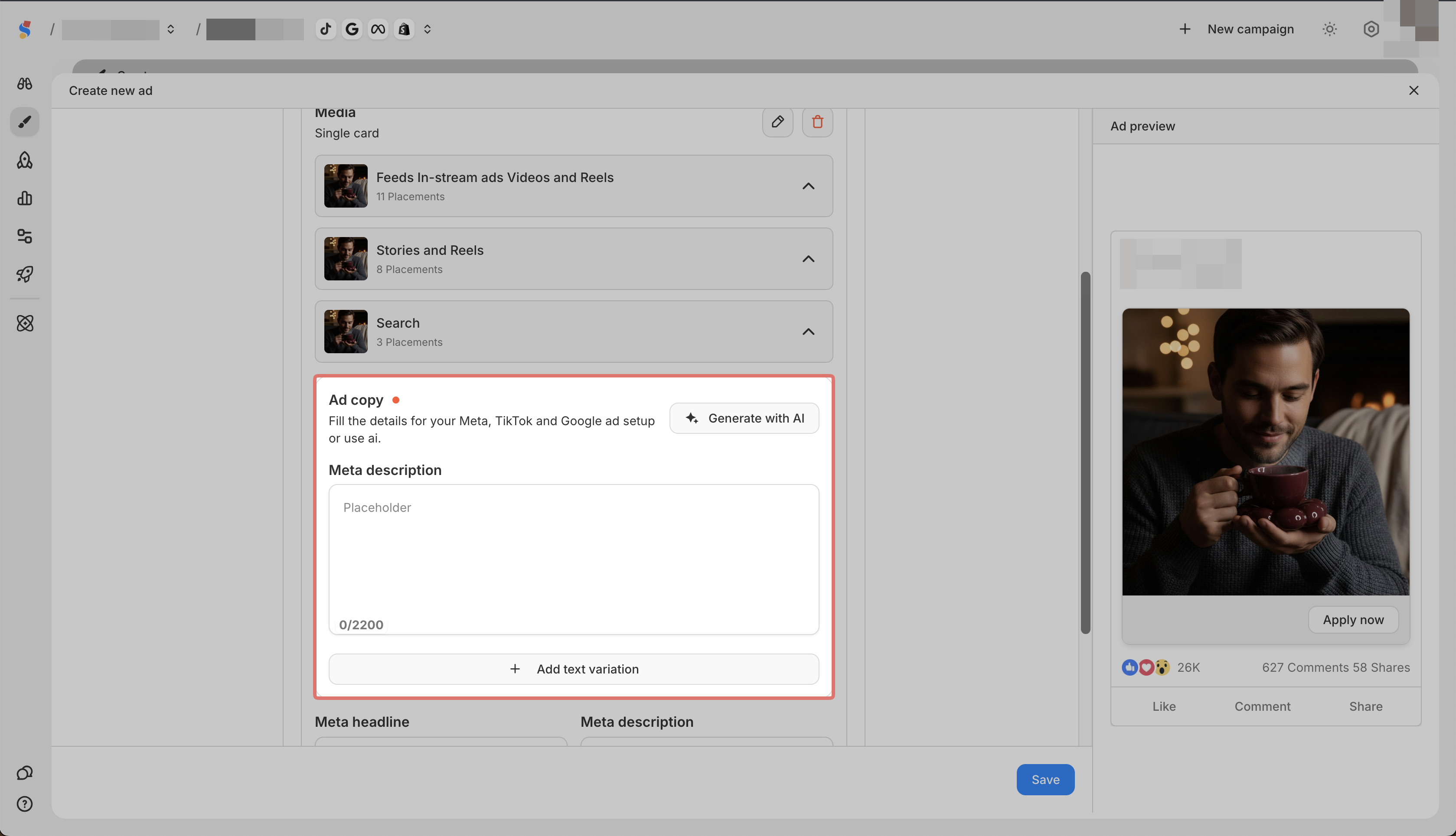
- Add your ad copy
- Click Save
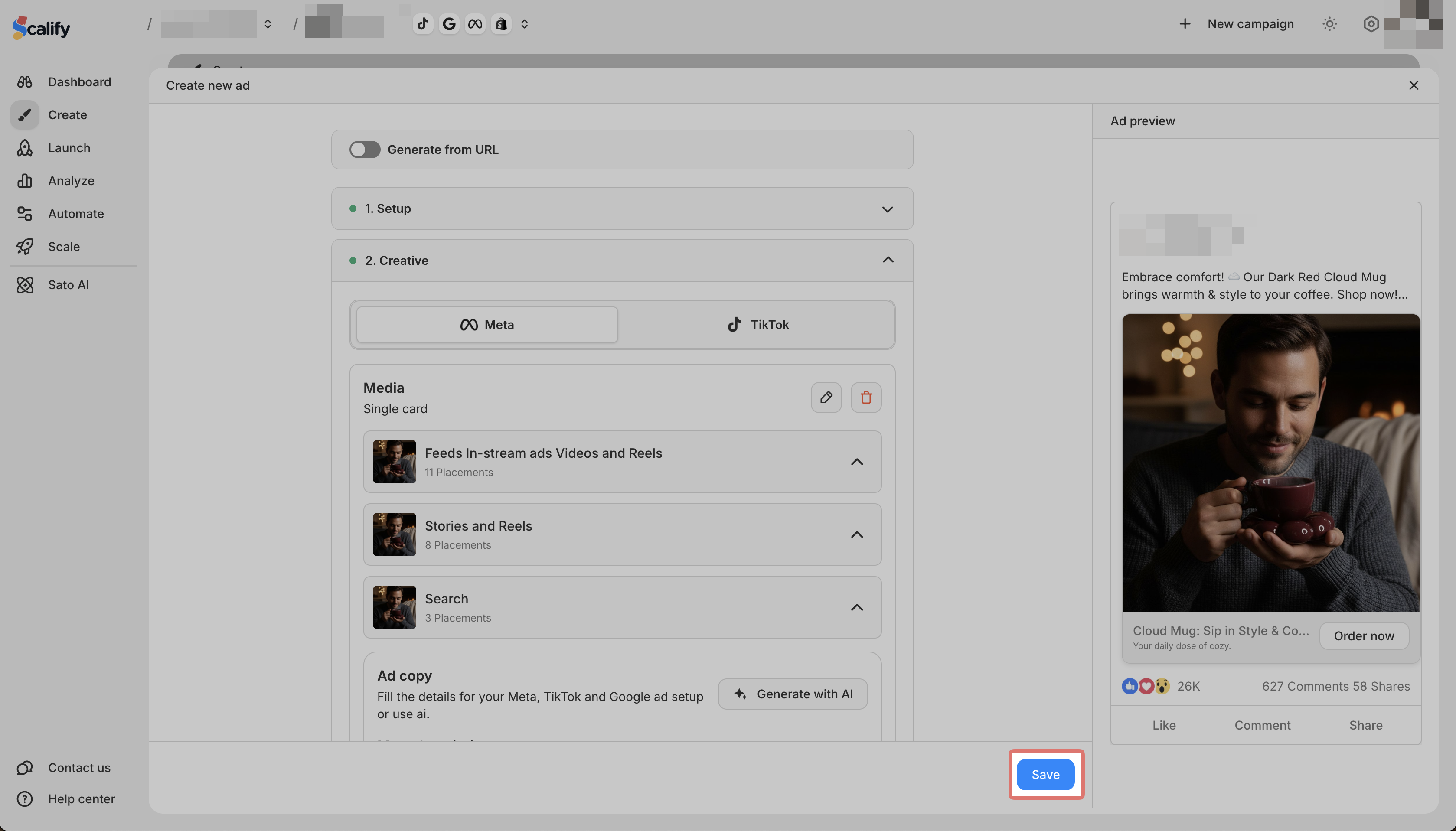
You can preview your ad on the right side of the screen.