Creating your first campaign
Campaigns are created in the Launch builder.
How to create
-
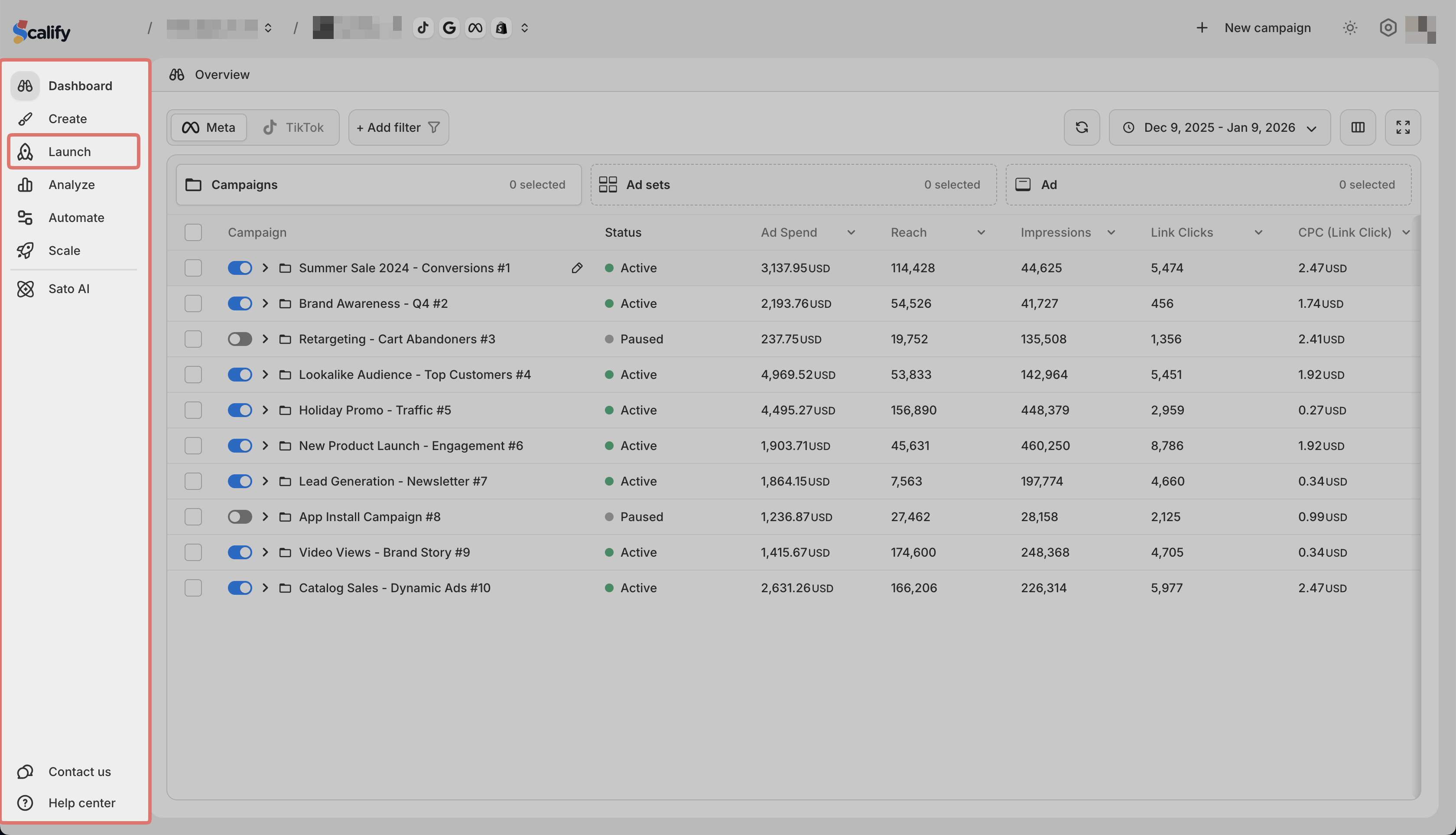
Go to Launch in the sidebar
-
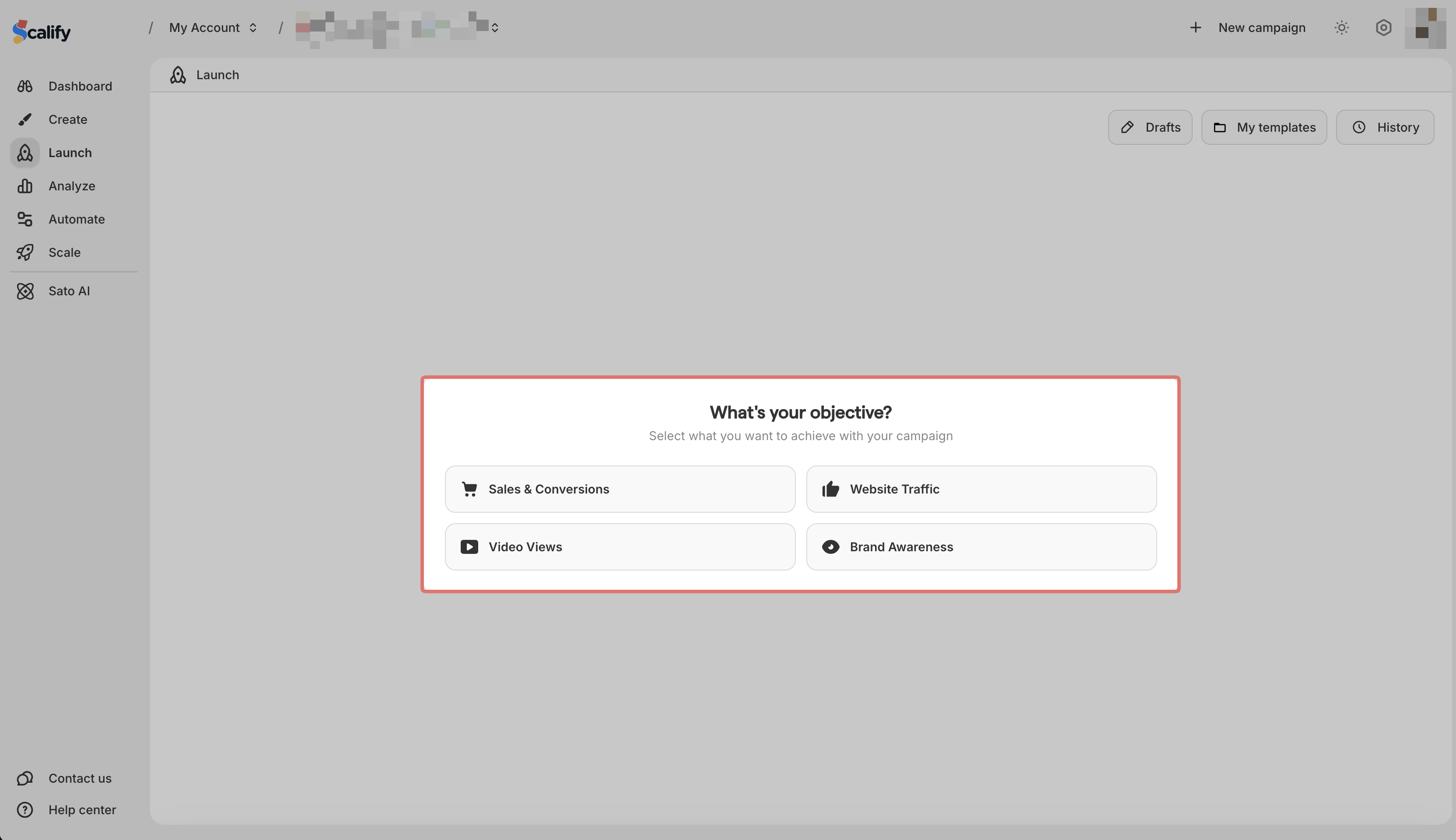
Choose your campaign objective
-
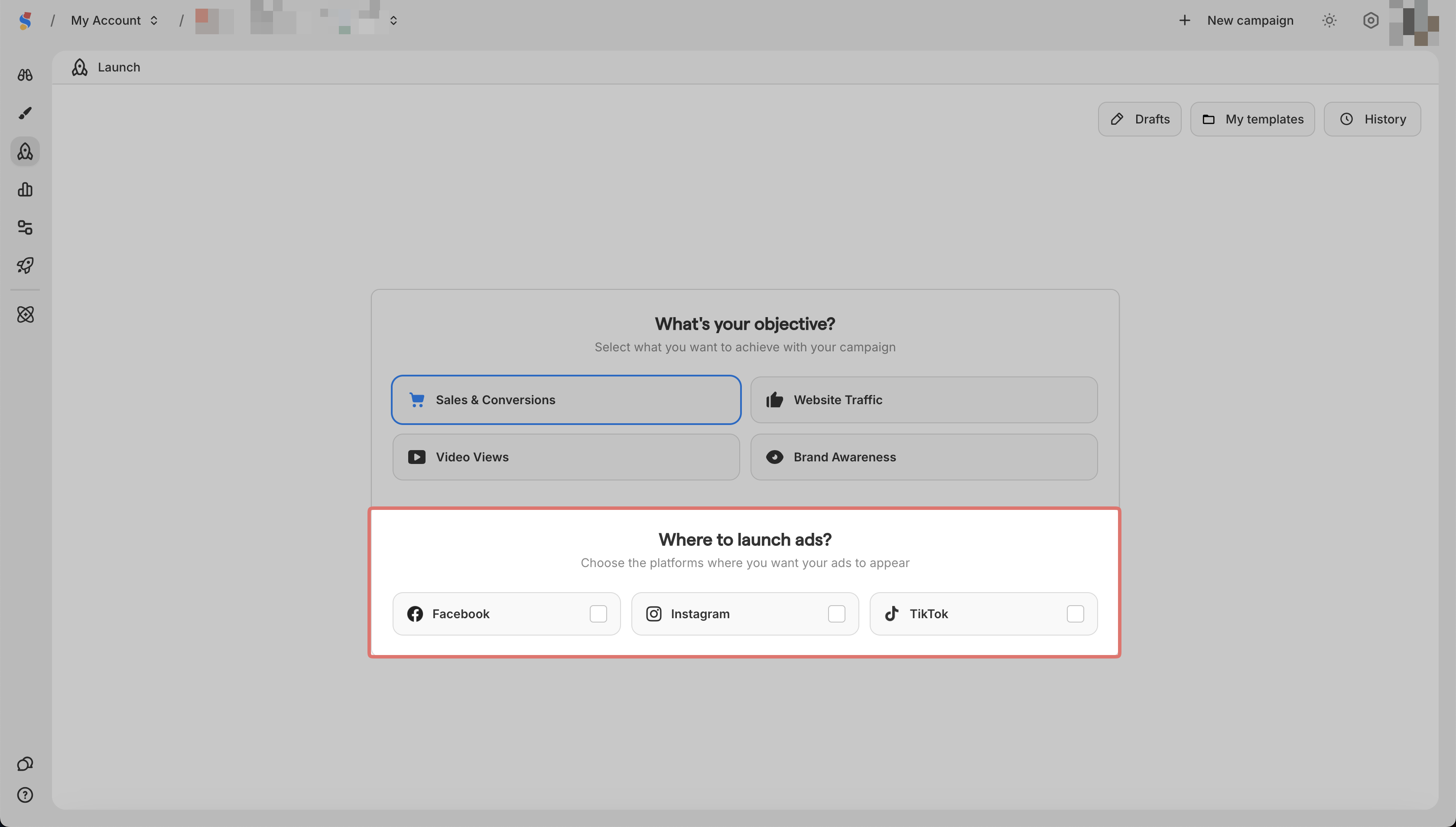
Select your platform (Meta or TikTok)
-
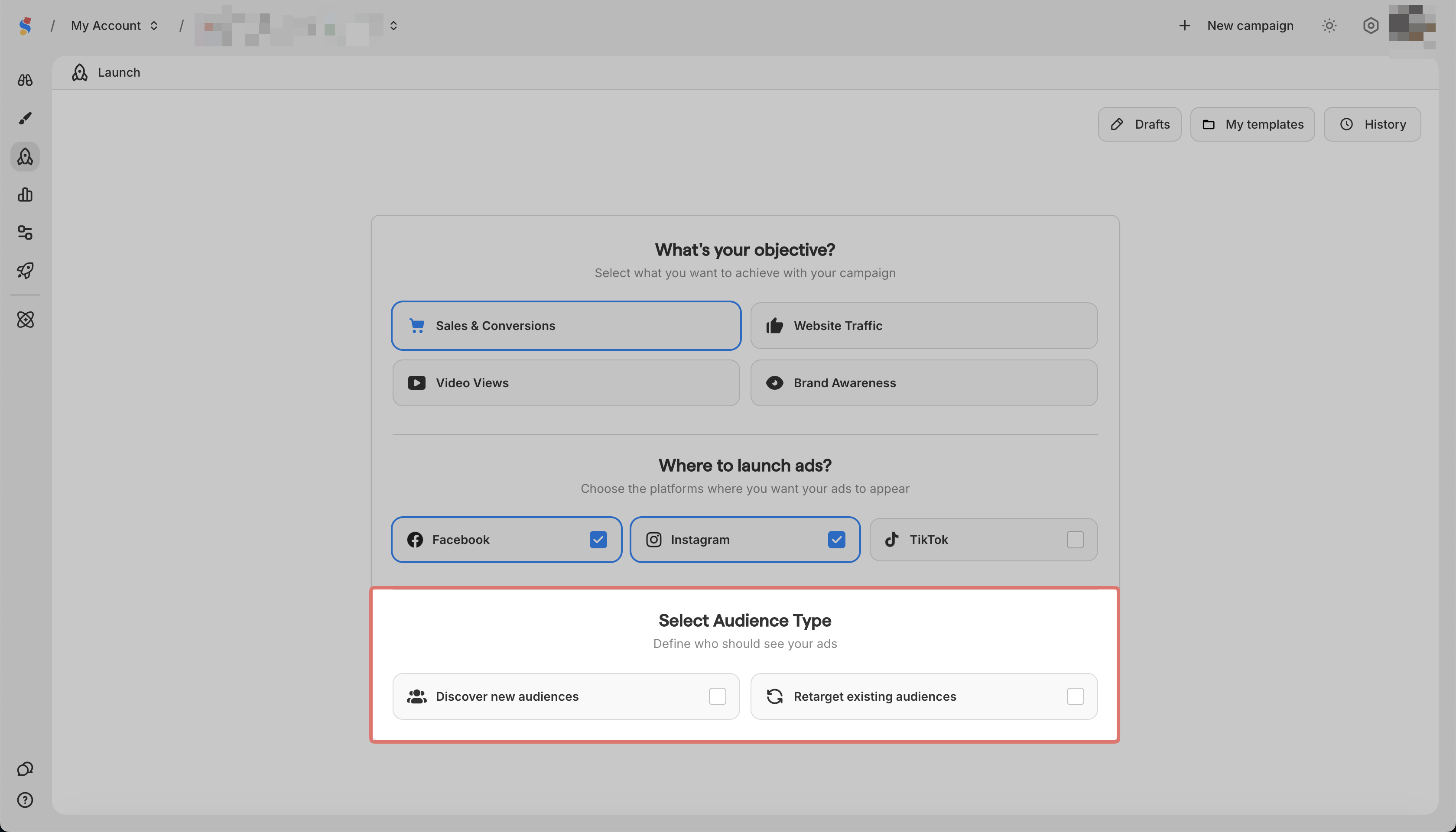
Select one or both:
-
Discover new audiences for cold traffic
-
Retarget existing audiences for warm traffic
- You are now in the builder
Setting up your ad set
-
Click the ad set block

-
Set your budget
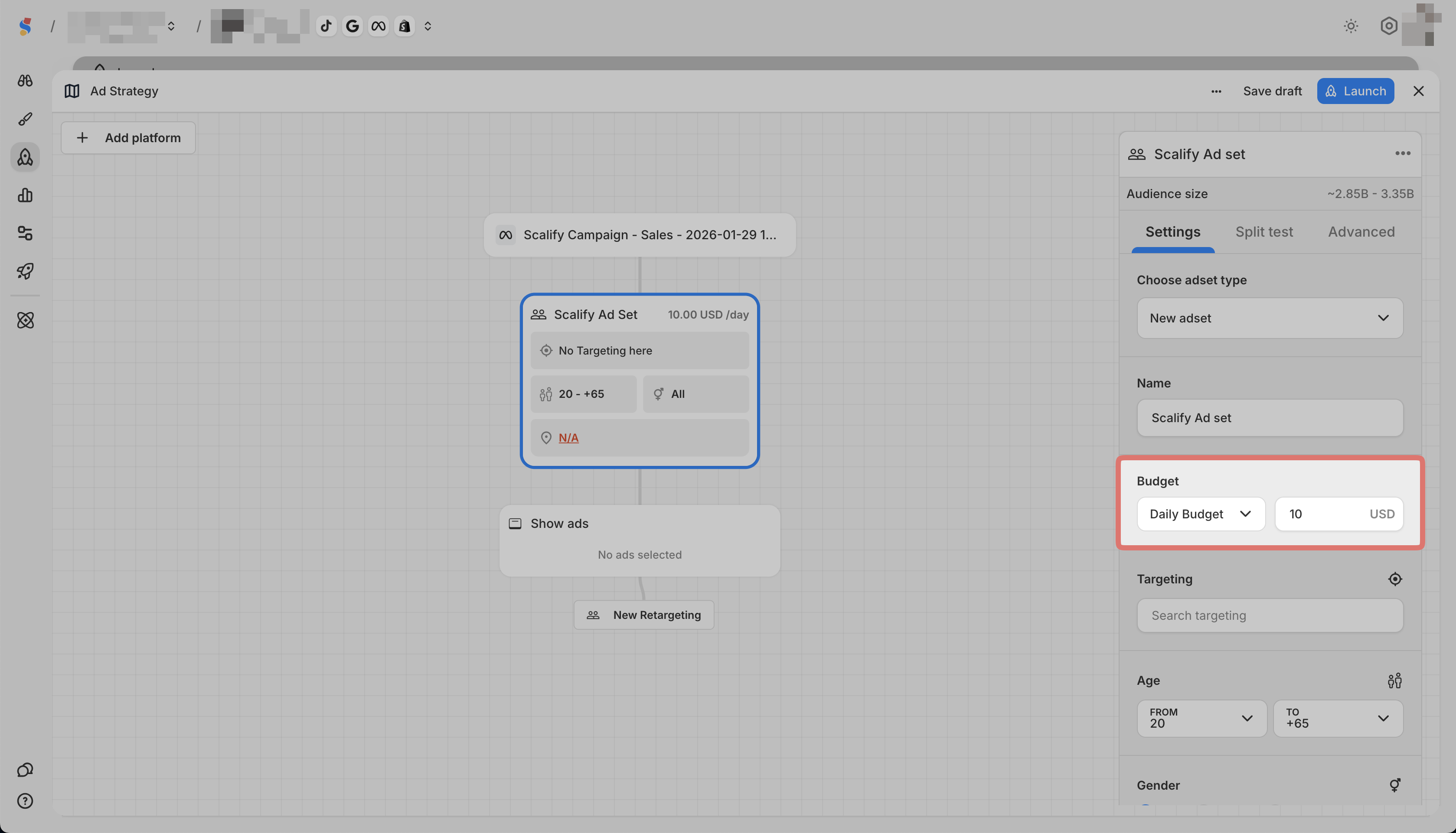
-
Define your targeting (age, gender, location, interests)

Adding your ads
-
Click Setup Ads
-
Select an ad from your Ad Library or create a new one
Launching
When ready, click Launch in the top right corner.
You can also click Save draft to continue later.