Connecting your Meta ad account
To run ads on Meta (Facebook and Instagram), you need to connect your Meta ad account to Scalify.
How to connect
-
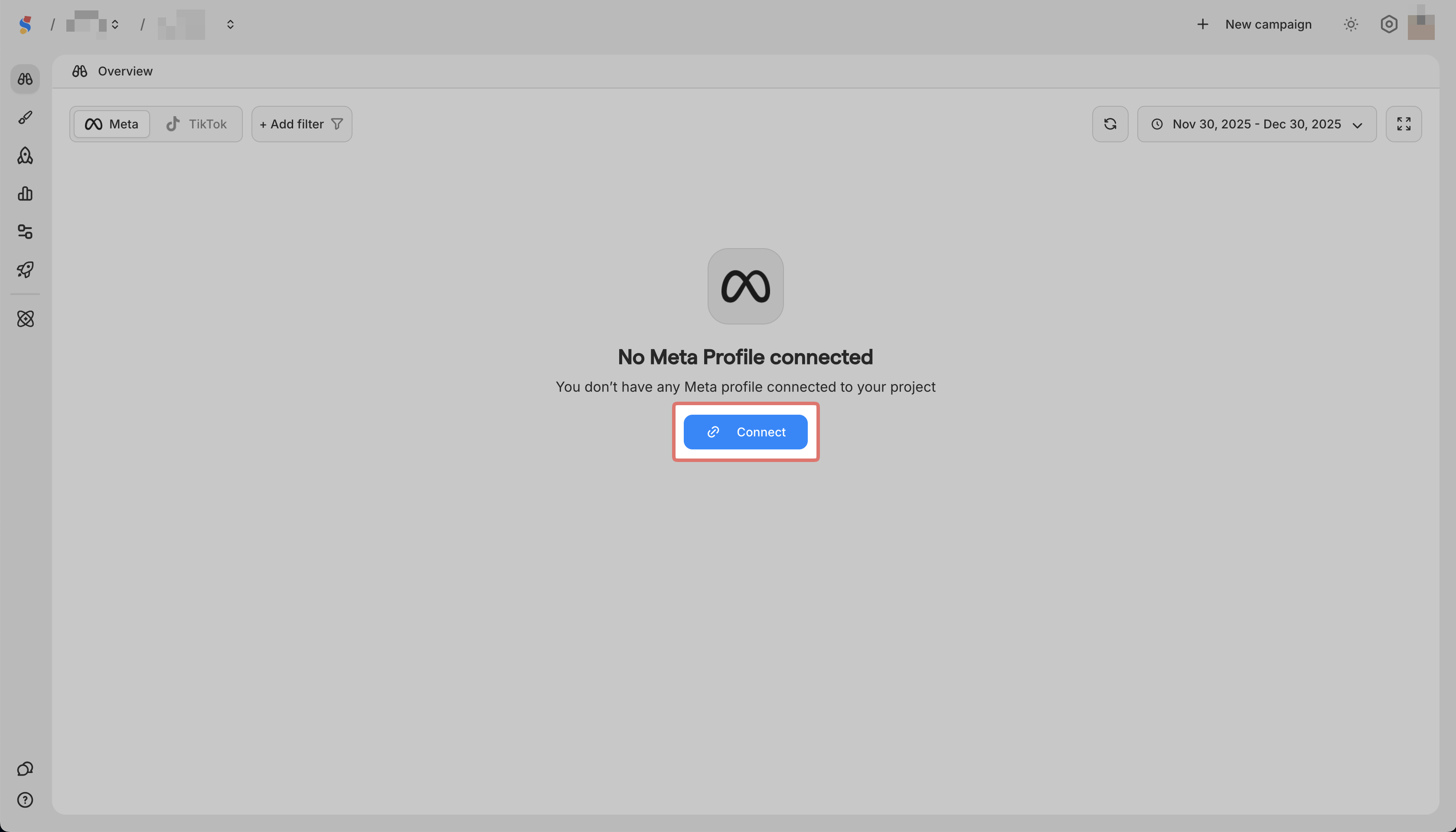
Log in to Scalify and ensure you're on the Meta section

-
Click Connect
-
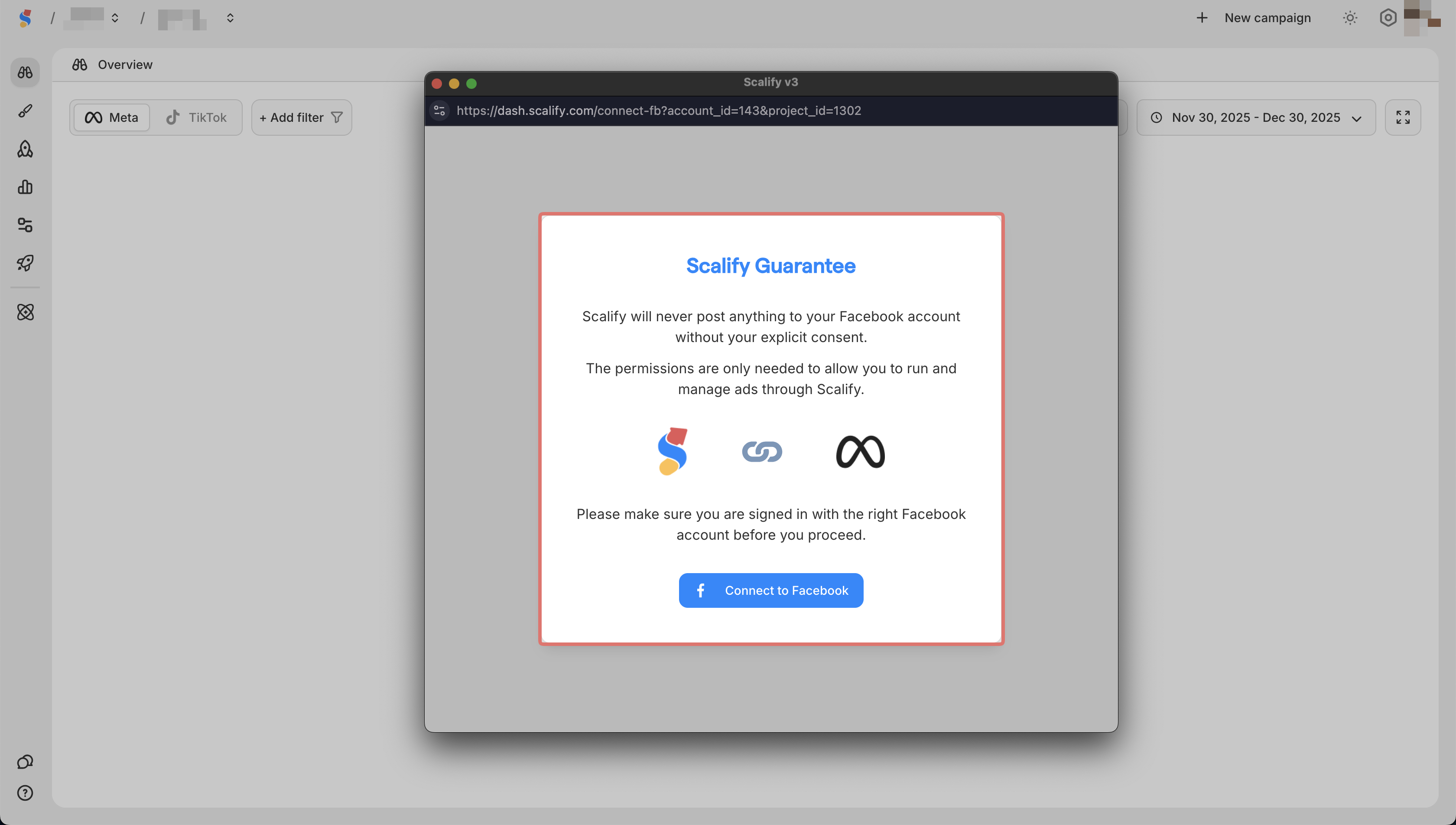
A Meta popup will appear asking for permissions
-
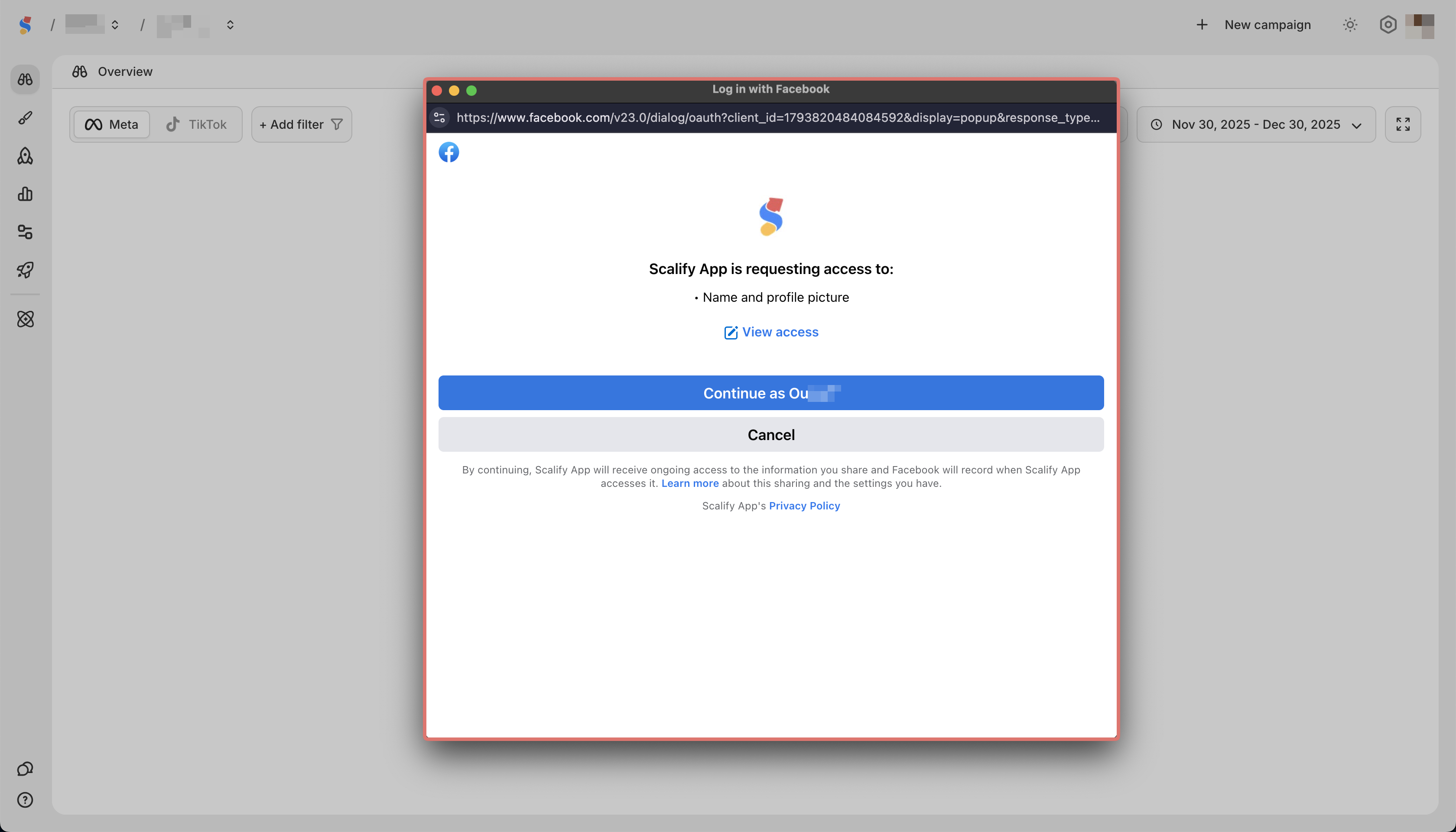
Connect your Facebook account
-
Select the ad account you want to connect and close the window

Once connected, your Meta ad account will appear in your project.
| If the connection fails, check that you selected all permission checkboxes in the Meta popup. Scalify needs these permissions to manage your ads.